Icon's space

There is a way to implement a custom space between every icon's shortcut???

I can't believe that anybody ask that. If RK Launcher tries to emulate MAC OSX's dock, so, when they will implement it?

When you drag some big squared icons, its look very ugly, all the icons are too close one to another!
#502353

You could make the separators a blamk image and add some. Not very elegant, though.

#502354

No...

That's is the same to add a transparent separator. I tried that and its ugly. It's almost the size of an icon... too large.

If I can drag and middle size icon, it will be ok, but I've tried that and is not working

#502355

Don't think there is any easy way to do this.

Using Photoshop or Gimp I'd suggest create a transparent layer to the size you need/want, and add the icon to this.

It would mean doing this to all your icons, unless of of the other guys can come up with a better suggestion.

#502358

Thanks mps69, but it's not good idea... I have 50 icons!!! so, imagine I can get a big headtache doing that!!!

Please, somebody develop a plugin to adding space!!!

#502363

you have 50 icons in your dock :| ? jesus!

The seperator idea can work if you make the seperator image itself very small, like 2px or something.

50 icons is definitely retarded though :/

#502376

Hi!

No, the separator DOESNT work at all! But you know what?

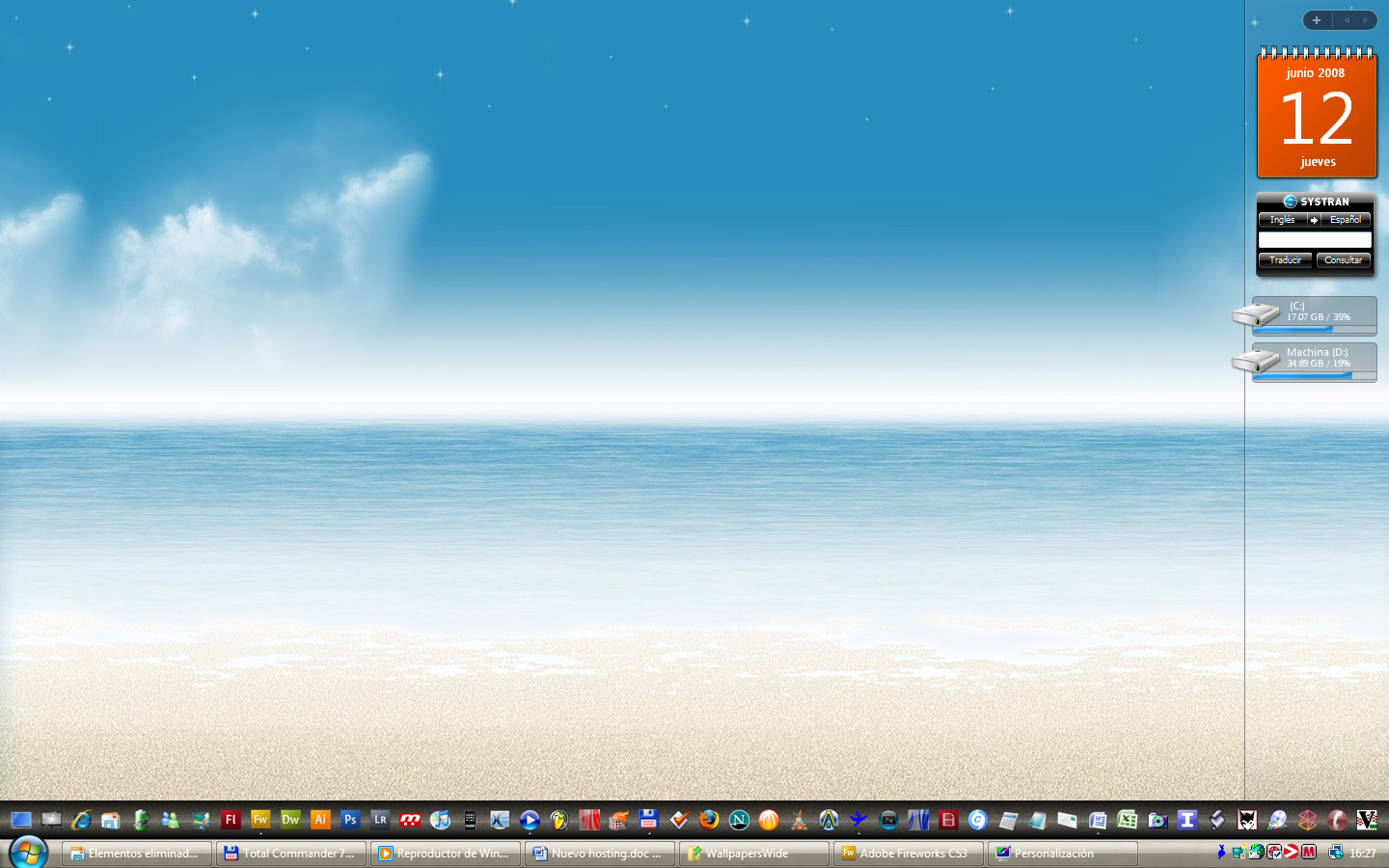
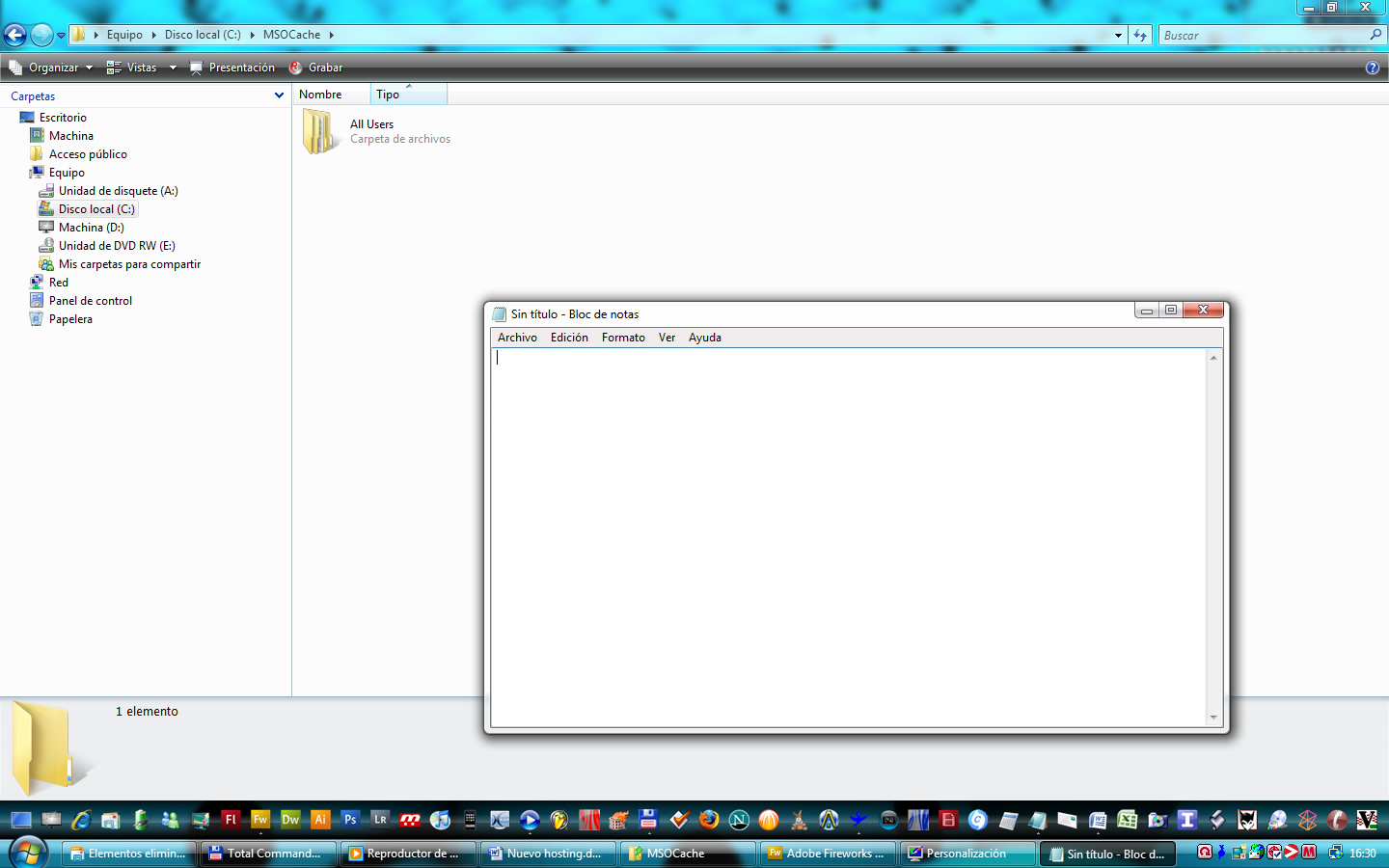
I found a solution!!! Please see the screenshots: Is just what I wanted, it looks very coll, isn't?

post-71923-1213300257_thumb.jpg

post-81-1213300257_thumb.jpg

screen1.jpg
screen1.jpg
screen2.jpg
screen2.jpg

#502439

could you share the solution?

#503365

Hi, the solution is to chose "tiles" as background, not a "normal" background, because TILES have a sentence (in the ini file) like this:

ResizeIconByPercent = 70;

You can configure it as you want!!! then, you can set to transparent the tile background!

Is very easy! and looks great!!!!!!!!!!!!

FFFFFFFFFFF!!!!

#503941

holy shit your dock is full... crazy :D but it looks good tho'

#506818