Aqua-Soft Forums
Hello guys.
Well yes another "how do I color my folder&files" thread...
I did a little research. Here, osx-e.com, Google, but unluckily to success so far.
I know that I can change the folder icon of any folders (customize folder) and that there a several programs out there that are doing that for me (like icolorfolder), but that doesn't satisfy me, besides that icolorfolder is not working under Vista 64bit.
Mac OS has a nice way to deal with colorized folders and of course it looks cool and makes things easier to find.
I mean this:
http://www.osx-e.com/screenshots/nexplorer.jpg
Well as you see this is a explorer replacement, but I don't wanna go that far and use another explorer. I have one and I am fine as it is right now - and I got used to it over the years.
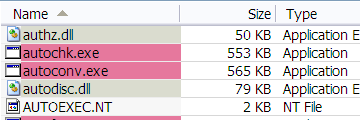
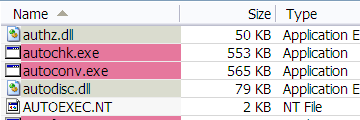
Colored files and folders in list and detail view as seen in Leopard/Tiger is all I want.
right click a file/folder, pick the color, here you go.
So is there a tool or program that does this?
I hope someone could help me out with that request.
If there is any thread that handled this already, I am too stupid of finding it or thread starters should use a better, understandable title...
Thanks so far