Aqua-Soft Forums
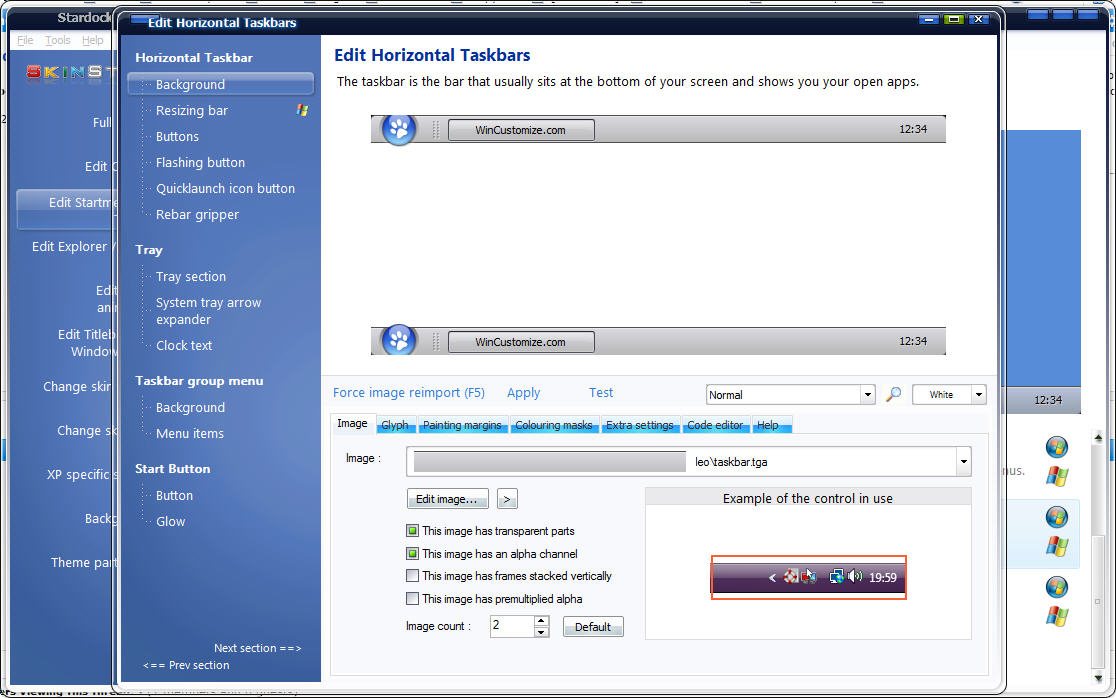
hello all. i have just used windowblinds to configure my vista to look like a mac. but because my taskbar is skinned now by windowblinds, some of my icons on the top right are cut off, such as my messenger icon and my steam icon. can anyone teach me how to use skin studio to repair this, hopefully by extending the taskbar so that my icons can be seen? please take a look at the screenshot i have attached. i really hope someone can help me. also, please view my request thread as well? thanks alot guys (:
Julian.