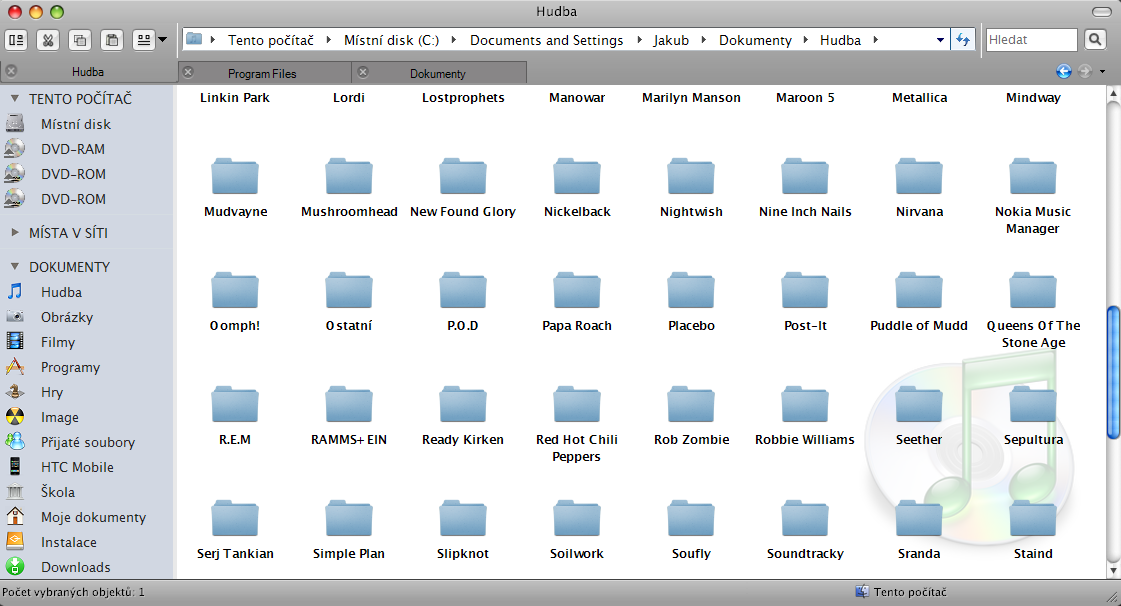
"New Folder" Icon in explorer's toolbar

hi..

I want a New Folder button in windows explorer's toolbar...as the one mac's explorer...

I don't want to use stylers toolbar..

do not want it in my context menu or quick launch.

i dont want to use nexplorer 'coz it is slow...

I don't care if I have to fiddle with registry or change a system file...

Please people show me how to do this...it realy bugs me that I have to scroll down the menu everytime, to create a new folder.

I'm using Win xp.

Thank you..

Karan

#499764

just install the attached program and you can create new folders by a button in explorer or the key "F12" ;)

bxnewfolder_v100.zip

Attachment: bxnewfolder_v100.zip

#499780

Great addon for explorer... I can see, there is a possibility to create more buttons for explorer. I would like to have button to switch between tree view and findexer. Do you thing, its possible to create it?

#499784

I think it's possible but I can't do it :D

#499791

#1.) Why not use Styler toolbar? It looks the nicest first of all.

#2.) Why the hell would you want to use tree view, shit is so god damn ugly.

It'll end up looking a lot more mac-ish using both these statements.

#499792

for one thing, styler toolbar is not that compatible with other programs which require screencaptures of open windows. In these cases, Styler leaves an ugly black void where it ought to be. QTTabbar does not suffer from this issue.

#499800

:confused: what? you'll need to show me an example.

#499803

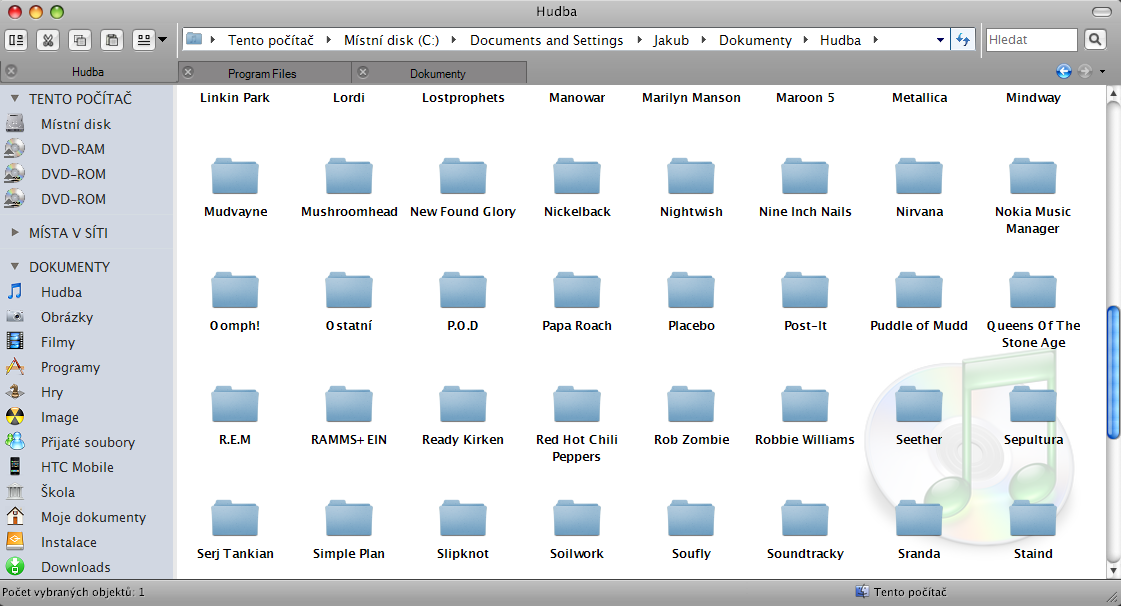
I have using styler for one day and I can say, that is a piece of shit. It just look like Mac finder but nothing more. I prefer windows buttons (cut,copy,paste), qt adressbar and qttabbar with buttons... It doesnt looks like Mac finder, it is more beautiful and useful

post-44719-1210121070_thumb.png

finder.PNG
finder.PNG

#499807

Right.... because that looks exactly like leopard :slant:

#499814

Styler going black (here with WinExpose):

07.05.2008_09:29:52_neu-1.jpg

#499822

hi....

thanks to all the people who answered .....

Special thanks to Fatt Don...who just hit the bull's eye! :)

#499842

thanks Björn, I don't keep a copy of that app around anymore.

@ BapeStar, if you'd ever find yourself asking the question: 'which would i prefer.. expose functionality in XP or similar topical toolbar layout of OSX on XP' then you'd soon come to a crossroads where a decision would need to be made as to which is more important to emulate on your system as illustrated by Björn's screenshot.

@ jakub.karasek, try explorer breadcrumbs for your address bar needs, it's been really stable for me and with some minor colour matching, you can get decent results with your leopard look. You might even be able to reshack that ugly settings button on the right. (let me know if you do :))

http://www.minimalist.com/software/ExplorerBreadcrumbs/

20080507foraquasoftdv2.th.jpg

ps. nice job on your leopard tabs by the way

#499850

I've never seen that happen. Oh well i guess.

#499857