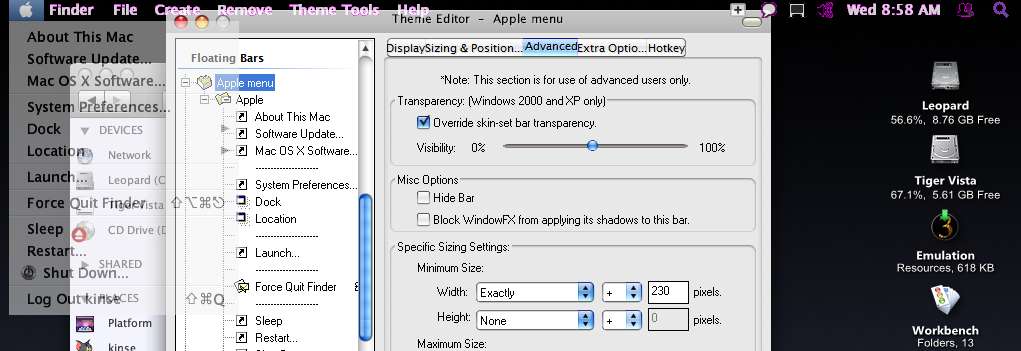
Make objectbar taskbar image(leopardbar.bmp) completely transparent

To make it short...

How can I make the leopardbar.bmp image transparent or simply remove it from view? Since it's a .bmp file it doesn't support transparency, and when I simply tried to delete it from it's folder objectbar replaced it with a all-white bar.

Hope you guys can help.
#499117

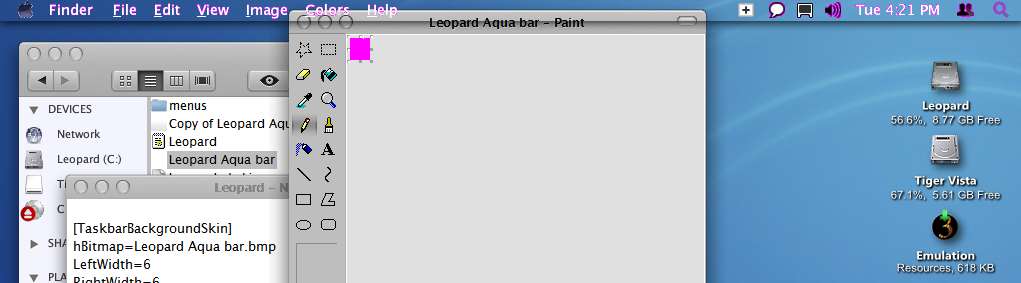
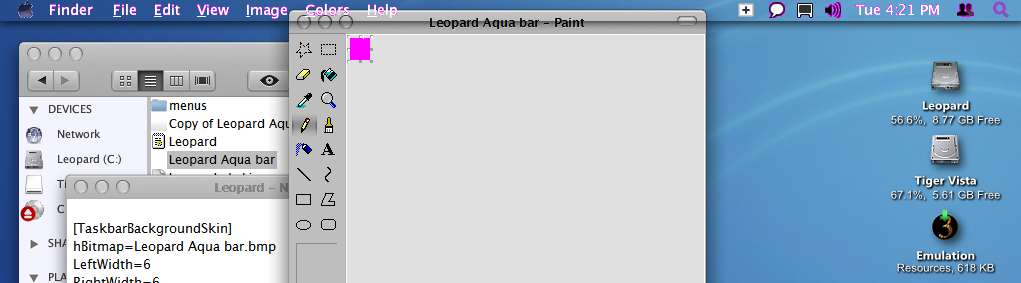
change the color of the .bmp to rgb 255, 0, 255 or "magic pink". that should make the bar totally transparent, and only show Finder, File, Edit etc etc.

but then you have to contend with the default Windows taskbar. If you are using shadows, a thin strip of shadow will show in the top edge of your desktop (and behind the Finder, File, Edit ...which i guess you don't want), even if taskbar is in auto-hide mode. If you disable shadows for the Windows taskbar, a thin line (the resizing strip) will still peek out on top of your screen.

A compromise would be to 'magic pink' objectbar, and remove autohide mode foe windows taskbar. Then make default Windows taskbar also transparent/magic pink using SkinStudio (or StyleBuilder?). You will then have the option to invoke shadows or not, as the shadows will now be below the Finder, File, Edit etc...

#499127

Just leopardbar.bmp with your own image and restart objectbar and it will work.

#499130

change the color of the .bmp to rgb 255, 0, 255 or "magic pink". that should make the bar totally transparent, and only show Finder, File, Edit etc etc.

but then you have to contend with the default Windows taskbar. If you are using shadows, a thin strip of shadow will show in the top edge of your desktop (and behind the Finder, File, Edit ...which i guess you don't want), even if taskbar is in auto-hide mode. If you disable shadows for the Windows taskbar, a thin line (the resizing strip) will still peek out on top of your screen.

A compromise would be to 'magic pink' objectbar, and remove autohide mode foe windows taskbar. Then make default Windows taskbar also transparent/magic pink using SkinStudio (or StyleBuilder?). You will then have the option to invoke shadows or not, as the shadows will now be below the Finder, File, Edit etc...

Lol "magic pink" you say?

I tried it and it actually showed the taskbar as it is, in pink. Have you already done it? And if so, could you send your "magik pinked" leopardbar.bmp? Idk, maybe mine wasn't magic enough.

Just leopardbar.bmp with your own image and restart objectbar and it will work.

You didn't understand my post. I DON'T WANT AN IMAGE. I want to make so only the finder, file etc. texts are seen without the taskbar image behind.

#499136

@ kinsemon, actually I've done it a long time a go, but that pink shadow still lay in the File, Edit,...,text clock and all system tray icon, and it's hard to click on that text

#499138

Lol "magic pink" you say?

I tried it and it actually showed the taskbar as it is, in pink. Have you already done it? And if so, could you send your "magik pinked" leopardbar.bmp? Idk, maybe mine wasn't magic enough.

Hey magikman, i don't like the sarcasm in your tone. You are the one asking for help you retard. Pay me oodles of $$$ as a consultant, then i'll take your sarcasm and your attitude anyday.

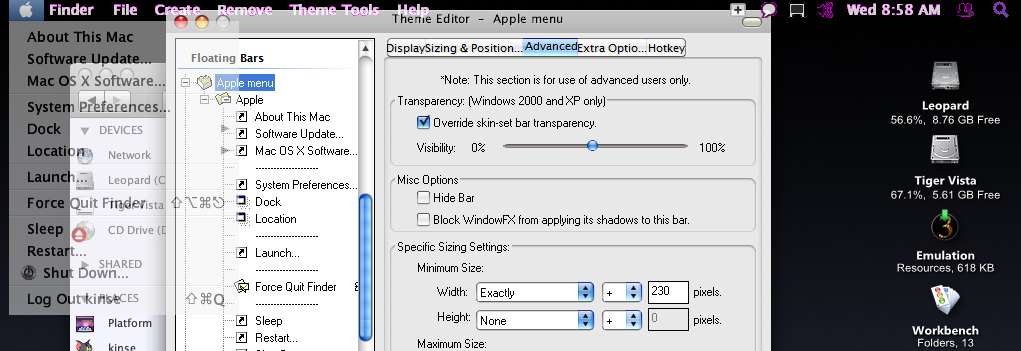
Check out the attachment.

And i think i know how to fix your 'magic pink' problem.

post-69318-1209458549_thumb.jpg

trans ob.jpg
trans ob.jpg

#499141

@ kinsemon, actually I've done it a long time a go, but that pink shadow still lay in the File, Edit,...,text clock and all system tray icon, and it's hard to click on that text

yeah! i agree mate. see attachment in my previous post.

you can not click on the bar surface, just on the text and icons.

The pink shadows on the edges of the fonts i think is due to anti-aliasing. For the icons, you should use only those of lower resolutions e.g 256 colors down, since they don't use alpha blending (see the chat and display icons in my attachment)

#499142

I think I expressed myself badly. I wasn't bein sarcastic but merely just playing with the words(didnt mean to make it seem like so). What I was really trying to say was that maybe I got the wrong pink.

So I was asking if you could send me yours?

Again sorry for the misunderstood tone.

#499149

ok, just excuse my reaction.

did you see the attachment?

-first, quit objectbar.

-got to your theme folder , open .bmp file with mspaint. in the color menu below, select the pink color. paint over the entire picture, then save.

-open .obskin with notepad

-find/go to section [TaskbarBackgroundSkin]

-there should be a line "UseTransparency=1", if none, type it down, without the quotes...Save file

-Open Objectbar.

if still not transparent, right click the bar, then Properties

-If you are using OB 1.65ypu should see this...On the left panel (Docked bars), select the topmost section (usually 'Mac 10.x)

-on the resulting window, click on 'Advanced" tab

-Uncheck the box 'Override skin-set transparency', then Save/Quit. then again exitrestart OB

(OB ver 2.1 has a different Config/Properties window layout/format...but you should get the idea)

If still not transparent, i dont' know anymore....

#499155

You mean like the Attachment?

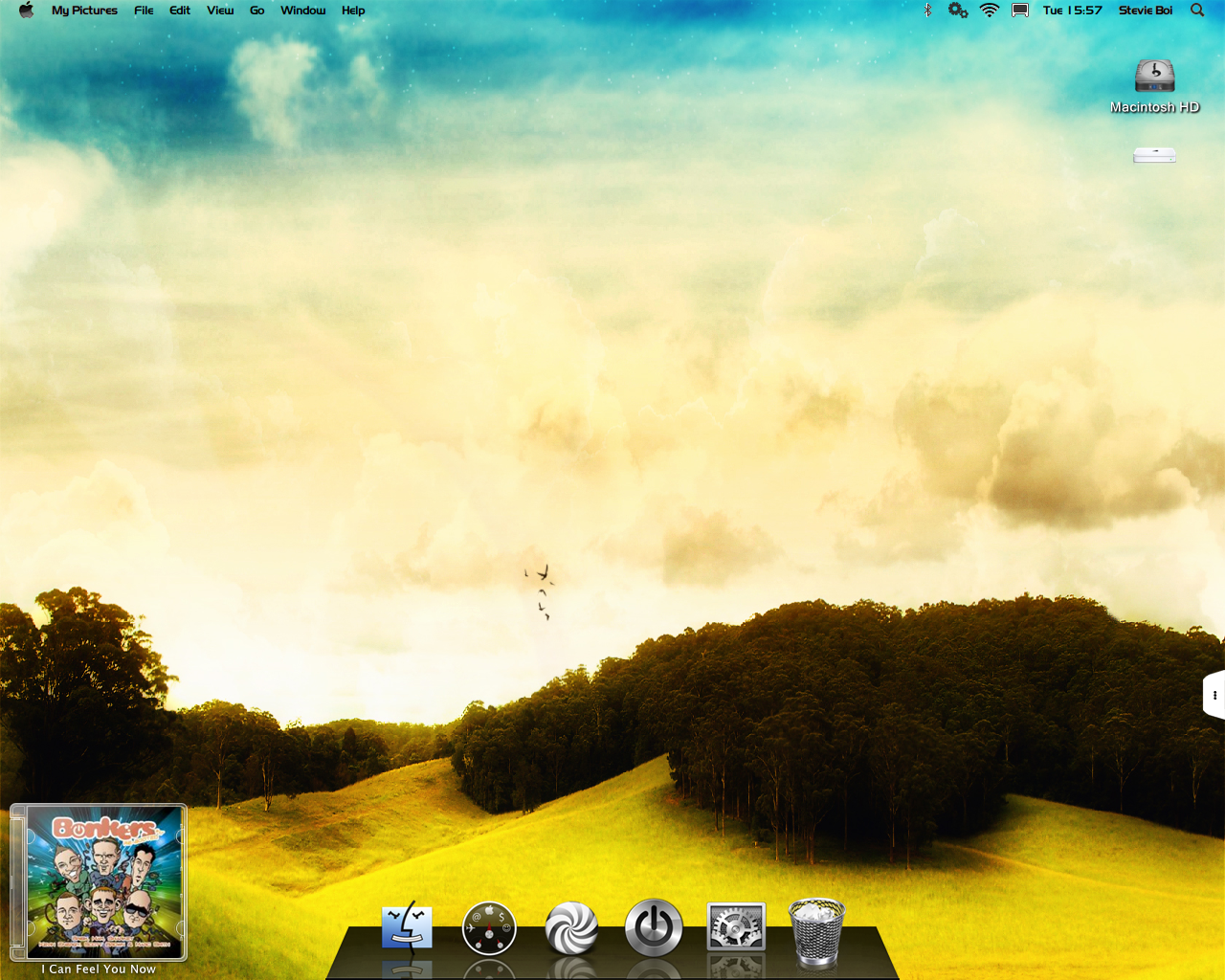
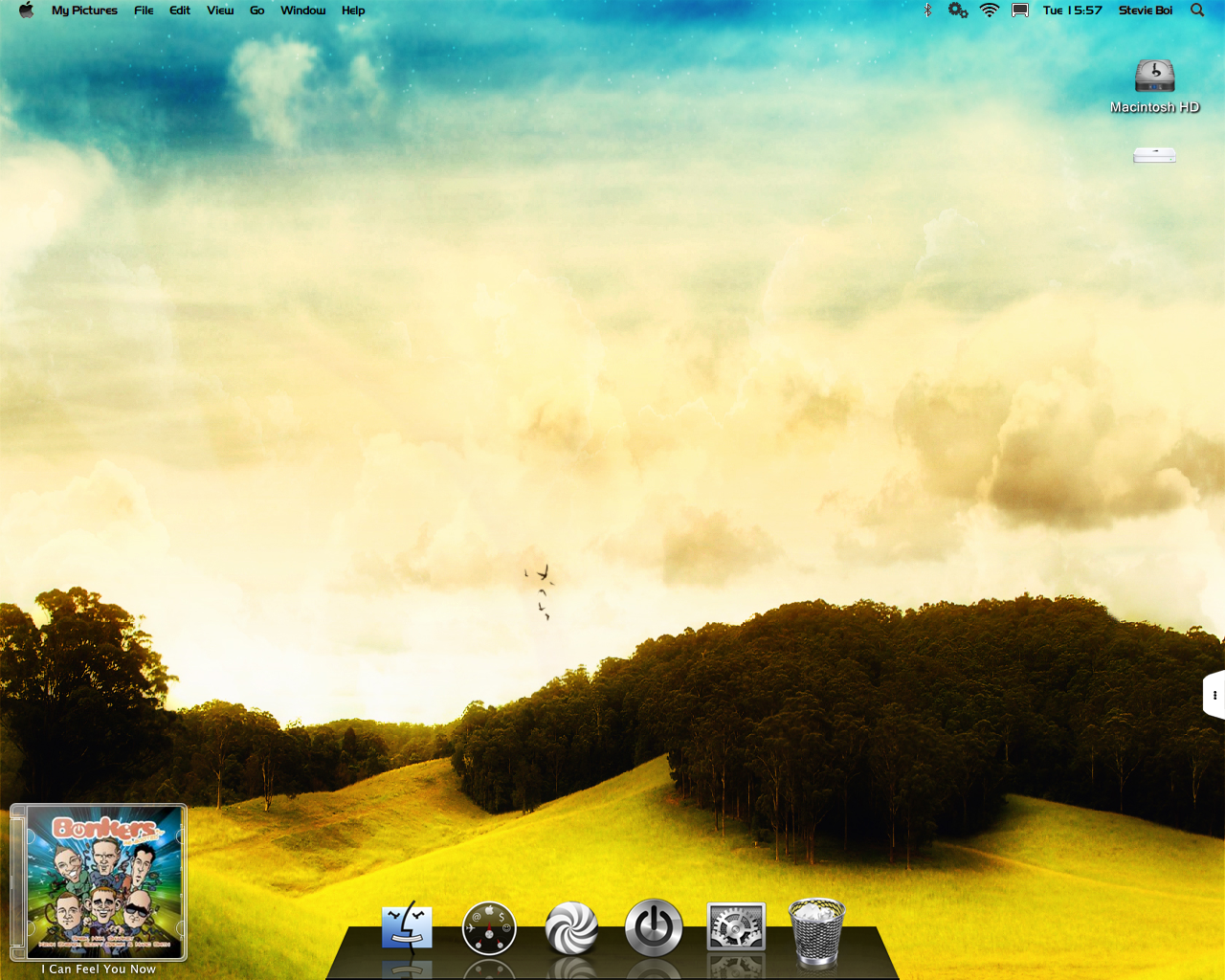
If so then it has to be fake transparency because objectbar doesn't support transparency yet. So you just use the top of your wallpaper as the bar image.

post-60839-1209481391_thumb.png

Fake Trans.png
Fake Trans.png

#499159

You mean like the Attachment?

If so then it has to be fake transparency because objectbar doesn't support transparency yet. So you just use the top of your wallpaper as the bar image.

No, this not fake, once you've made that pink.bmp, you can freely use any kind of WP and really transparent, just try it, Addiction

#499160

yes but it leaves horrible pink shadows.

#499161

Ojectbar2 (I believe) gives you transparency, but doing what you are wanting and the way you are working will give you the pink fringe around the text and elements.

The only way (if you are good at your graphics) is to completely remake the OB - and you clip out a piece of your background perfectly in register with your desktop and use that clipped out piece to replace the tigerbar in your OB theme. You might also need to edit the theme itself to change the text color if you have (for example) a dark background. Here you need to change your text to white. You would also need to remove the shadow cast by OB or that will destroy the illusion of a completely see-thru bar.

If you take a look at this OB theme I have done for a version of Hobbes fake Leopard (NFR), I have remade the OB theme to LOOK LIKE its made of glass, but in reality its just the bar as a graphic that gives the illusion of being glass. I have also remade all the icons for the bar and given them all little shadows to enhance the illusion. I realise that you want yours completely see-thru, but the process of creating that is exactly the same as I have used for my glass looking bar....

Unfortunately this DOES mean that you would need to remake the bar each time you change your background

thumbnail032.jpg

click to view........

#499162

yes but it leaves horrible pink shadows.

Yes, exactly, like Raats say, we can just make that bmp file from the WP itself, I did it, with more than 5 OB themes with different bmp and 1 of them just white/grey bmp and just slide a bit the transparency

#499163

Yes, exactly, like Raats say, we can just make that bmp file from the WP itself, I did it, with more than 5 OB themes with different bmp and 1 of them just white/grey bmp and just slide a bit the transparency

isn't that what i basically said?

#499167

isn't that what i basically said?

Yes, Addiction

#499168

You mean like the Attachment?

If so then it has to be fake transparency because objectbar doesn't support transparency yet. So you just use the top of your wallpaper as the bar image.

You really have to qualify your statements mate...

First, it is NOT FAKE. See another attachment...

Second, this is just an academic exercise/discussion about Objectbar transparency. In the context of what Husaini HB and Raats has been saying, there should always be a balance between LOOKS and FUNCTION. You can achieve transparency, but then you have to deal with a lot of other issues, as already pointed out in above posts.

post-69318-1209518822_thumb.jpg

trans ob2.jpg
trans ob2.jpg

#499213

You really have to qualify your statements mate...

First, it is NOT FAKE. See another attachment...

Second, this is just an academic exercise/discussion about Objectbar transparency. In the context of what Husaini HB and Raats has been saying, there should always be a balance between LOOKS and FUNCTION. You can achieve transparency, but then you have to deal with a lot of other issues, as already pointed out in above posts.

Actually it was fake :P because it was just an image of the top of my wallpaper so there was no bar image to start with there for creating a fake transparency ;)

#499252