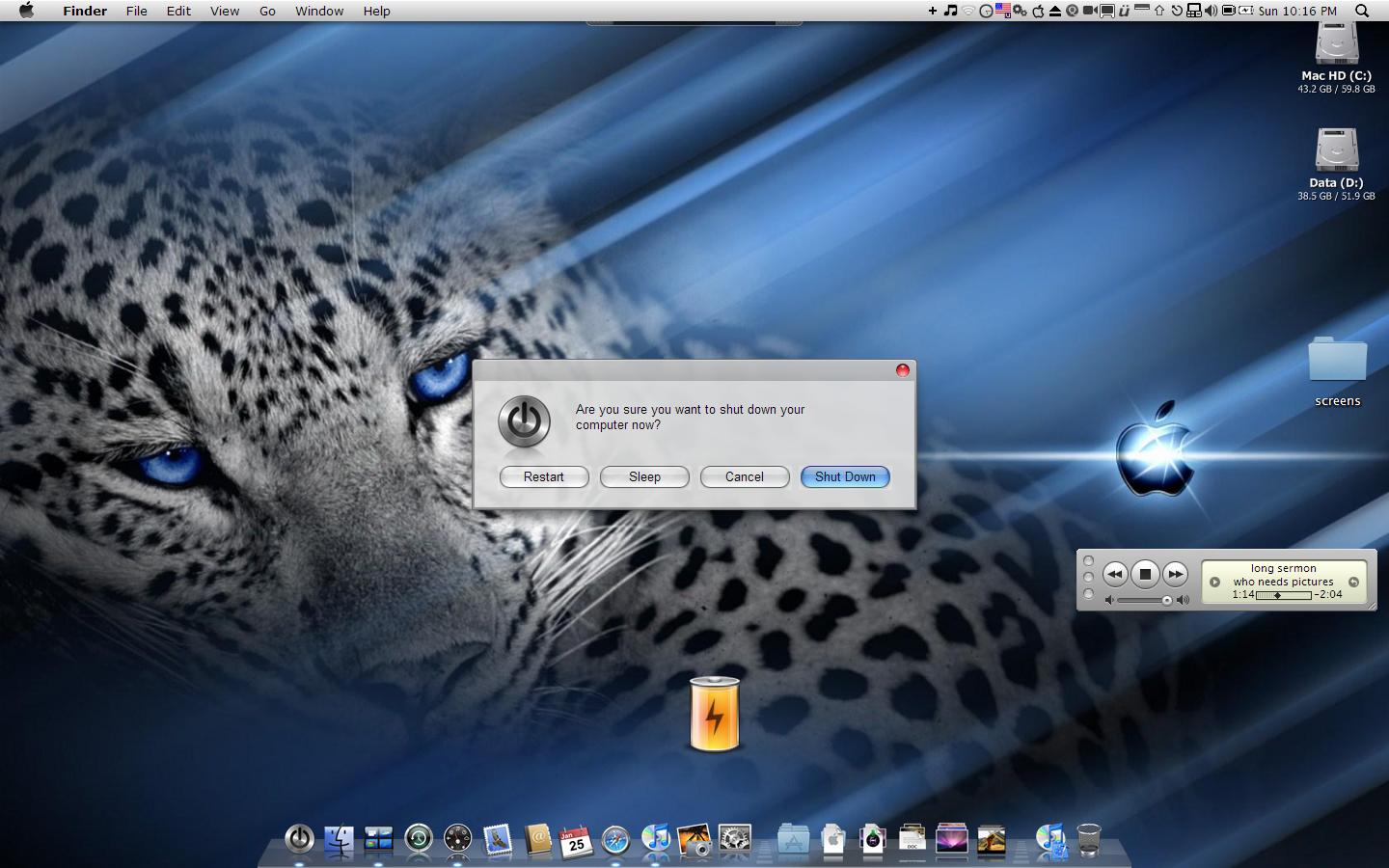
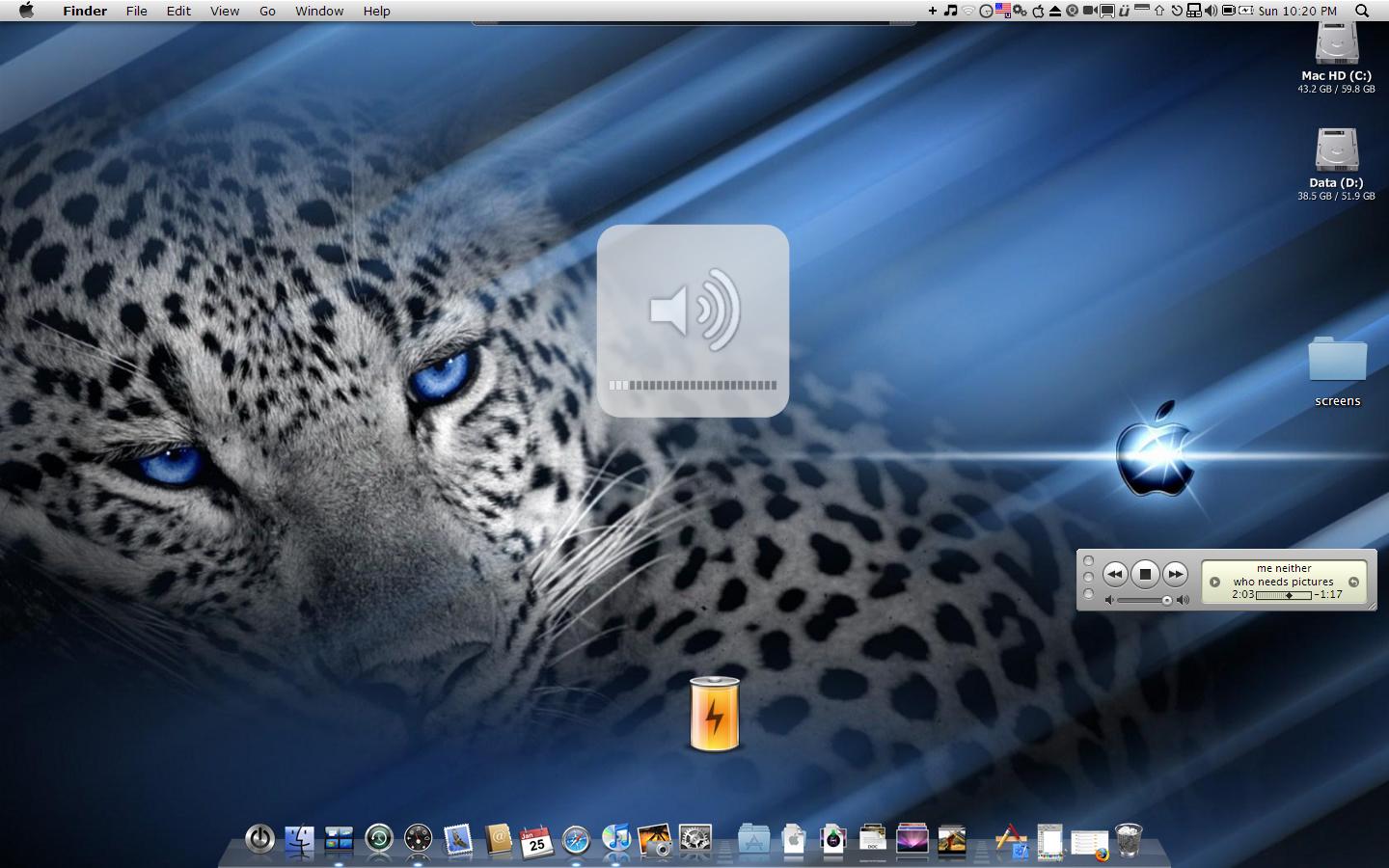
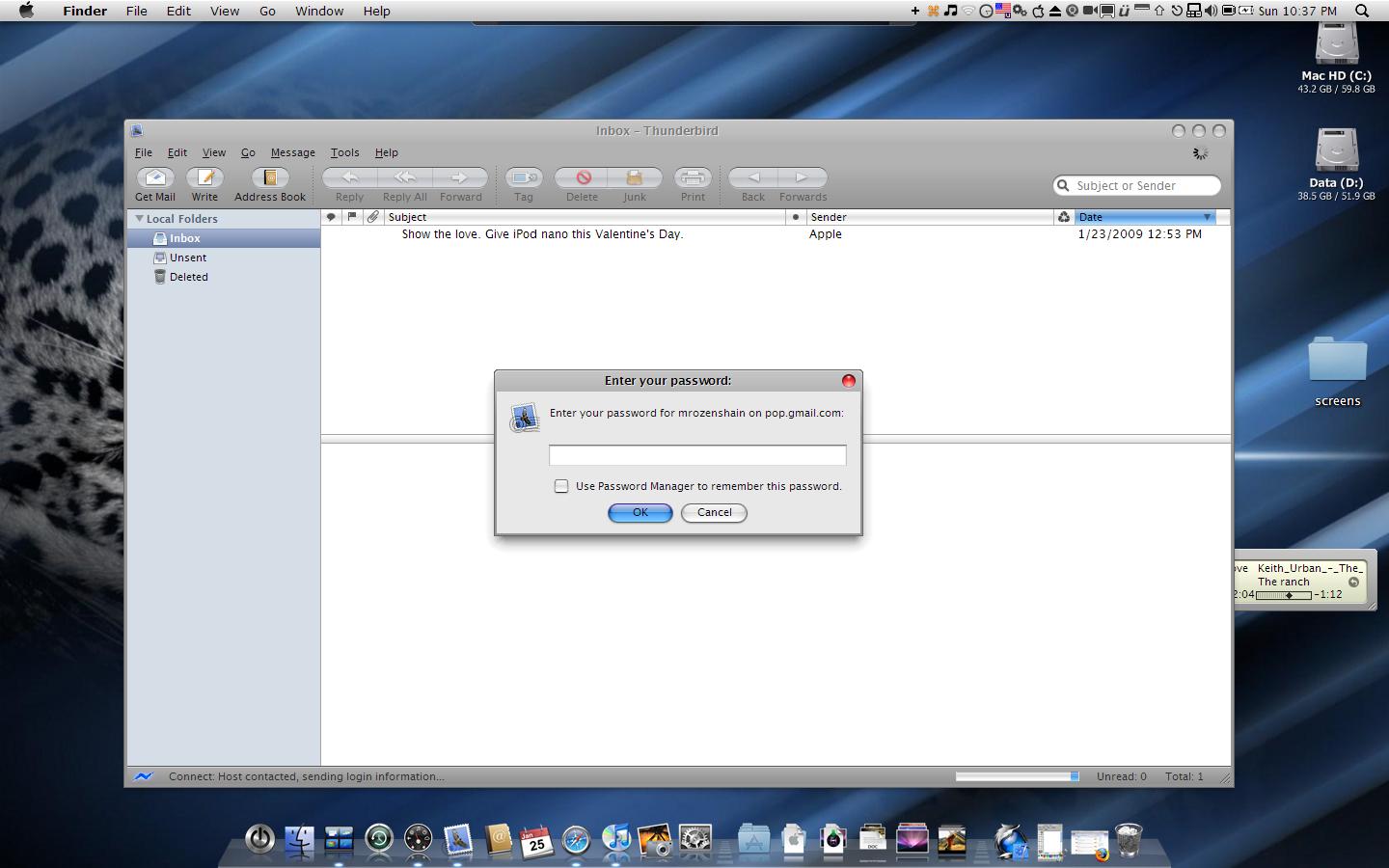
Turn your Windows XP into Mac OS X Leopard

Ok, your ideas have helped me make my Windows XP Dell computer into a half Mac OS X Leopard computer. Now i am gonna share what i used to you.

1.) The Dock -

-Ok, first download Stadock Objectdock. Then go to any website like "Wincustomize" or "Deviantart" to look for a nice leopard skin. Once you have the leopard skin downloaded extract it's files to...

c:program filesstardockobjectdockbackgroundsnon-tabbed

once you've extracted the files, right click on the dock and select quit. Then restart the dock by using the desktop icon or the icon in the program's files. Once you've restarted it, right click on it and select "Dock Setting". Go to the "Appearences" tab and change the background to the leopard skin you downloaded. Your done for now.

http://www.stardock.com/products/objectdock/

2.) The Menu Bar (Part 1)

-Ok now this part is very quick. Right click on the Windows Taskbar (For those who dont know what that is, it is the bar with the start menu) and deselect "Lock the Taskbar". Drag the bar to the top of the screenlike on a mac.

3.) Look, Sound, and Feel

-Download Flyakite OS X and install it. Make sure you create a system restore point and select all of thbe installation options.

http://www.flyakiteosx.com/

4.) The Menu Bar (Part 2)

-Ok now after you've installed Flyakite OS X, the Windows XP taskbar will resemble a Mac's. Now go and download "Fnderbar v 1.5" and install it. You will now how the buttons like on a mac taskbar.

http://www.osx-e.com/downloads/applications/finderbar.html

5.) Applications, Icons, and More!

-No Mac is complete without its famous applications. Here are the Mac programs and what they are on Windows XP.

Finder - Nexplorer

Dashboard - Yahoo Widgets

Mail - Mozzila Thunderbird

Safari - Safari

iChat - Trillian w/ iChat Skin

Address Book - Address Book

iTunes - iTunes

You also need to change the icons of the applications to make them look like Mac, go and download "Panther Icons"

http://www.osx-e.com/downloads/icons/panther_icons.html

5.) Little Add-Ins

-Now we need to make a Macintosh HD icon on the desktop. Right-click on the desktop and create a new shortcut. Type in..

C:

for the link and name it Macintosh HD. There you go you can now access your hardrive from your desktop. On leopard, the users wallpaper is a purple starry theme. We need that.

http://www.mactropolis.com/images/blog/space-desktop.png

6.) Spaces, Stacks, and Expose'

-Spaces clone for Windows XP is Myspaces. Just download and set it to open on Alt

-Stacks docklet for Objectdock. Just extract the files to

c:program filesstardockobjectdockdocklets

to add the docklet, right click on the dock and select add, then stacks docklet.

-Expose' clone for Windows is Entbloess

*) Links -

-Stardock Objectdock

http://www.stardock.com/products/objectdock/

-Finder Bar V 1.5

http://www.osx-e.com/downloads/applications/finderbar.html

-Flyakite OS X

http://www.flyakiteosx.com/

-Leopard Wallpaper

http://www.mactropolis.com/images/blog/space-desktop.png

-Enbloess

http://www.reflexvision.net/

-Stacks Docklet

http://www.aqua-soft.org/board/showthread.php?t=46859

-MySpaces

http://www.osx-e.com/downloads/application...or_windows.html

-Nexplorer

http://www.osx-e.com/downloads/finder/nexplorer.html

-Yahoo Widgets

http://widgets.yahoo.com/

-Mozzila Thunderbird

http://www.mozilla.com/en-US/thunderbird/

-Safari

http://www.apple.com/safari/download/

-Trillian

http://www.shareup.com/Trillian-download-26118.html

-iChat Skin for Trillian

http://danimator.deviantart.com/art/iChat-...-0-Pro-12808531

-Address Book

http://pagesperso-orange.fr/ablon/abook/

-iTunes

http://www.apple.com/itunes/download/

Thats pretty much all to it. Enjoy. Comments Welcome

#495369

Actually I would say Miranda IM with iChat Skin, Skin explorer with findexer and styler and use Objectbar as well as RK Launcher. Also id use WindowBlinds with leopard theme (looks WAY better) instead of the old flyakite

#495381

First off, great tutorial. Its a good place to start emulating, even though there has been more than one of these e.g.: http://www.aqua-soft.org/board/showthread....ht=tutorial+mac ;-)

I'd have to agree though with alxz310 that miranda is nicer in terms of cusumization (and features I think), and styler with findexer looks way better and isn't as buggy as nexplorer.

But still a good and easyly understandable tutorial.

Regards,

Dodgers.

#495479

Nexplorer is not a leopard finder clone.

But i like your tutorial.

#495486

Whats ThunderBird?

#495487

Whats ThunderBird?

LOL

#495489

@ wasko

No, you're right, but razar45 came up with a skin for neXplorer some time ago. Take a look here:

http://www.aqua-soft.org/board/showthread....light=nexplorer

Regards,

Dodgers.

EDIT: Lol, just read the whole thread and you already saw that one.

#495526

well...after all that, you Dell PC will look and feel like leopard ... running on a slow G3.

iMac-G3-Memory.jpg

^ I just took out quote of the day.

EDIT- ... so long as you dont look anywhere but the screen...

imackeyboard_4_20070807.jpg

#495533

It may be worth pointing out that the Windows Theme included with FlyaKiteOSX is a Tiger version, although there are some good Leopard themes for WindowBlinds on DeviantART. Also, I agree with alxz310 and Dodgers about using Styler (in Toolbar mode) and FindeXer

Good tutorial though.

Oh yeah and anyone using Firefox that needs a good Leopard theme should try out Leofox

#495892

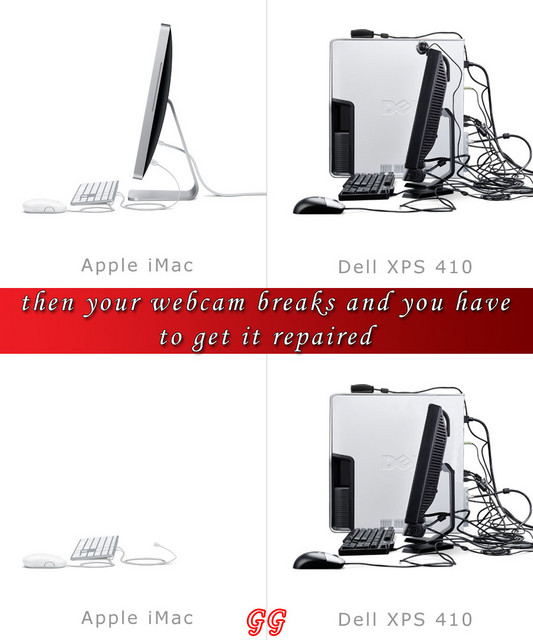
@levi, i love that picture of the dell and iMac :P

#495894

thanks guy but recently i found some new things.

for finder i started using findexer with styler

to change transparency on windows taskbar - transparent taskbar

windows blind helps too

{{EDIT}}

if u wanna see my computer go to

http://www.aqua-soft.org/board/showthread....6070#post496070

{{UPDATE}}

sorry didnt mention people who gave me ideas

dodgers

alxz310

#496075

A month ago, I started working for the Florida Department of Transportation as a graphic artist. This has been my field since the 80s, but as an old fart of 51, I've always worked on a Mac.

So I am now one really miserable SOB like you can't believe, having to work on a PC.

Today, I tried some other emulator that was real buggy (called something Launcher), but the freaking taskbar wouldn't stay hidden and the trash kept disappearing. So just now, I printed out all of these instructions here...made all of the downloads (I hope)...and put them on a flash drive.

And hopefully, tomorrow, I can start to live in my pretend Mac world. I simply HATE the XP interface with a passion.

My problem?

Working for a state agency, I have access to websites, but many are blocked for God knows what reason. That's why I did these downloads from home.

Plus, I don't even know whether I'll be allowed to visit this site tomorrow with my queries. (Their system is nuts. Llke, I can go to the Fender guitar forums, but not OTHER guitar sites.)

Is there one kind soul here who can email me at my office NOW so I have your address, to help walk me through this in case/when I have a problem? Unfortunately, from my office, all web-based email like Yahoo and Gmail is BLOCKED, so I can't use it.

My office email is:

ira.ratner@dot.state.fl.us

And my home is:

ratner@mail.myacc.net

I'm telling you--I'm ready to kill myself. How the hell does 95% of the free world live with this Windows interface?

I WANT MY MOMMY!!!!

Seriously, thanks for any help you can give me. I just can't take this any more.

BTW--it's a brand new Dell (a month old) with 2 gigs of RAM, so I'm cool there.

#496097

A month ago' date=' I started working for the Florida Department of Transportation as a graphic artist. This has been my field since the 80s, but as an old fart of 51, I've always worked on a Mac.

As someone of your 'vintage' (one old fart to another), I feel your pain. I'm not sure if you can access a little site I have with quite a bit of emulation stuff but if you can access it, the link is here: http://www.markraats.com/Apple_Emulation.htm.

I am a Mac user as well and I started the whole emulation thing for the same reason as you - simply out of desperation! That said, its been fantastic fun and all in all, its quite possible to get something that looks quite "Apple" like (this is a comparison between Leopard and a Emulated Leopard XP system: http://www.markraats.com/OS%20X%20vs%20XP.htm), on your Windows system.

Good luck and I know that we in this fantastic group of fans will be more than glad to help with more info.

Best

#496103

Samurize is a must have for people wanting to add elements to their desktops, if you have the patience to learn how to properly construct a configuration. The learning curve is steep, but it really pays off. I use mine to add a shadow and icon reflections, and on occasions, a standalone dock.

http://www.samurize.com/modules/news/

It's almost as capable as your imagination is. :D

I love your site, by the way, Mark. You got me interested in mac emulation a while ago. :)

#496104

Yep, I second zephi. You make some very very cool stuff. I didn't know you were on a mac, so I'm just the more glad you're helping us poor windows sobs out of our misery ;).

@ ira7 I envy your long experience with mac, I'm saving money for one right now. I should've gone that way long ago :D

Regards,

Dodgers.

#496140

More things-

Transparent Taskbar

WindowBlinds w Leopard Skin

Reflecetive Icons.

#496153

@levi

post-51692-1206748970_thumb.jpg

imac.jpg
imac.jpg

#496184

lol levi just got owned, but i still love Macs :D

#496197

lol levi just got owned, but i still love Macs :D

You obviously havent heard of Applecare.

Global repair coverage. Onsite repairs and fast turn around times.

#496313

@ Dodgers

He,he... I think that Razar's skin is really nice attempt to make something new from forgotten Nexplorer, he really puled maximum from that program, but it is still far from Leopard finder clone.

I think that the best solution for Leopard finder clone is skinned explorer just as i think that the best Tiger finder clone was (is) looca.

Sorry for bad English.

#496455

Yep, I couldn't agree more with you. I'm way past the day using neXplorer. But you're right, he made a good effort.

Regards,

Dodgers.

#496456

Ok... now, one question...

I know how to install it, but what if I wanna unistall it?

can I go back that easy?

#496625

If you mean FAK there are some excellent support threads right here:

http://www.aqua-soft.org/board/forumdisplay.php?f=84

There are various experiences with both installing and uninstalling FAK. Some good and some bad. I've used it for more than two years, and have had no problems ever. But I'm a cleaning freak in regard to my comp. so everything is always running smooth with me. However it should be easy enough as FAK comes with the installer that should take care of it automatically. And as a last resort it makes a restorepoint in XP' restoreservice so you can go back with no problem. Still it is at your own risk ;).

Regards,

Dodgers.

#496636

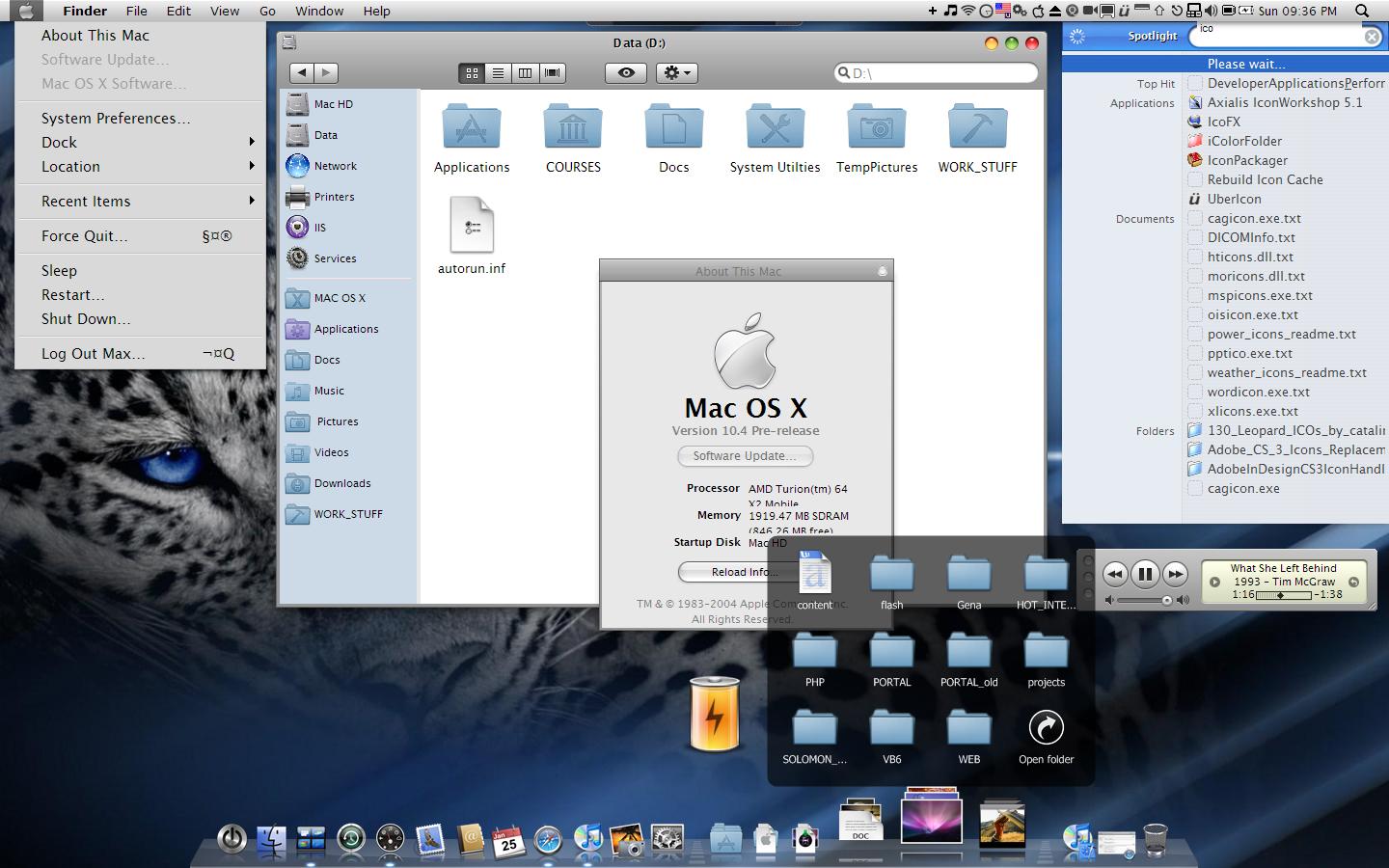
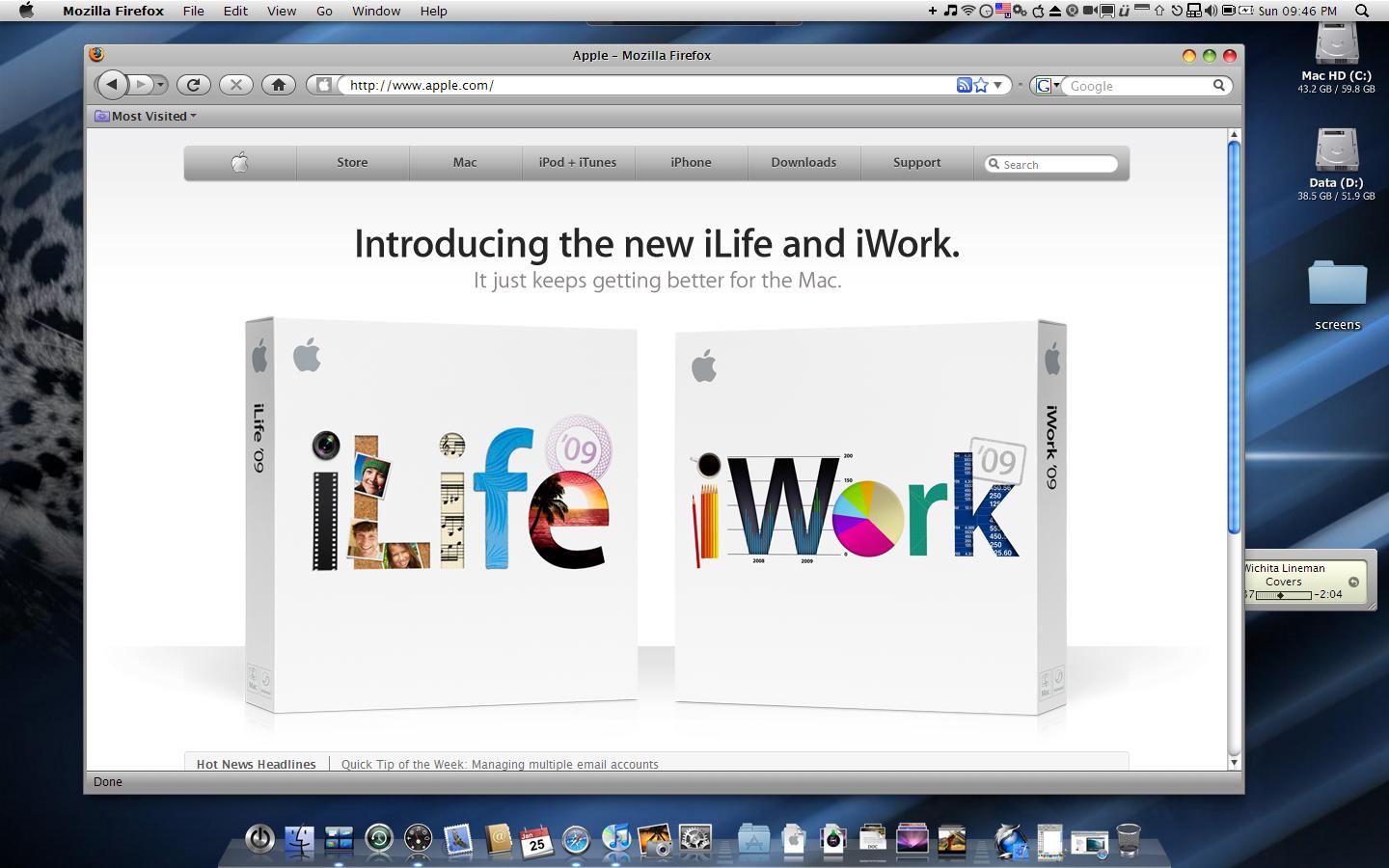
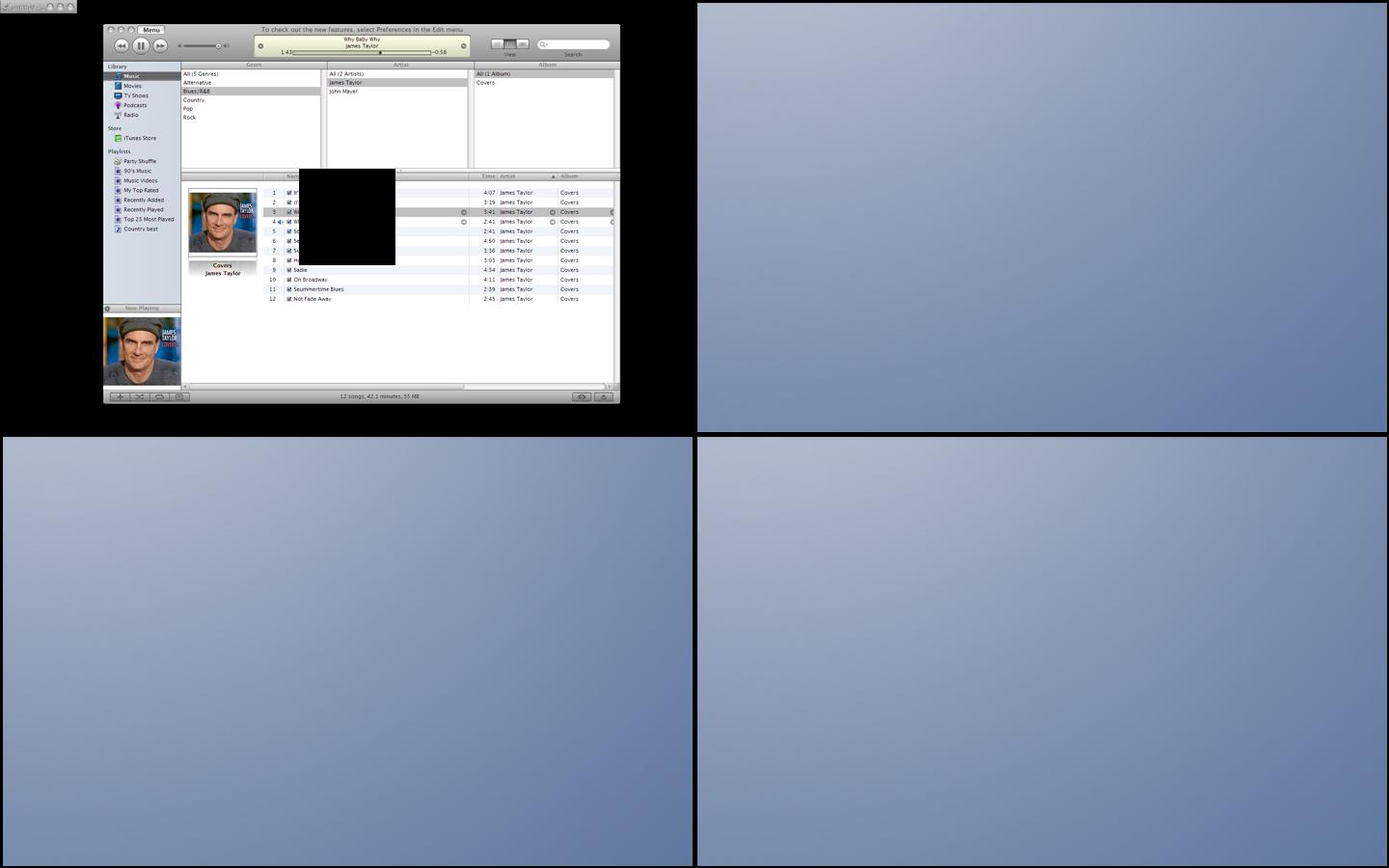
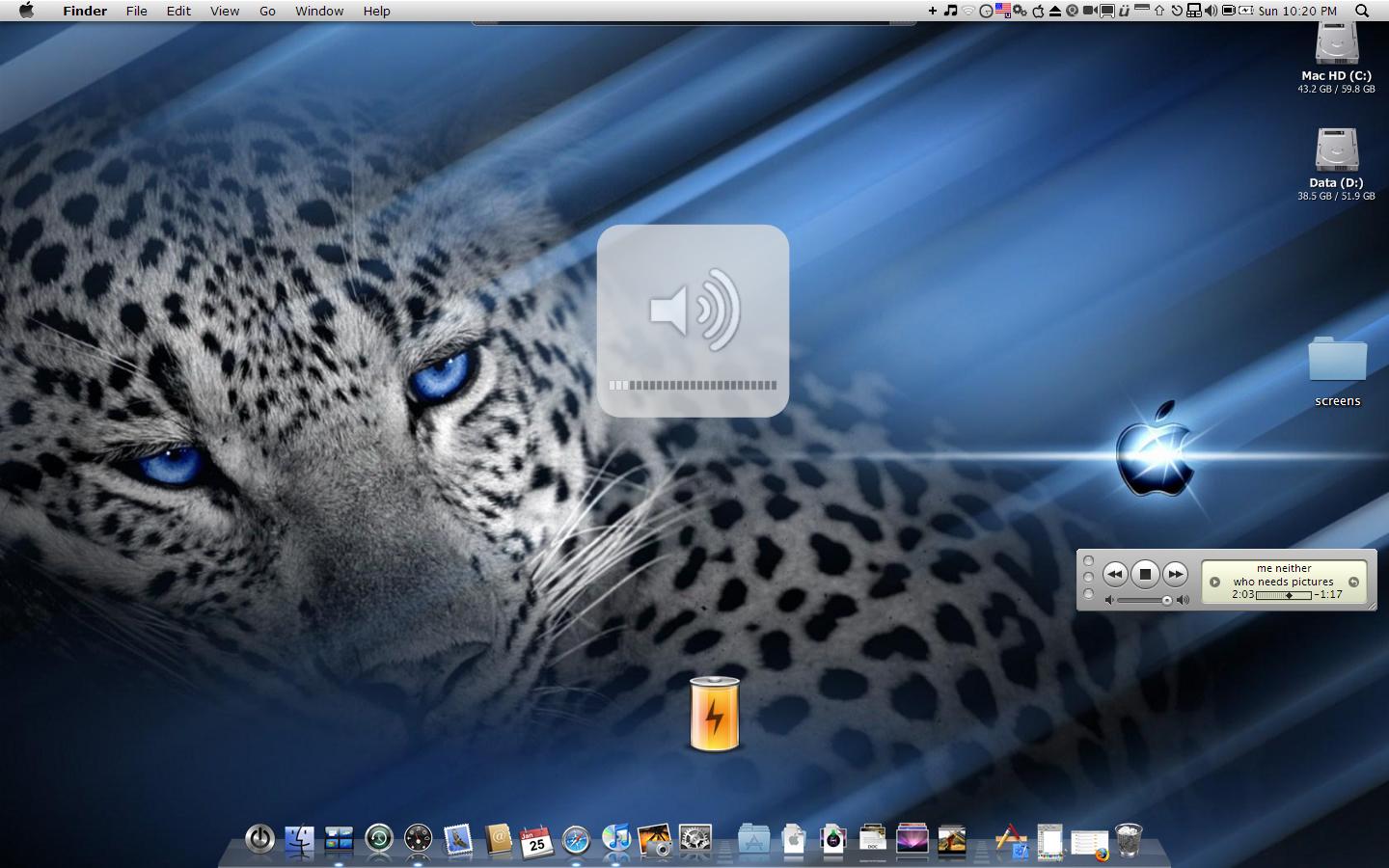
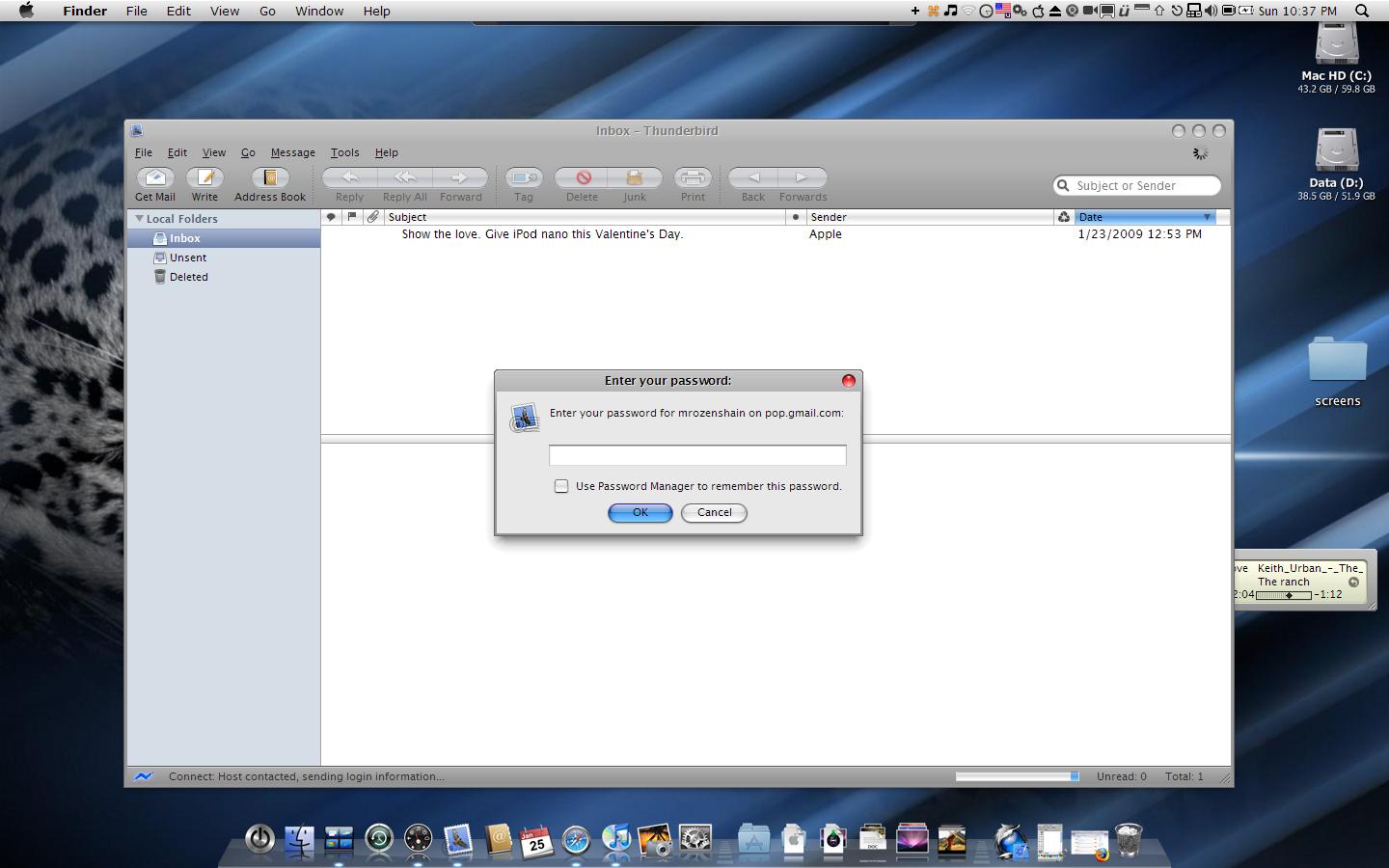
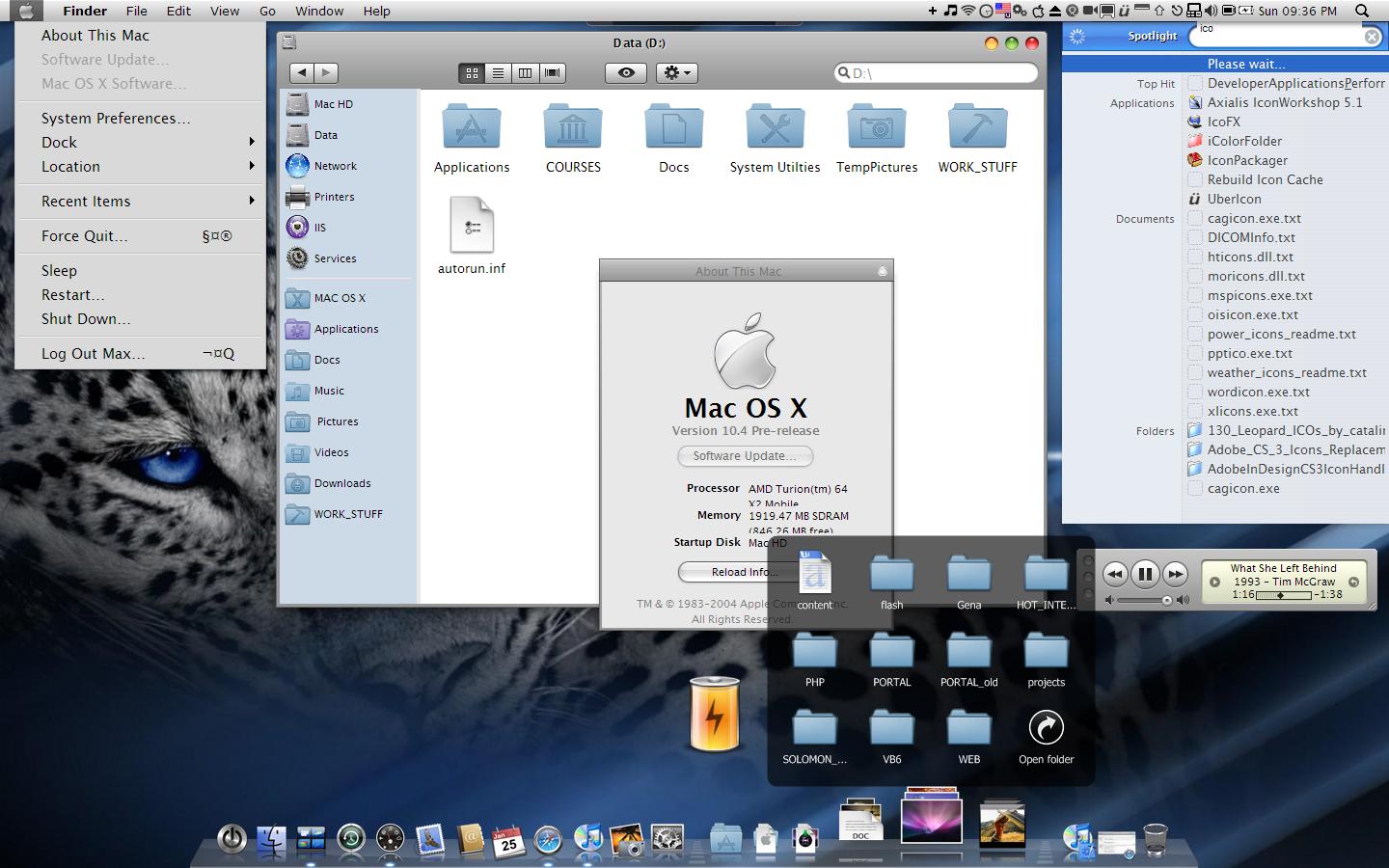
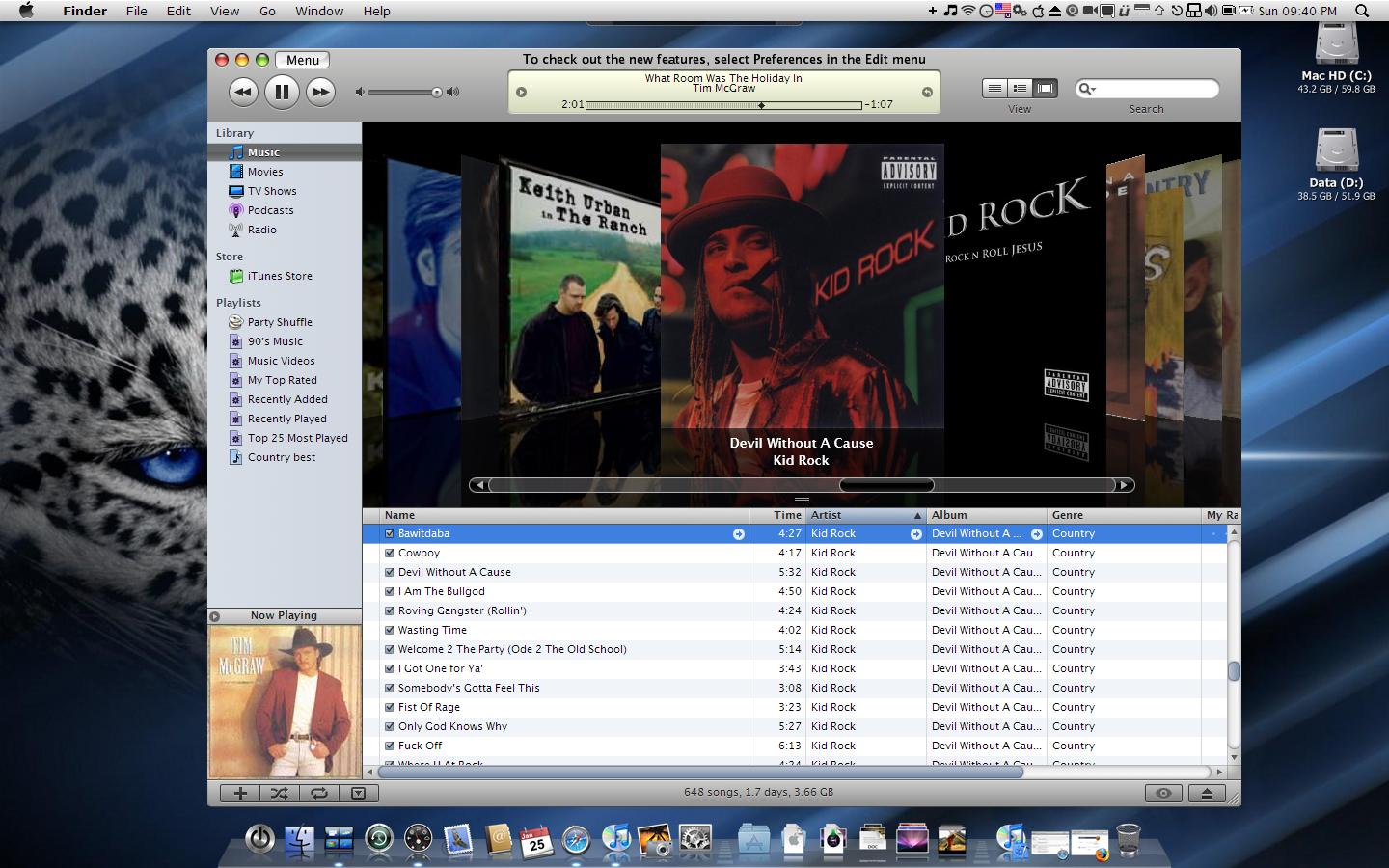
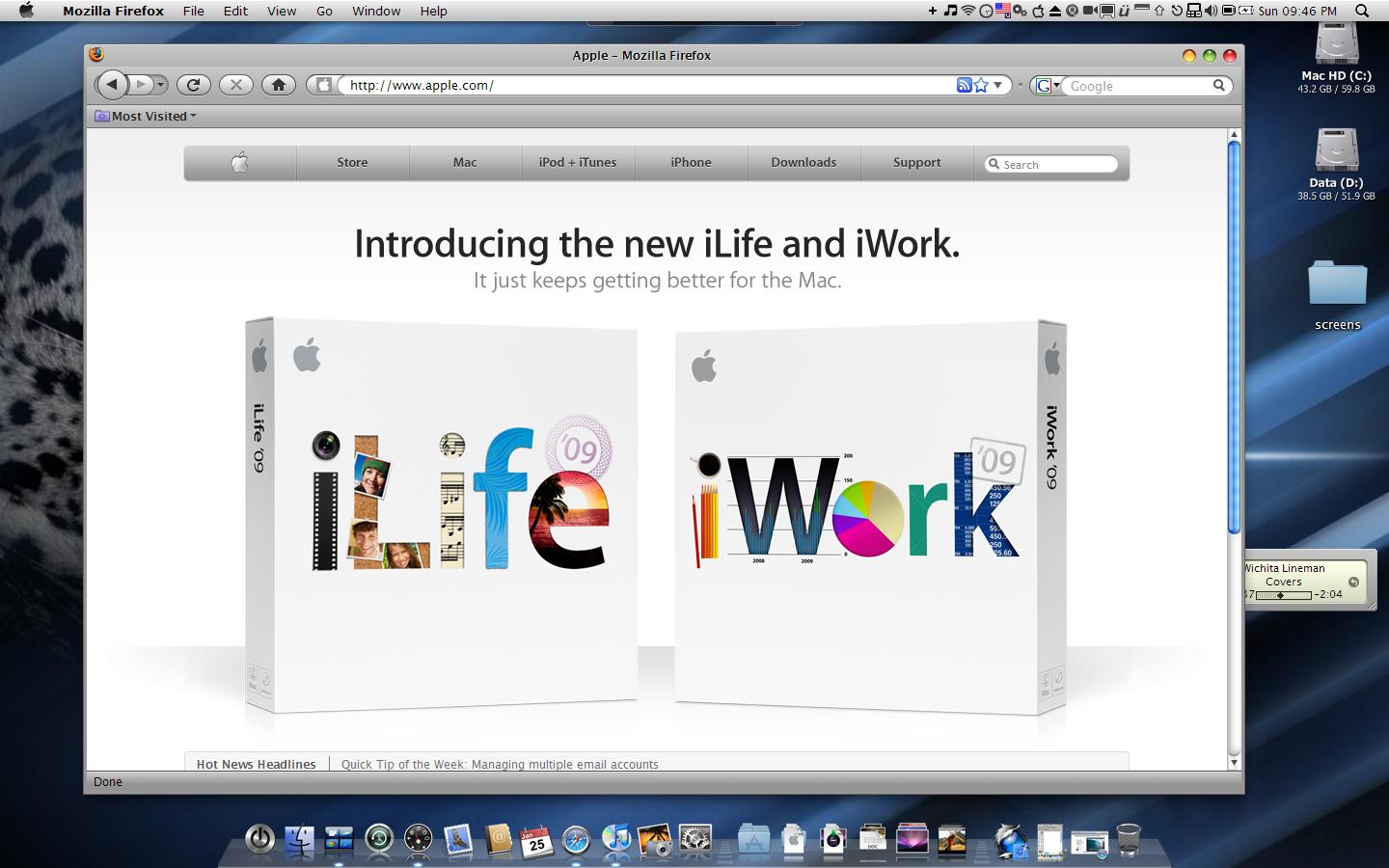
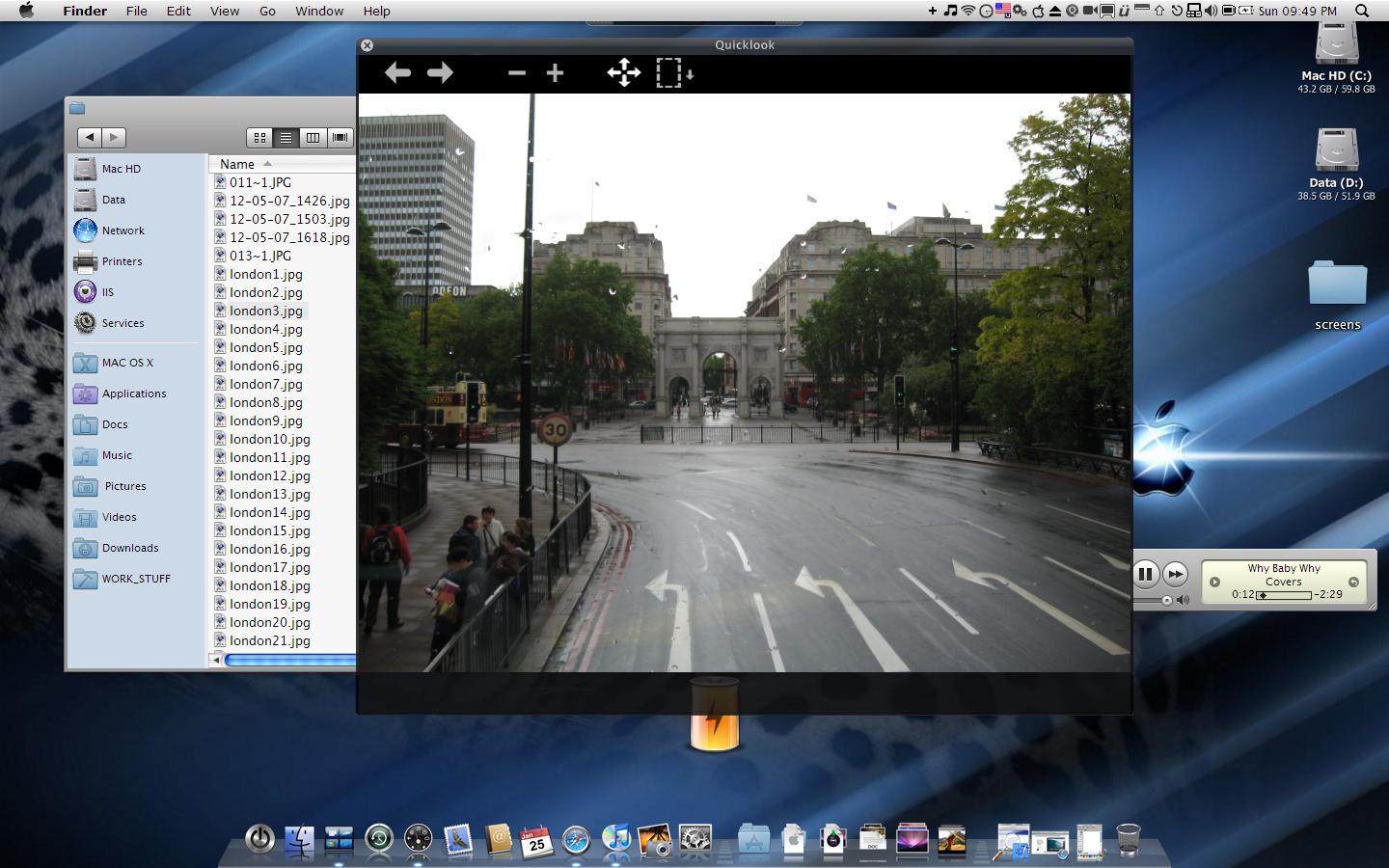
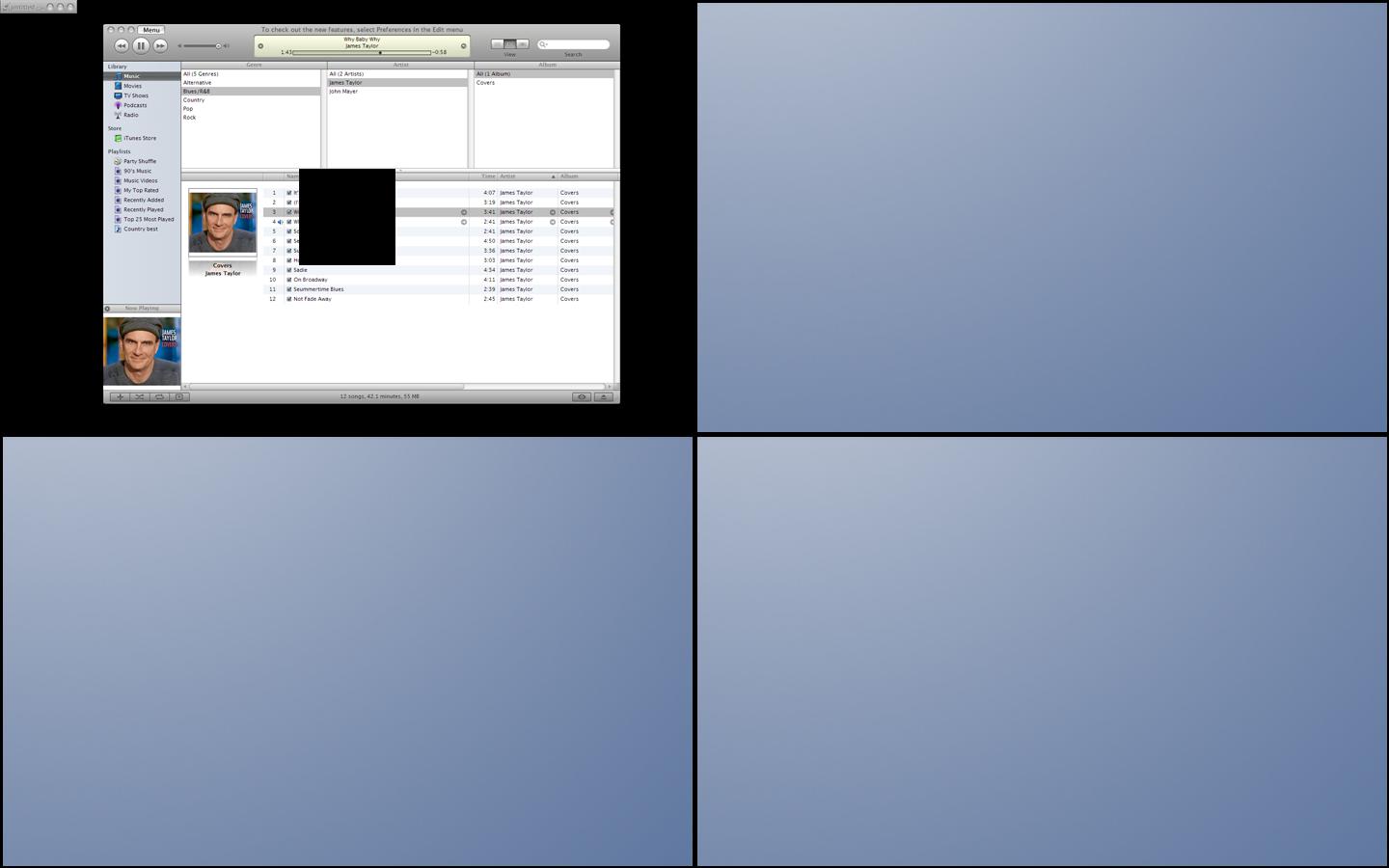
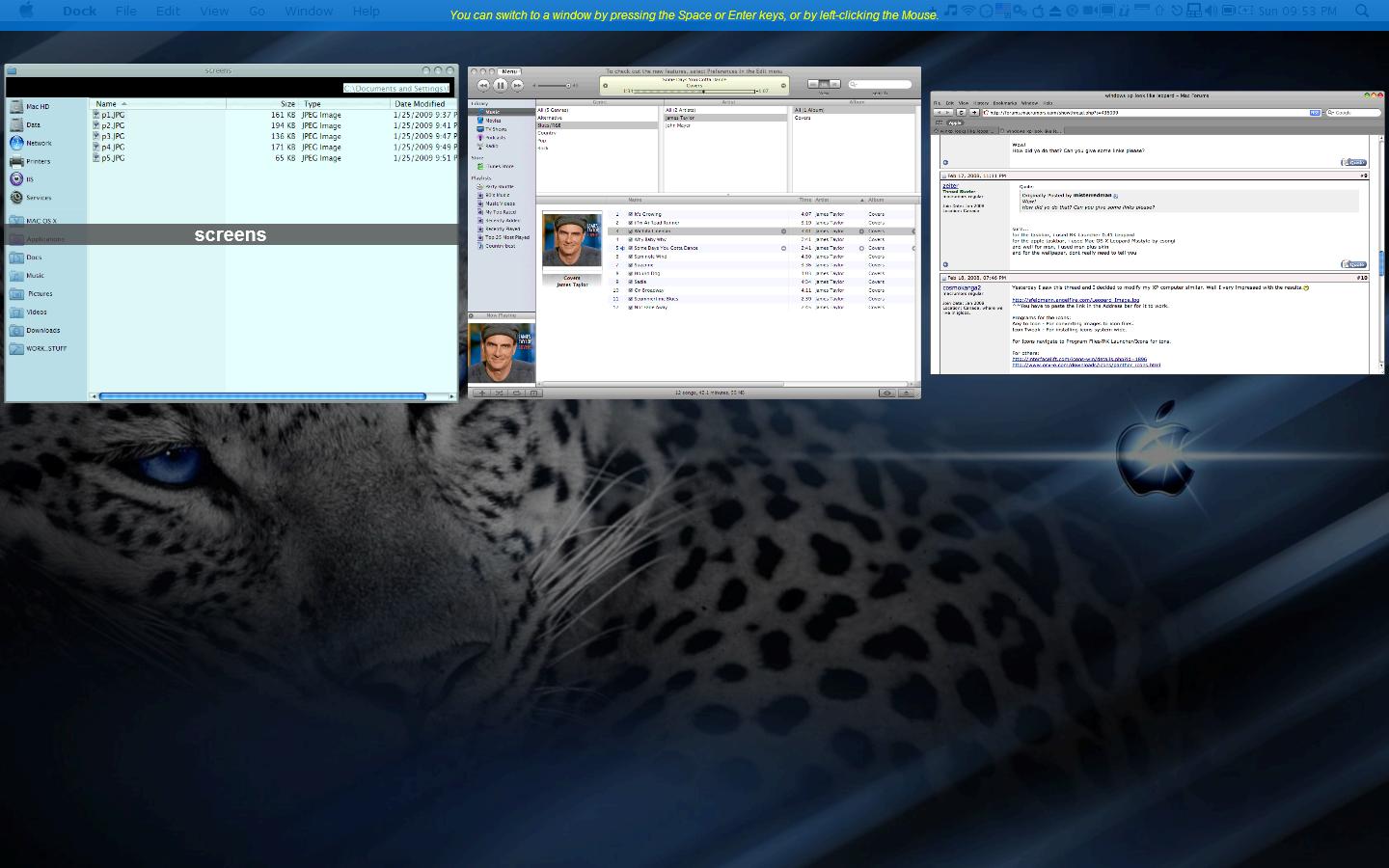
Hi I'm new here but I've just attached couple of screens of my Packard bell easynote 17'' with winxp sp3.

If somebody interested to get same result,I'll be happy to help.

post-94908-1232920462_thumb.jpg

post-15-1232920462_thumb.jpg

post-15-1232920463_thumb.jpg

post-15-1232920464_thumb.jpg

post-15-1232920465_thumb.jpg

post-15-1232920466_thumb.jpg

post-15-1232920467_thumb.jpg

post-15-1232920468_thumb.jpg

post-15-1232920469_thumb.jpg

p1.JPG
p1.JPG
p2.JPG
p2.JPG
p3.JPG
p3.JPG
p4.JPG
p4.JPG
p5.JPG
p5.JPG
p6.JPG
p6.JPG
p7.JPG
p7.JPG
p8.JPG
p8.JPG
p9.JPG
p9.JPG

#521887