My Tiger skinned Windows

Hi!

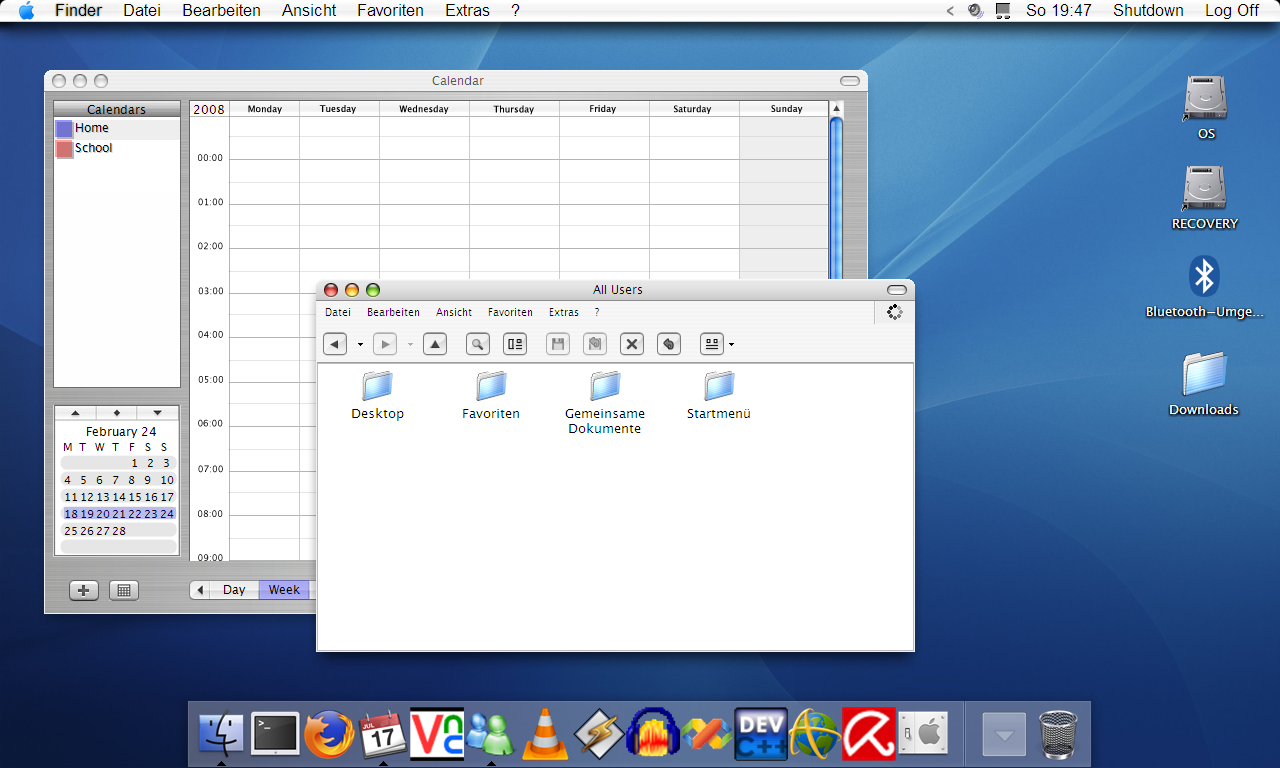
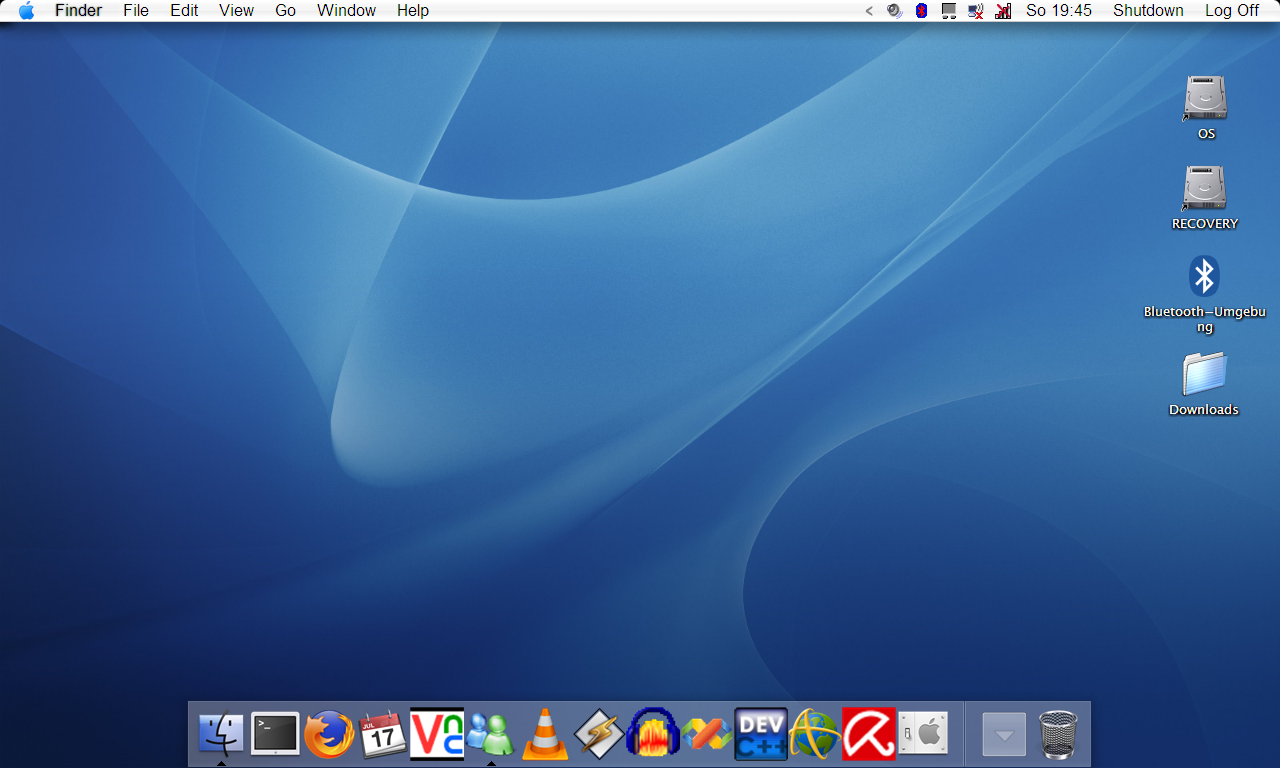
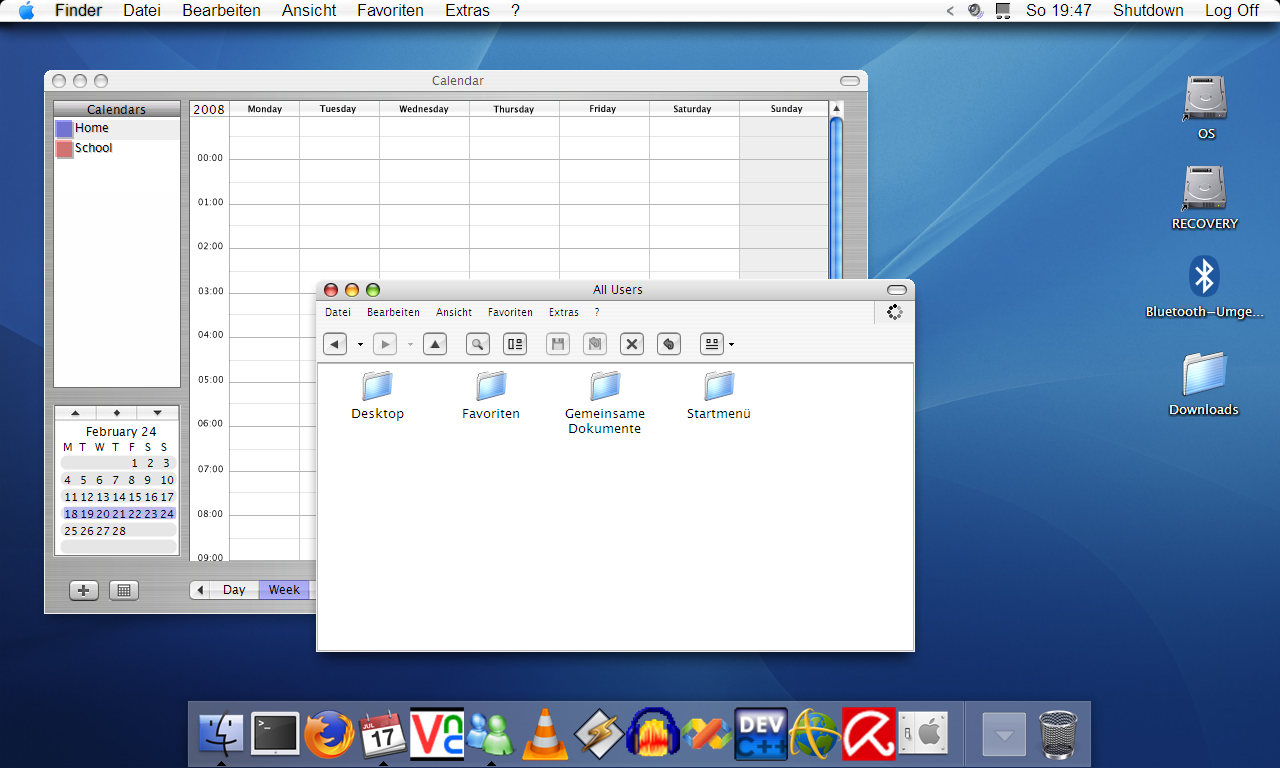
I have my Windows now completely skinned as a Mac OS X Panther/Tiger.

What do you think?

Used Programs/Skins:

ObjectBar - MacOSX 10.3 Bar

WindowBlinds - Tiger Skin (looks like Panther to me)

RKLauncher (the bottom dock with a few Tiger/Panther Icons)

Panther Background Picture

WindowFX (Big Icons and Window effects)

IconPacker (Tiger/Panther Icons)

Works fine (except ObjectBar makes a few graphic bugs sometimes...)

post-69427-1204306103_thumb.png

post-15-1204306103_thumb.png

01_empty_Desktop.PNG
02_few_applications.PNG

#493191

1.) Change your Objectbar font. That font just doesn't work. Search dA for OBFont

2.) Change your icon title fonts.

3.) Use styler toolbar.

4.) Hide your explorer toolbar.

5.) Change pretty much all your fonts. Search around and install GDI++ for incredible font smoothing.

6.) Dont combine panther + tiger.

Keep at it.

#493200

Thanks for your hints.

How can I hide my explorer Toolbar?

#493204

By installing Styler. There's an option for it ;).

#493214

Thanks for your hints.

How can I hide my explorer Toolbar?

Or, you could install the latest version of QT Tab Bar and get tabs in explorer as a nice side-effect.

#493231

@Bapestar, I didn't find anything on these forums regarding GDI++ and what other stuff I've found is in japs. How do you use that?

#493242

You just download the zip and extract.

Run GDITray.exe

You will now see a new icon in your tray.

Right click > enable. Wait a few seconds for your screen to rastersize.

Although, people also tend to replace files found in system32, but you don't really need to do that.

This much i know (how to enable it). I dont suggest you play around with anything else.

#493264

You can also try Microsoft's Clear Type Tuner powertoy. It helps you set up clear type so it looks good to your eyes, on your monitor.

#493266

Um, the versions I found didn't have any GDItray.exe. There was just the gdi.exe to which I had to drag'n'drop apps, :(

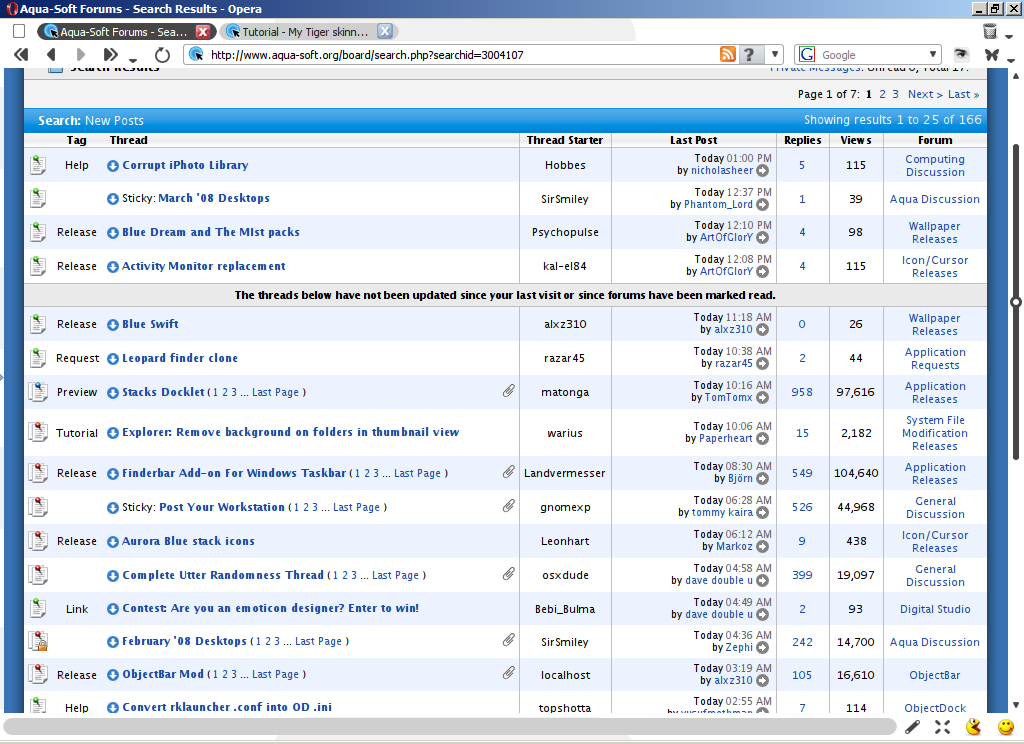
Edit: I found it. But how do you customise it. I mean, it seems to be working but how do you tune it properly? Here's how it looks right now.

post-62115-1204355793_thumb.png

duckstop.PNG
duckstop.PNG

#493283

Well, after messing about with those settings, I seem to have it working better now. Only thing I want to know now is how to autostart it with windows? Every time I run it, it starts with the smoothing disabled... And how do you get it to work with Explorer?

#493293