Aqua-Soft Forums
does anyone know of any good objectbar skins of os x leopard?
thanks 
btw im using objectbar 1.65
does anyone know of any good objectbar skins of os x leopard?
thanks
btw im using objectbar 1.65
thanks a lot they're great... one problem tho, when i install everything is fine except the time
the numbers a thin and dont match with the font
i have obfont installed so everything else is great
what can i do?
I have the same problem with numbers appearing thinner. As far as I know, there's nothing to fix it, but trust me, you'll get used to it soon. When I first started using OB, I thought it was going to be the end of the world 
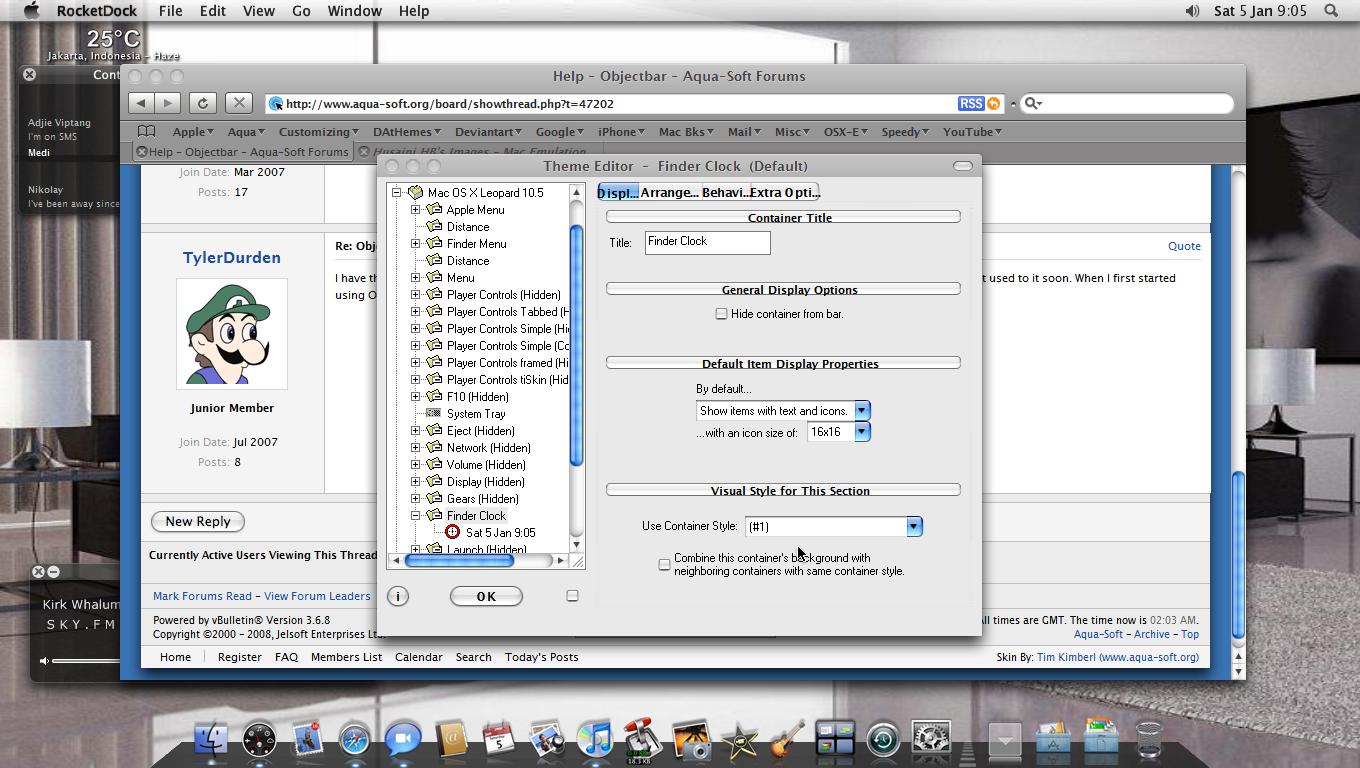
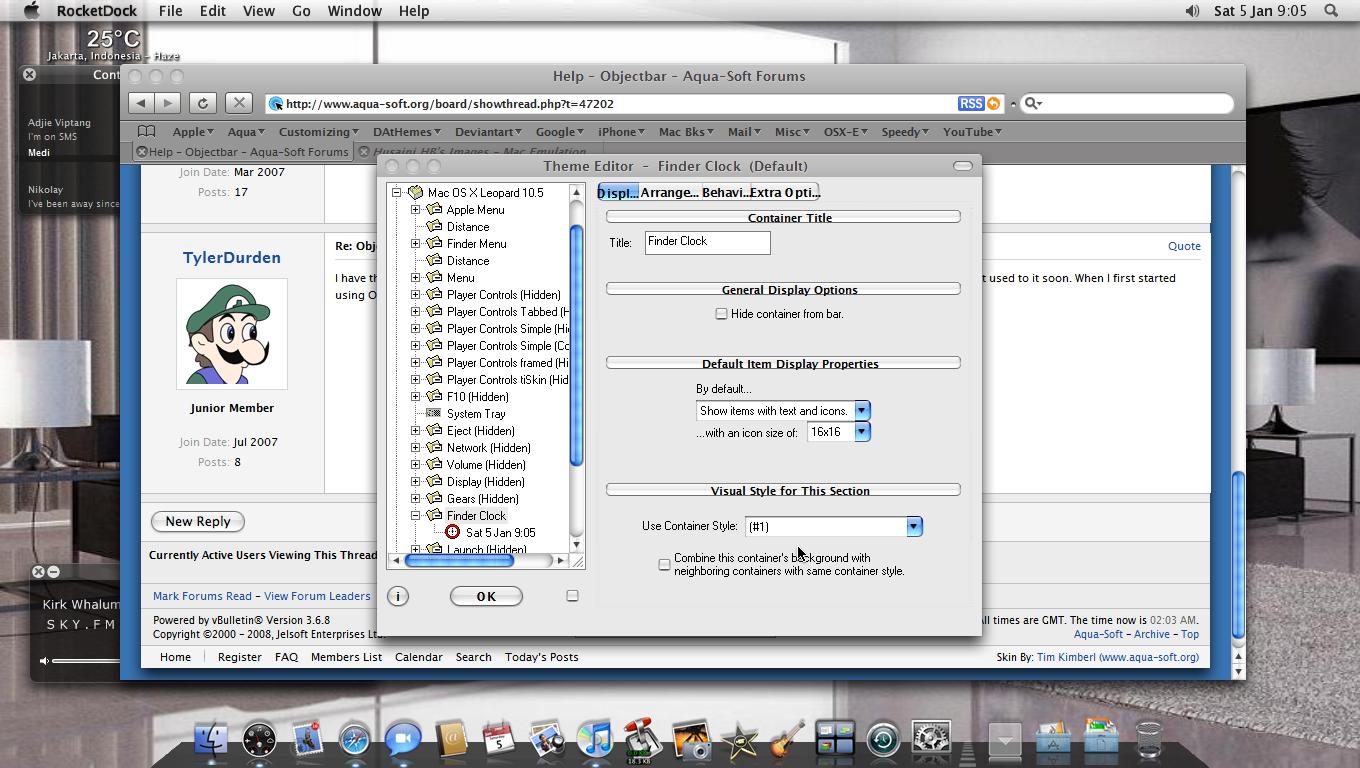
what objectbar skin are you using on the photo?... looks great
Husaini HB, which RocketDock Skin are you using? I like the indicators. Thanks Mate!
what objectbar skin are you using on the photo?... looks great
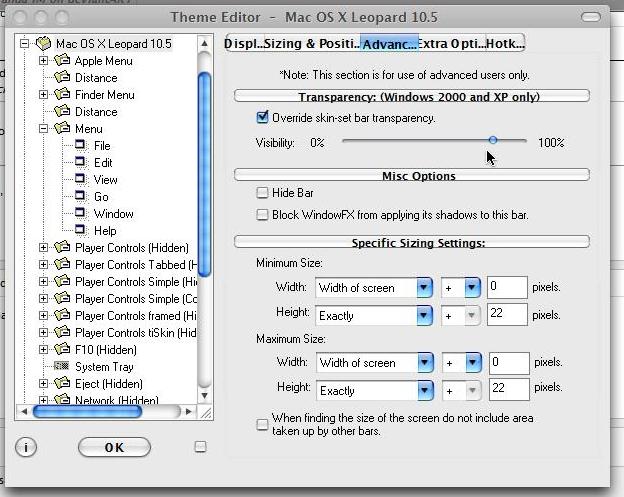
Oh,it's any OB you can make the bar.bmp in white and just make it (slide) transparent a little bit
Hussain how did u make ur OB skin so transparent? And where did u get those icons on the dock from?
iv'e found a OB skin that doesn't mess up your time font
it's I-O orange on
http://www.markraats.com/Object%20Bar%20Themes.htm
tis a truly great skin 
btw do you like my desktop?
Yes,it's great,do you use Safari for windows,how did you make the shadows underneath?,haven't you tried FF ? and dock reflective icons ?
Here is mine : http://husainihb.deviantart.com/gallery/
and here : http://www.osx-e.com/gallery/browseimages....&imageuser=3657
Thank's
Thanks, Husiani HB, found the indicator is found in the Defaults folder, changed the DefaultIndicator Icon to yours, works great, Thanks!
yes i use safari on windows... i use Window FX and YzShadow for added depth in shadow. whats FF?
and funnily enough iv'e just set up a load of reflective icons and used a black leopard objectdock
Oh,ok,FF is Firefox,I recommend using Spectrum,by fyton's,search in DA (deviantart),good luck
to fix the thin numbers.. use the font bundeld with my leopard on Objectbar Lucida G and Lucida Gr for the "Finder" font
to fix the thin numbers.. use the font bundeld with my leopard on Objectbar Lucida G and Lucida Gr for the "Finder" font
Where may we find this? It's not on your Deviantart...
Where may we find this? It's not on your Deviantart...
You can also download my new OB theme for Leopard. In there are the updated fonts which will give you the accurate OB look.
If you use my theme the .obskin files has been updated to take the new font. If you are using your own, then you will need to customise your own .obskin file to see the font
Download the OB theme: http://www.markraats.com/Images/Leopard_Objectbar.zip
Where may we find this? It's not on your Deviantart...
download my leopard theme for windowblinds the font is on there in a zip file
You can also download my new OB theme for Leopard. In there are the updated fonts which will give you the accurate OB look.If you use my theme the .obskin files has been updated to take the new font. If you are using your own, then you will need to customise your own .obskin file to see the font
Download the OB theme: http://www.markraats.com/Images/Leopard_Objectbar.zip
Your fonts won't install on my computer for whatever reason, even though I have other fonts of that type installed. Weird.
Blitzr, I'll try yours.
hello , does anyone know how to ad spaces to the "markraats"objectbar? And I would also like to know if the wifi indicator actually works and how.
grtz
insteading of starting a new topic i thought i might aswell write down my problems here
I chose objectbar to start up everytime I load up windows. But now everytime it loads up, that box comes up asking me to chose which theme to chose and its so annoying
Isnt there a way I can set a default theme, so everytime OB loads up, it loads up that theme?
Make sure your themes are loaded in your program files OB directory (typically: Program FilesStardockObject DesktopObjectbar).
If you have them loaded elsewhere on your system, your autorun will start your app from the correct directory but it WON't be able to find the theme you are trying to load at the same time....
The theme Im using is in the right directory. The theme loads up fine, but everytime I load the programme the box comes up asking what theme I want to load, when there is ONLY ONE theme I want to load up