Overview

overview128pxcc3.png

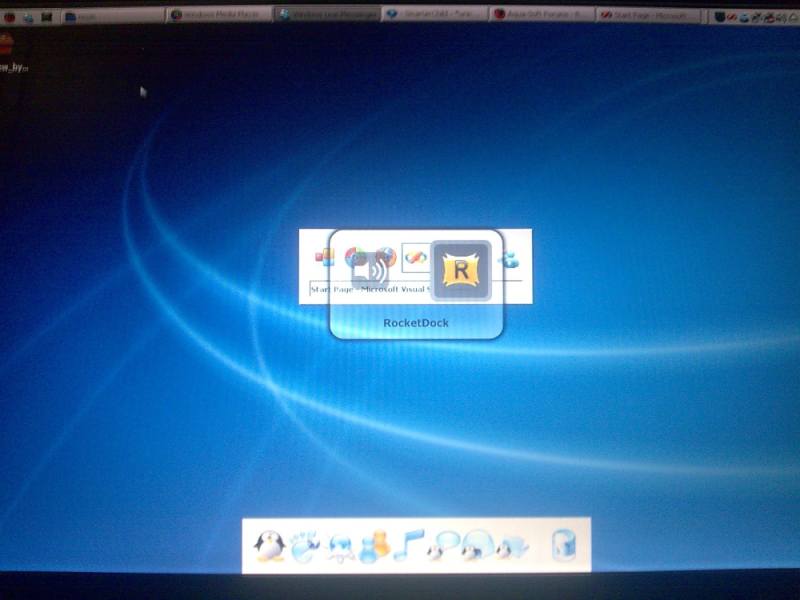
Introducing Overview for Windows XP. With Overview you can bring all of that skinning goodness to your Alt-Tab switcher. Featuring full alpha-blended transparency, Windows Vista-like thumbnail previews and Mac OS X application icons.

Features

  • Full alpha-blended transparency, skinning support. See the .psd template supplied for skinning instructions.
  • Windows Vista window thumbnail previews or Mac OS X application icons in switcher
  • Can use Alt-Tab as the hotkey
  • Open window list in the system tray menu
  • Exclude any window or program you don't want Overview to see (a few programs that have known issues have already been included in the exclusion list)
  • 2 themes included with more to come soon
  • Replace application icons with custom ones by placing the custom icon in the Images folder and naming it the same as the application

ie: To change the default Explorer icon with a custom one, drop the custom image into the Images folder and rename it Explorer.exe. The image name should match the process name as shown in the Task Manager.

Screenshot:

overlookvistadm9.th.pngoverviewmacscreenshotbr4.th.png

Changelog

Version 0.5.0.8 - December 27, 2007 10:35PM Eastern Australian Time

  • Plugged a bunch of memory leaks which should keep Overview's memory usage steady
  • Shaved an extra 10k from the memory usage
  • Added non-alpha blended switch (requested by ultimatsz)
    It's not the most beautiful thing in the world but it should help those with lower end computers.
  • Fixed the bugs reported earlier regarding the About box
  • Added Yahoo! Widgets and RocketDock to the pre-configured exclusion list

Download available from my deviantArt page. The uploader here seemed to not like the file...
#484795

Thanks, I use MacSwitch but I'm gonna download and give it a try you've always produced some nice apps.

#484801

Yet another great app!

Suggestion: In future versions, allow font colors to be set by the skin's ini.

Bug?: The 'About' button doesn't seem to do anything at the moment, the systray menu item does work.

#484806

The 'About' button worked for me but the 'About' window was not centered on my screen maybe with mushu13 its completely off his screen.

And I used Alt-Tab but it still brought up the systems alt tab window along with Overview. And you might add Yahoo Widgets to the known exclusion list.

#484808

@Ghostwalker: What's the process name for Yahoo! Widgets? Also, it's strange that Alt-Tab doesn't work for you properly. That's what I'm using and it bypasses Windows' default Alt-Tab...I'll look into it.

And, yeah, I forgot to center the About box and set up the About button - they both work now.

Quick question: how's the memory usage? I'm tracking down some memory leaks I've noticed...just in case, it's running high on your end.

#484810

Quick question: how's the memory usage?

Will watch it for a bit. And its YahooWidgets.exe

#484811

It hovers around 45k RAM, 41k pagefile.

#484812

It hovers around 45k RAM, 41k pagefile.

This can clearly be less. I will be trying to plug all memory leaks for future releases.

#484814

I did download your app and I was having display problems with it and it was slow to load and it came after the windows task switcher loaded is that the memory leak that you were speaking of

and addition I cannot delete I get a access error I think based on the installation of the Microsoft .Net apps something I was not aware of

Help

Kirk

#484836

rocketdock skin turns white when using...

if possible add an additional "no alpha transparency" function for low end users

i cannot exclude rocketdock.. be it by typing rocketdock or rocketdock.exe

#484837

@kftrainer: Sorry, I can't understand what you're saying.

@ultimatsz: The whole point of the program is to have transparency. Without the transparency you might as well just use the built-in Alt-Tab...as for Rocketdock, I'll have to have a look at it and get back to you.

Edit: Okay, for Rocketdock, you need to put RocketDock.exe into the exclusions list. When excluding applications, please make sure the entry is exactly the same as it appear in Windows Task Manager under the 'Processes' tab.

#484839

Changelog

Version 0.5.0.8 - December 27, 2007 10:35PM Eastern Australian Time

  • Plugged a bunch of memory leaks which should keep Overview's memory usage steady
  • Shaved an extra 10k from the memory usage
  • Added non-alpha blended switch (requested by ultimatsz)
    It's not the most beautiful thing in the world but it should help those with lower end computers.
  • Fixed the bugs reported earlier regarding the About box
  • Added Yahoo! Widgets and RocketDock to the pre-configured exclusion list

#484846

thank you for including the removal of alpha transparency.. but apparently it crashes if it is applied. that is ok thou.

like most switchers like winflip, winexpose and pantherswitcher.

it does have a problem on windows live messenger.

what i like about this is that when windows media player is in skin mode. overview still can identify it.

that is something macswitch lacks thou. good job.

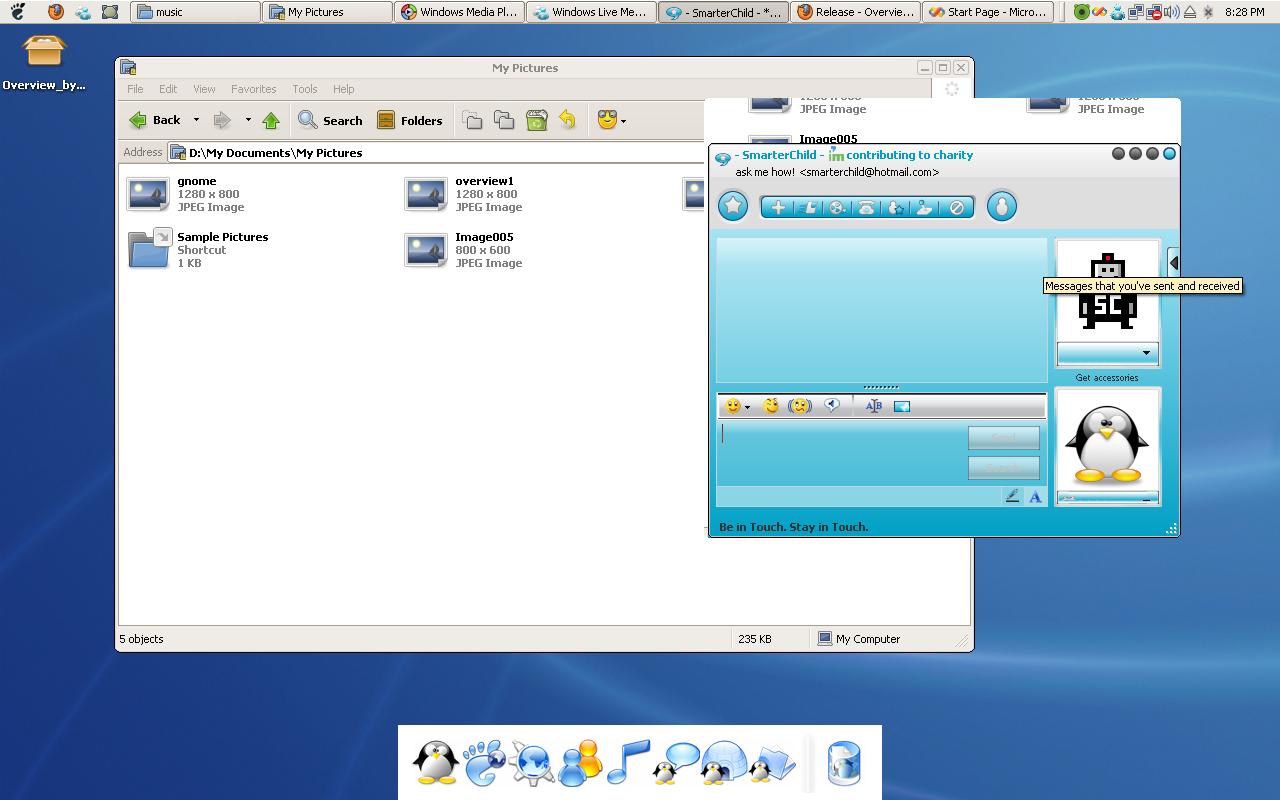
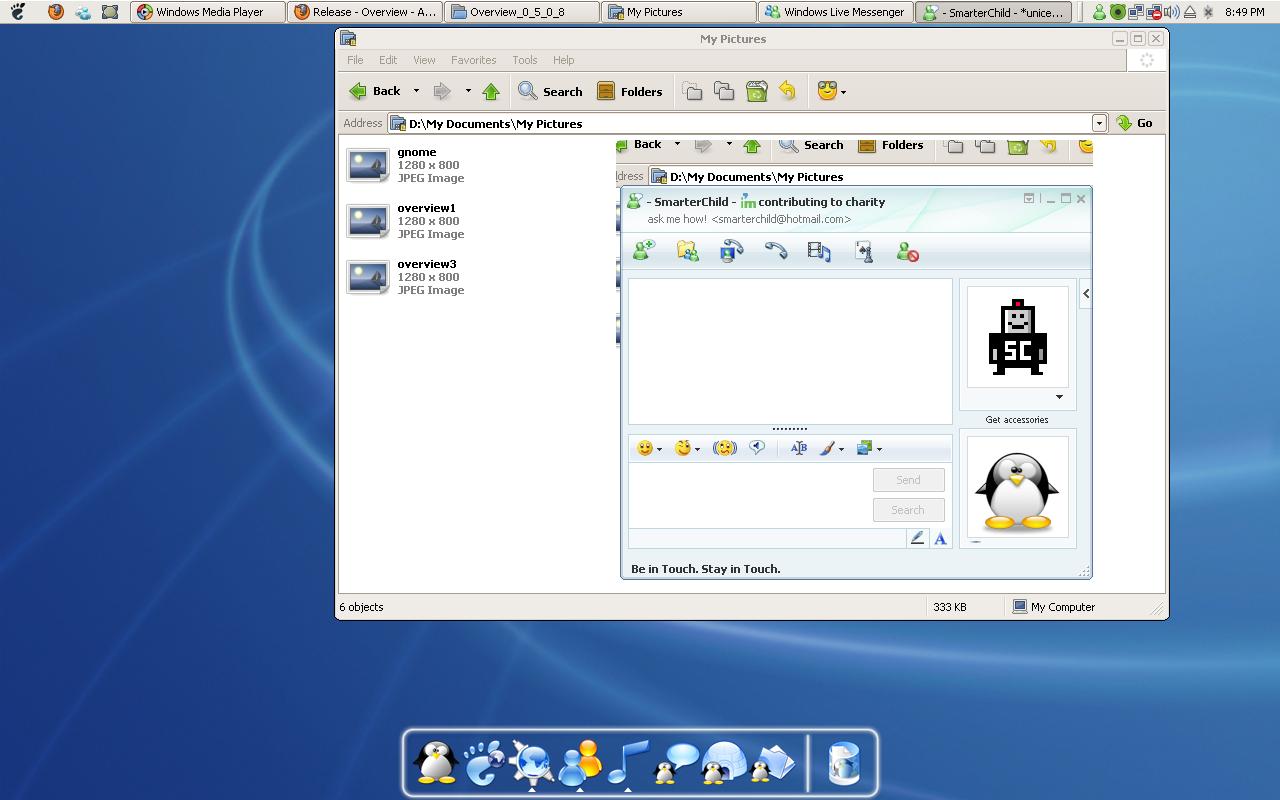
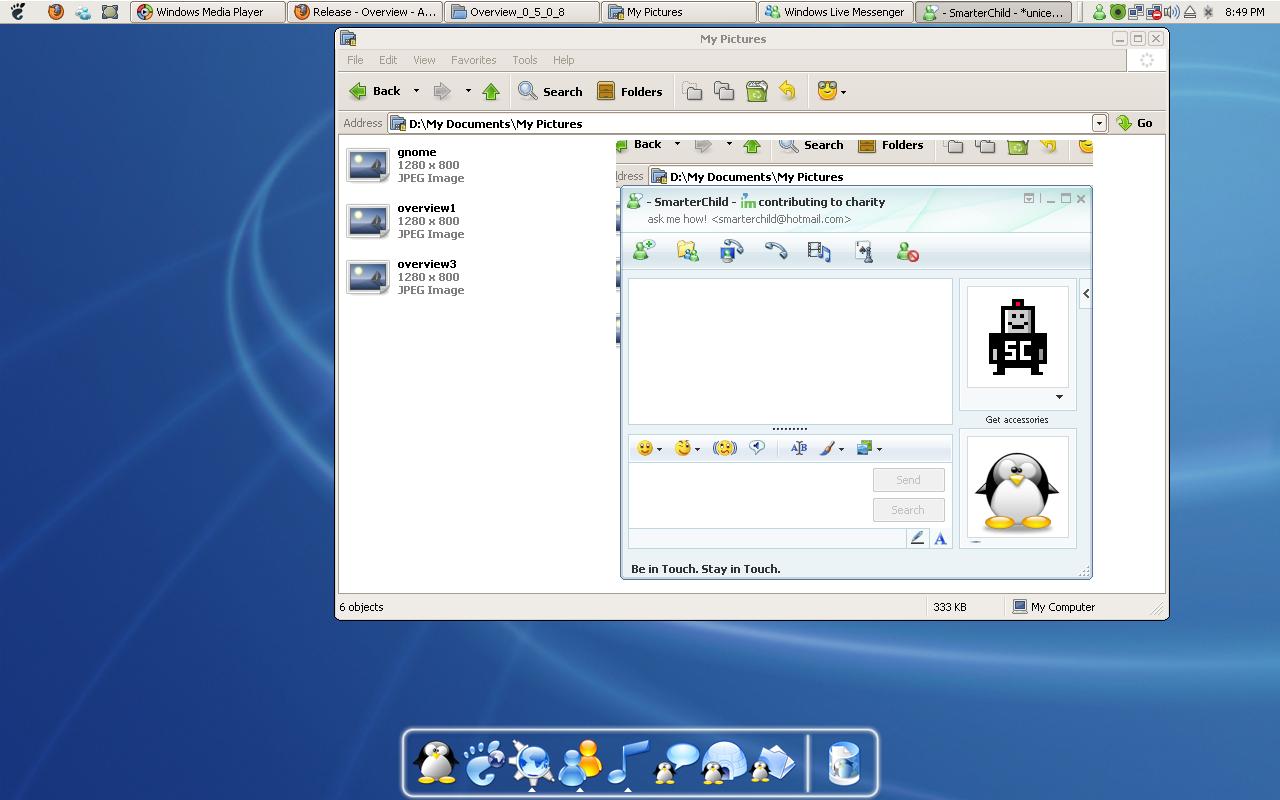
apparently if you use overview or the other switchers to open a minimized conversion from windows live messenger, the window will shrink, with a background together with the window... let me try to show you with a picture.

also.. it could not hide alt-tab if the hotkey is alt-tab. meaning the original taskswitcher of windows xp is behind overview.

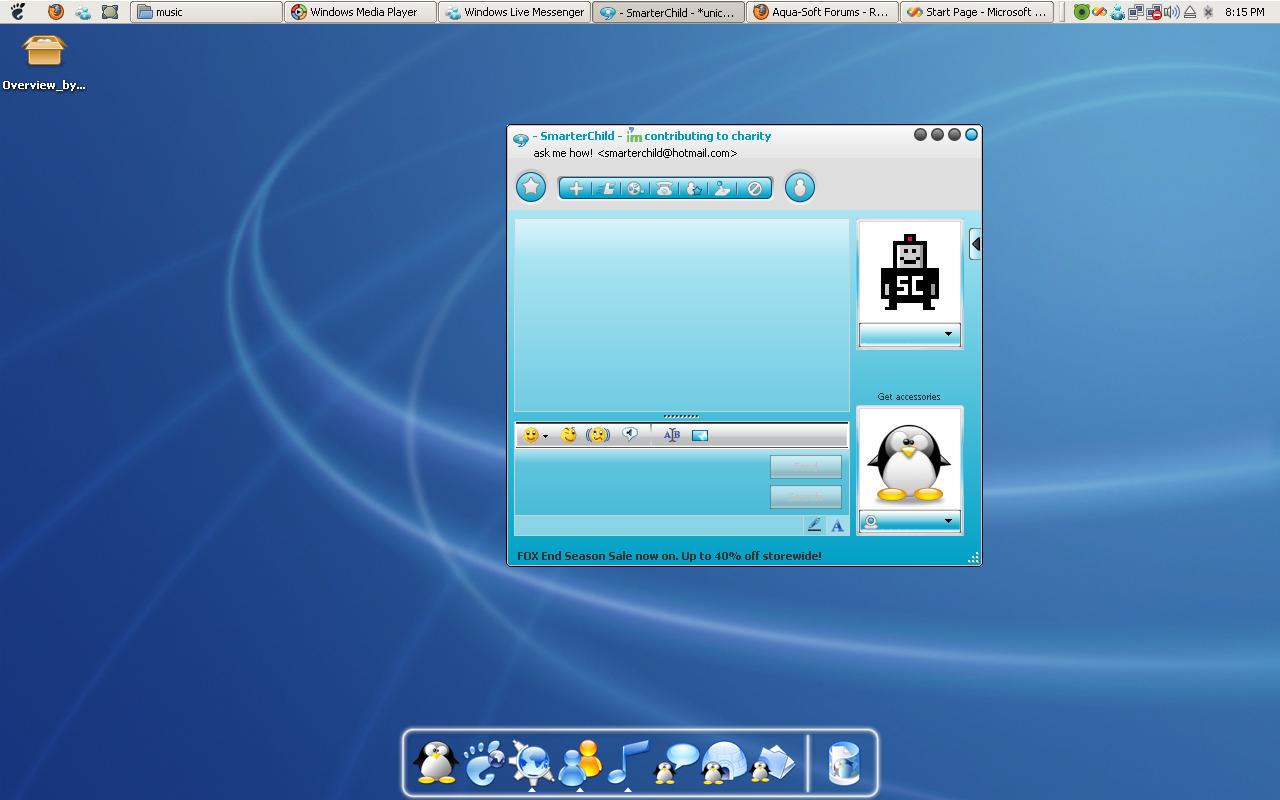
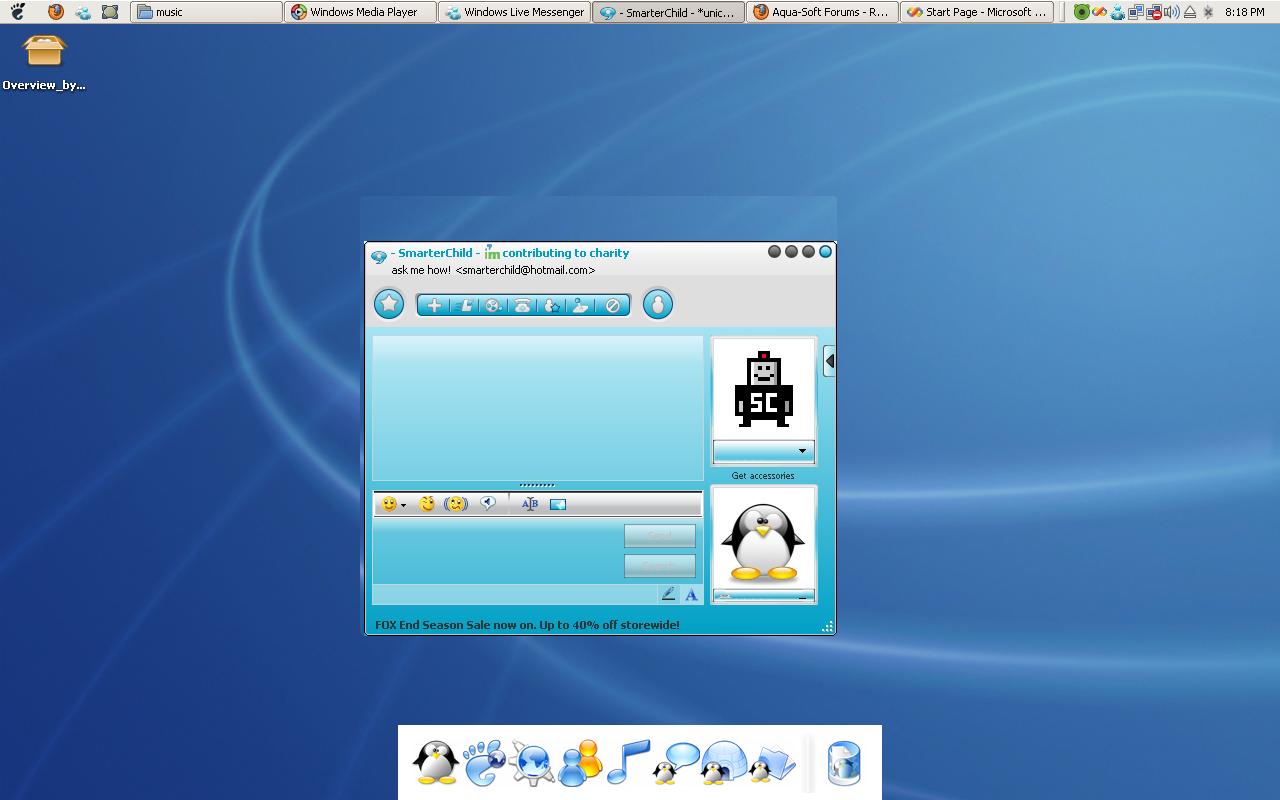
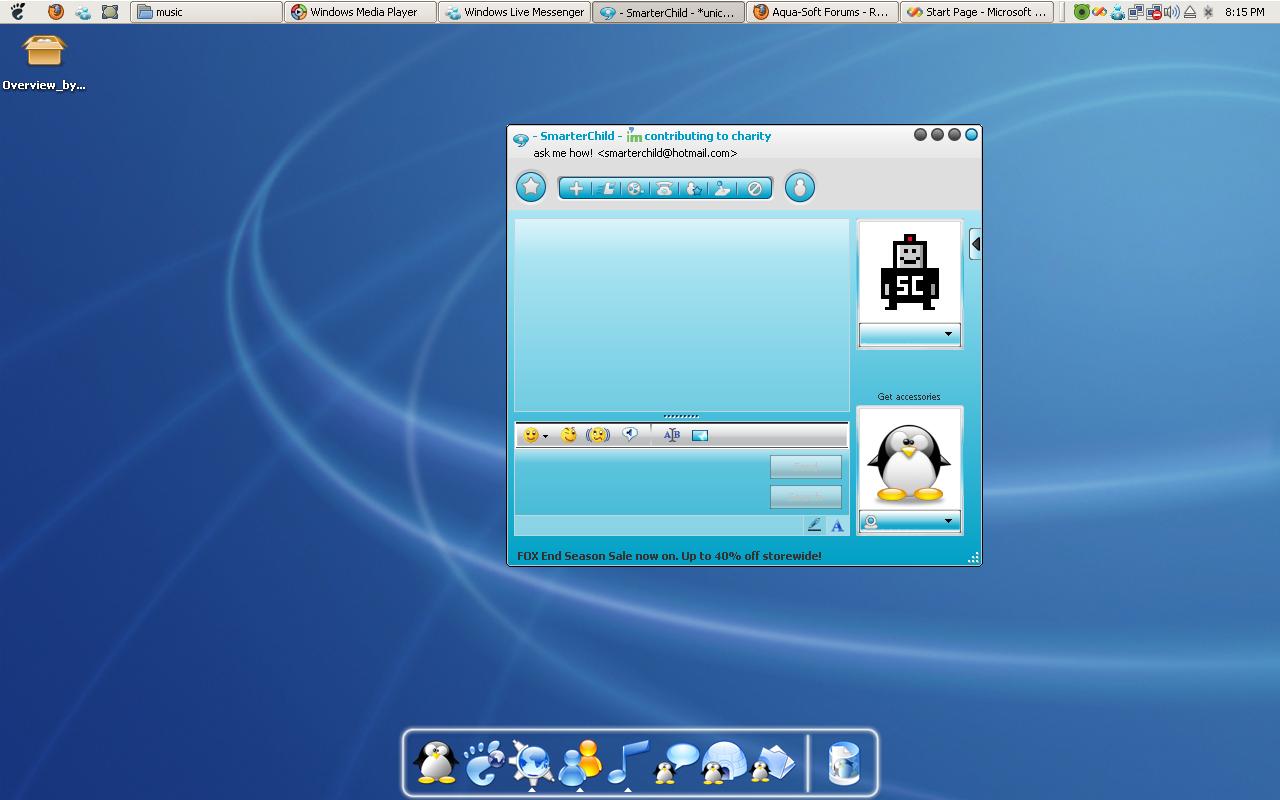
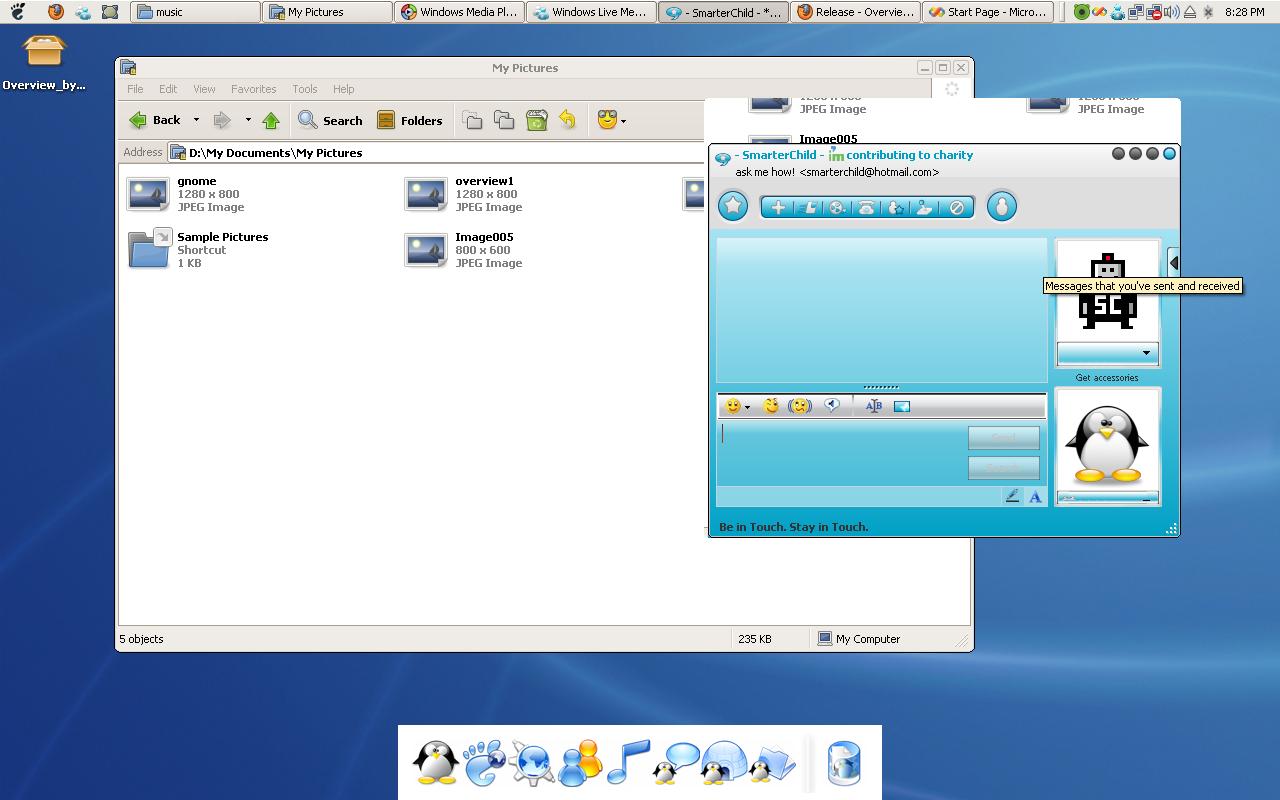
image05 shows alt tab overlay

overview1 shows initial position and condition

overview2 shows the problems like windows live messenger (8.1) (see window carefully. i moved it in order to show the problem.)

problems involved.

rocketdock transparency is dead.. becomes rectangle white when i

*click on the tray icon

*performs overview

the transparency could be obtain back by moving the mouse to the dock

note that windows live messenger conversation window become small. and the background will be with it (if there is a window behind. then the locked image with the window will be the window image. sorry if you dont understand this part.)

this problem only happens with conversation windows and not the messenger.

this problem can be located at winflip, winexpose, pantherswitcher.

EDIT: overview3.jpg will probably show more clearly of the issue with windows live messenger. that is what happen when i move the window.

thank you for your time.

post-39-1198758397_thumb.jpg

post-39-1198758396_thumb.jpg

post-39-1198758398_thumb.jpg

post-64493-1198758396_thumb.jpg

Image005.jpg
Image005.jpg
overview1.JPG
overview1.JPG
overview2.JPG
overview2.JPG
overview3.JPG
overview3.JPG

#484852

@Ultimatsz: Please make sure the exception list has 'RocketDock.exe' and not 'Rocketdock.exe' or some other variation. If you want, send a screenshot of your exception list just to be sure.

The Windows Messenger problem is most likely due to the way they are skinning that application. The only thing I can suggest at this moment is to either not hide the menu bar or add it to the exception list until I can figure out a workaround. Add msmmsgr.exe to the exception list.

Edit: I just did some testing on my copy of Windows Live Messenger and while I do get a black bar when hiding the menu bar, it doesn't changed the height of the window. It may have to do with the skin you are using with WLM. It also looks like you're using an older version of WLM. This might be the cause of some of the problems.

I also see you're getting the Alt-Tab problem. I'll have to look into possible break-downs in the keyboard hook that could be causing this.

As for the crashing problem...did you copy everything over in the updated zip or just the exe file? I added that new options and the configuration file needs to reflect this change.

#484855

i understand of the black portion of the conversation window you experience. because it appears for winexpose and winflip.

you can get that bug by opening the conversation window when it is "minimized" when it is opened nothing like that will happen. try minimizing the conversation window and open it with overview.

as you can see it is not the skin problem. see attached image for detail.

EDIT: oh ya... overview still works. but for me. when i disabled alpha transparency when i try to activate it i get an error

unhandled exception has occurred in your application. if you click continue, the application wil ignore this error and atempt to continue. if you click quit, the application will close immediately

method not found: "Void System.GC.Collect(Int32,System.GCCollectionMode)'.

er.. oh yes.. windows live messenger when i put dont hide the menubar. the problem still occurs. but only the blanked area becomes smaller (shorter).

oh yes somehow sometimes rocketdock transparency remain ok. probably because i excluded it. thanks

post-64493-1198760073_thumb.jpg

overview4.JPG
overview4.JPG

#484860

@Ultimtsz: Ahh, yes, I now see that problem with WLM and I have to say it's more a problem on WLM's end then Overview's side. You can blame the way they draw the window for that problem.

I'll check out that error and get back to you. If you can, please copy the entire error message and mail it to me.

#484862

Hello all

I downloaded the latest version and I changed the alpha blended transparency and it helped with my problems which involved most of the problems stated above including slow loading once the default button are pressed (Ctrl+up) I am not using alt tab due to the problem of superimposition noted in ultimatsz's post . it works better thanks

Sorry for the misunderstanding of my former post - I think it works better with the new version , non alpha blened selection and the memory adjustment .

Thanks and I will keep you abreast of how it works for me -will you continue to update? I have a problem with the automatic installation of Microsoft .Net 3.5 which was huge .

unbenowst to me until it was downloaded and installed without prompts such as do you want the download of the .Net application.

I will try it out

Kirk

#484879

Overview's new version is way more smooth now (I guess I was suffering the memory leak, as I saw a lot of hard disk usage in previous version).

Windows Alt+Tab task switcher appears below your app, I also noticed assigning other hot keys had also strange effects (menus being open, other apps hot keys, etc...).

Can you use an InterOp to call RegisterHotKey / UnregisterHotKey API? You can continue to use your own hook, and use these API calls by side to get rid of the keys passing through.

Also, screenshots of the apps look stretched instead of resized (they loose their aspect ratio). I can post a screenshot of that, if you need.

#484882

It looks beautiful....

However, when I ran it, it started at around 30000 Kb of ram. Then it increased to (in just a few seconds as I used it) to 68000 K of ram. Now it's sitting pretty at that. And it calls the default switcher as well when used with alt-tab. :(

I'm using XP sp2 x64, if that's any help.

#484886

Okay, there seems to be a problem with my normal key hooking...it's the same keyhook code I use in my other applications so I'm not sure where it's breaking down. I might have to recode it...ugh.

As for the screenshots looking stretched... they are, I'll have to work on that a little.

I'm still working on getting the memory usage as low as I can. Look for more improvement in the next set of updates. I must not be disposing of all my images... :S

#484894

i was just wondering... why the alt-tab for windows works for minimized wlm conversation windows?

can i request to allow winkey + tab for opening this?

#485248