Installing fonts in Ubuntu

I have installed Ubuntu, thank you...

I want to get a Lucida Grande font to work. Usually you have to install it from somewhere...

Pasting into the font's folder does not work. That's a problem. Now I'm confused.

Thanks for the help, even though the site isn't too active anymore...

#455254

Right Click -> Install Font

#455292

Just create a .fonts (notice the dot) directory on your home,copy your fonts there and you are done.

#455306

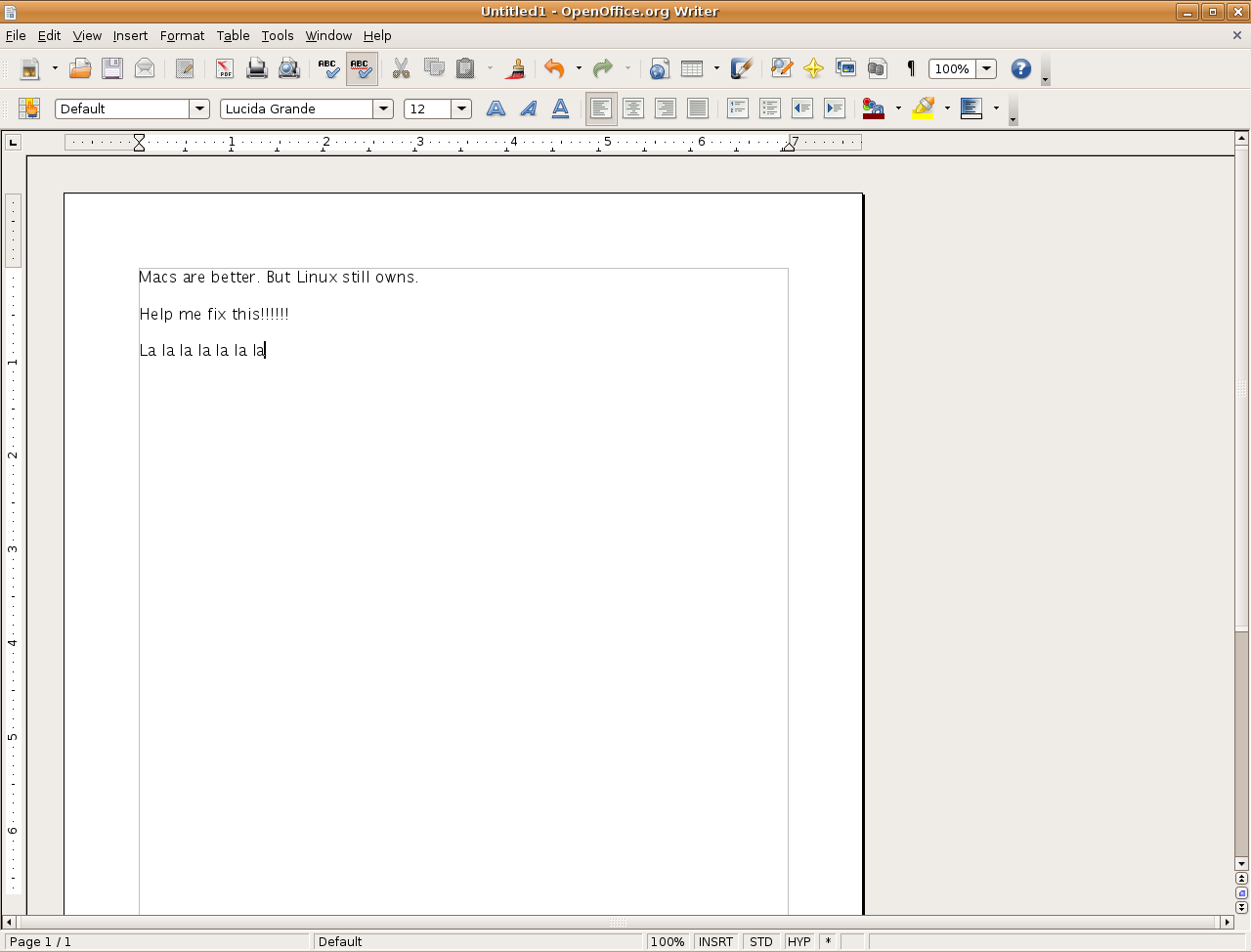
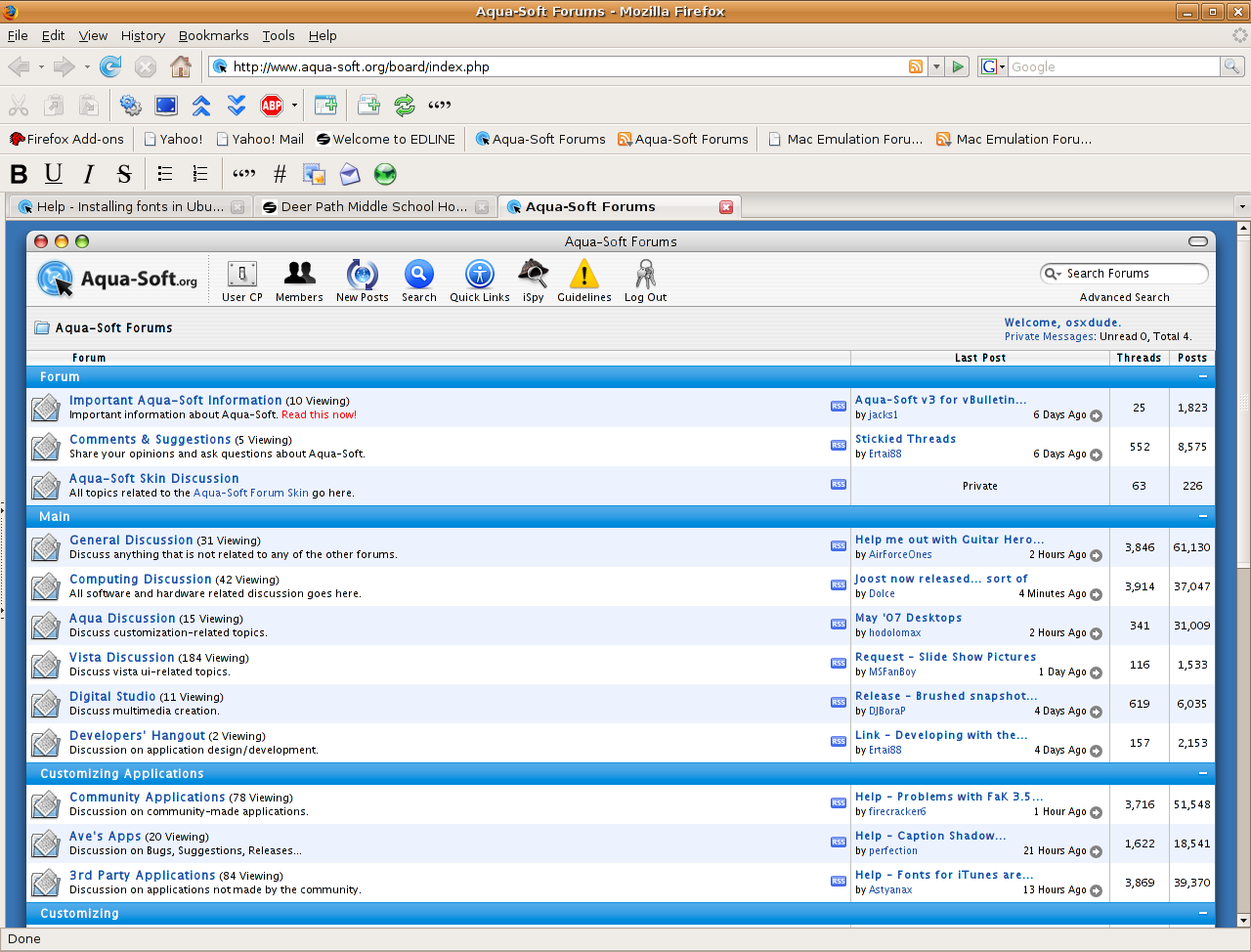
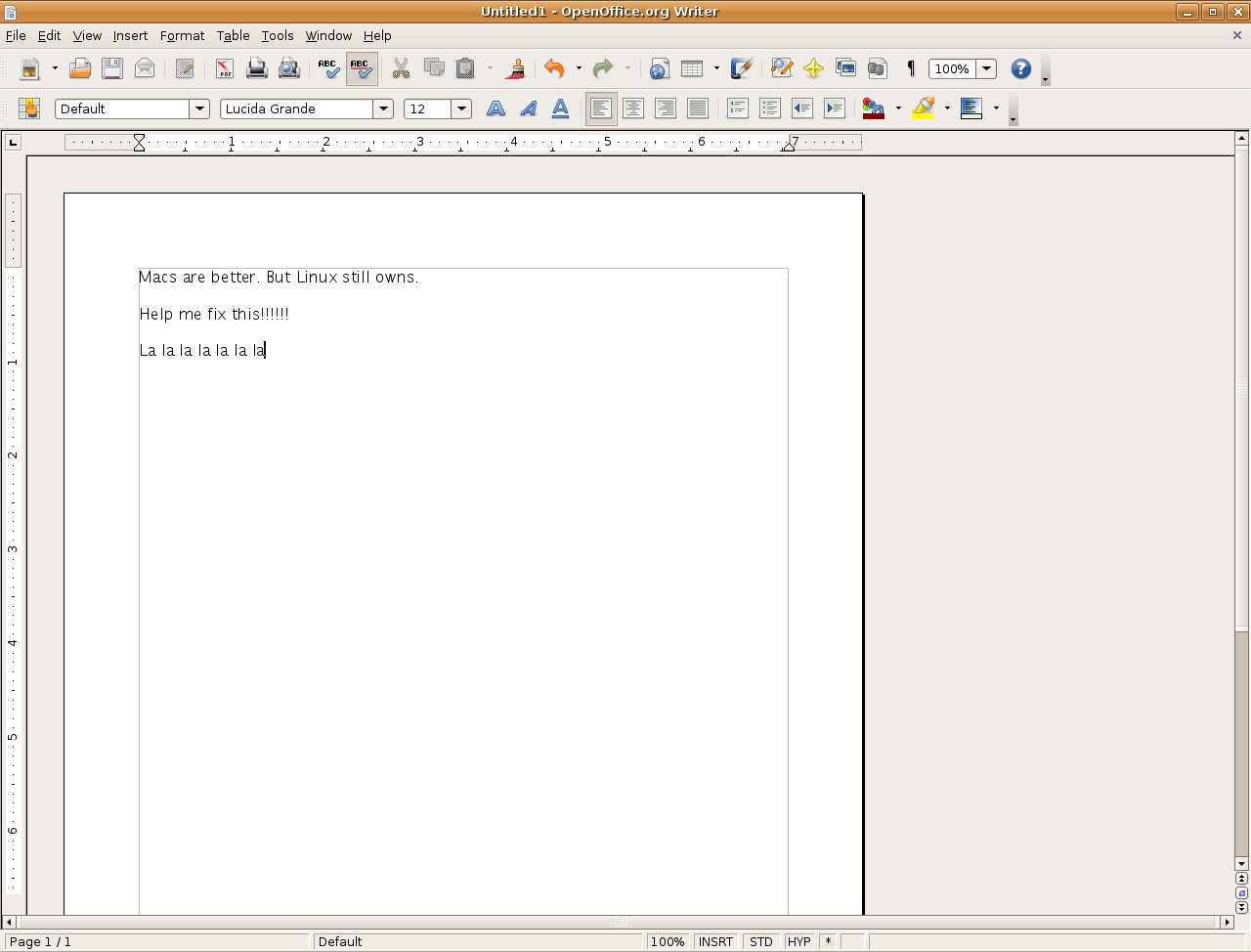
Now I'm having problems w/ font smoothing.

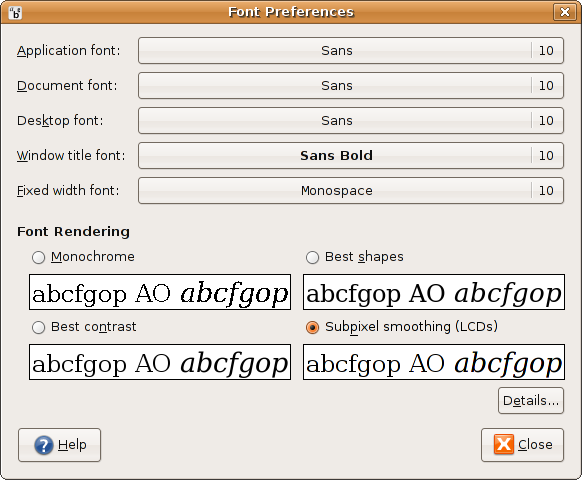
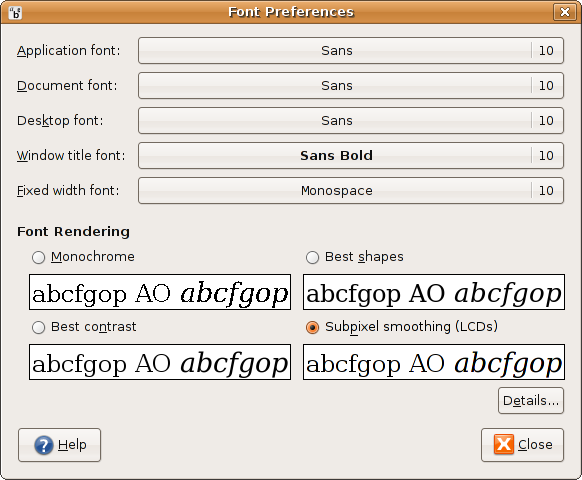
Attached are two examples of the smoothing. The third attachment is my fonts prefs.

This is not working.

post-43987-1178477050_thumb.png

post-20-1178477050_thumb.png

post-20-1178477051_thumb.png

fontsmooth.png
fontsmooth.png
fontsmooth2.png
fontsmooth2.png
fontsmooth3.png
fontsmooth3.png

#455321

Did you check this out? http://www.taimila.com/osx-guide-2.php

Look at the fonts section, its about as close as one can get in Linux

#455343

or you can just run

sudo dpkg-reconfigure  fontconfig-config

and then select Auto-hinter on

#455430

click on the details in your Fonts settings. There should be options for custom tweaking. (using 7.04, 6.10, and 6.06.)

#461816