Bottom Margin with Windowblinds 5

Hello,

I'm using Windowblinds 5.1 with this theme: Mac OS X Tiger

My operating system is Windows XP SP1.

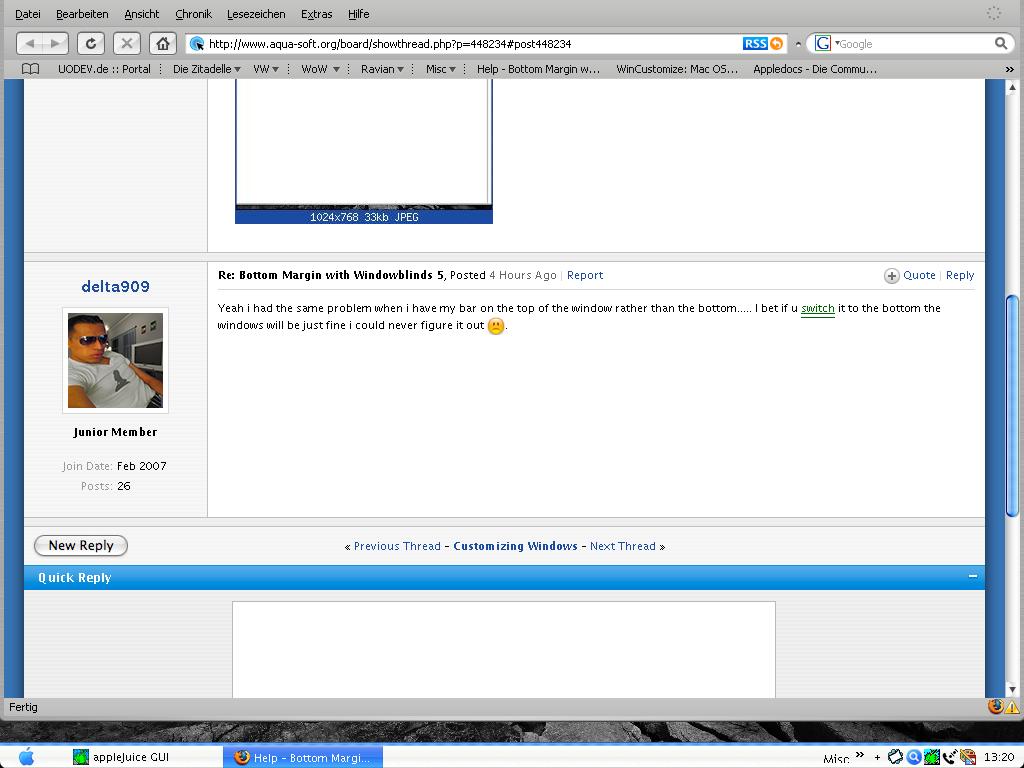
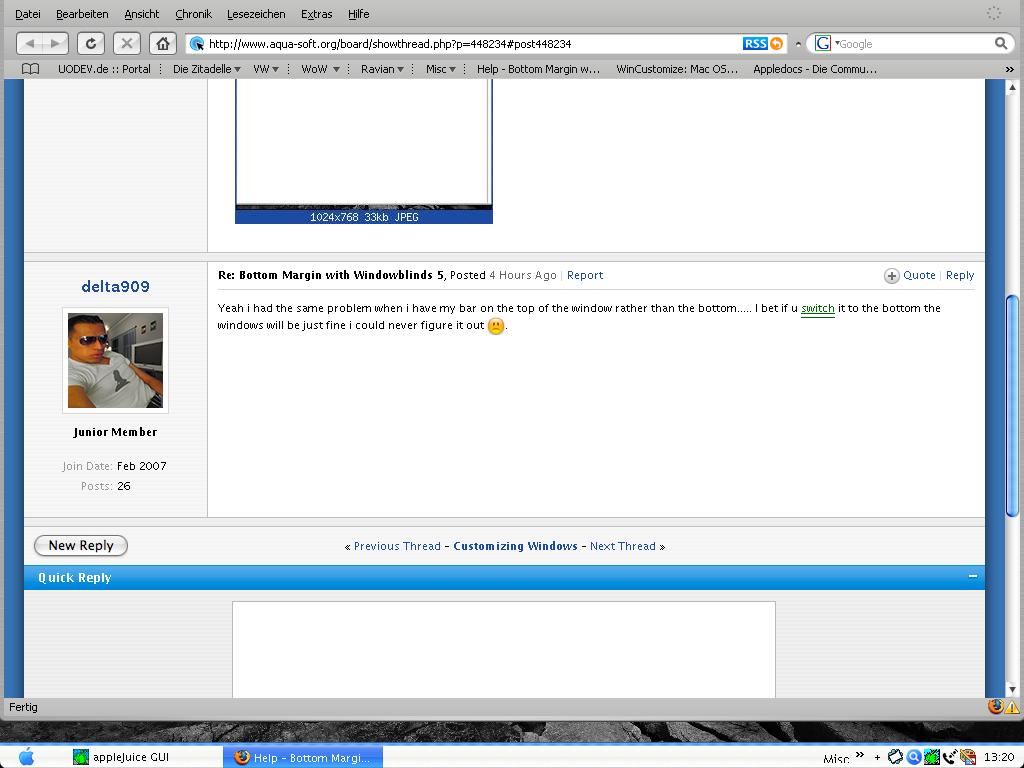
If I start any application e. g. Firefox (which starts in maximized mode) some kind of bottom margin is created an the windows goes behinde the taskbar. I tried already to fix this with HIS but it donts works.

I'll give you a SS for better understanding.

This WB Skin is the beste I'd ever seen, but I'm nearly going crazy with this bug.
post-61716-1174545057_thumb.jpg

bug_screen.JPG
bug_screen.JPG

#448234

Yeah i had the same problem when i have my bar on the top of the window rather than the bottom..... I bet if u switch it to the bottom the windows will be just fine i could never figure it out :(.

#448239

Yeah i had the same problem when i have my bar on the top of the window rather than the bottom..... I bet if u switch it to the bottom the windows will be just fine i could never figure it out :(.

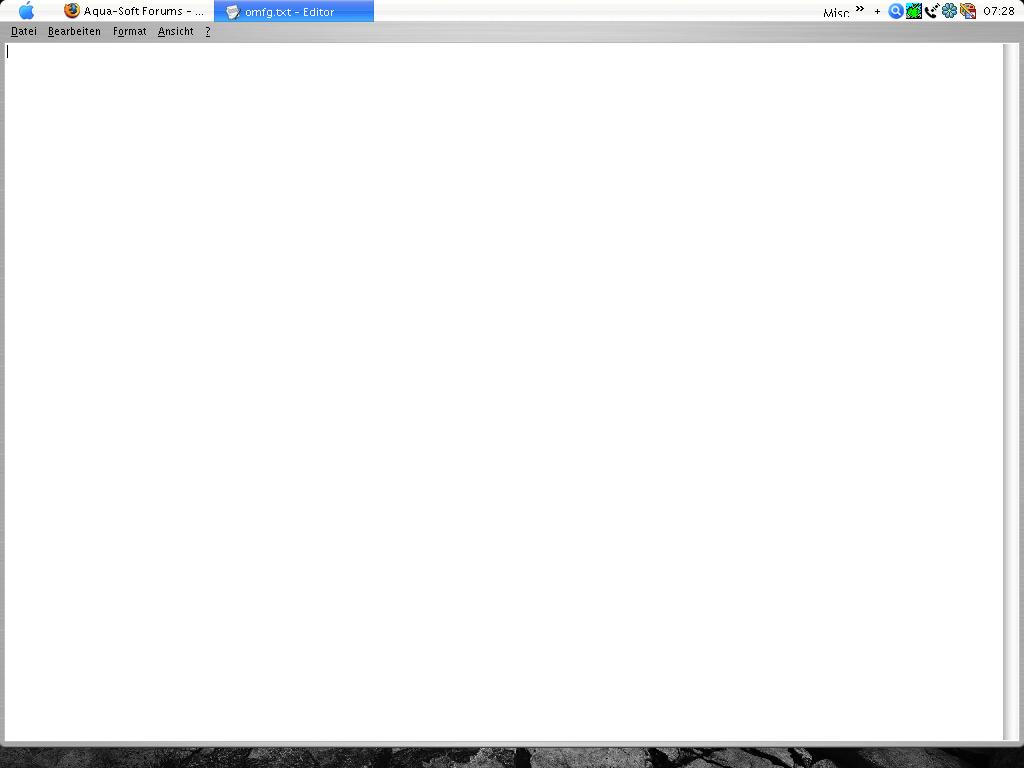
Right you are. You can find another shot with bottom placed taskbar enclosed.

Does somebody know another Tiger theme which looks like my actual one? Or is it possible to fix some etrys into the "Mac OS X Tiger.uis" or "OSX_Graphite_ShellStyle.xps" files?

post-61716-1174566284_thumb.jpg

bug_screen.JPG
bug_screen.JPG

#448260

I just tried that skin and could reproduce that problem. I would recommend updating to 5.5 and see if that fixes it.

#448270

had this problem too, but i use OB 1.5 and when i hide the taskbar with it the bug goes away. try that.

#448337

@Island Dog:

I tested WB 5.5 but it doesn't solve the problem :/

had this problem too, but i use OB 1.5 and when i hide the taskbar with it the bug goes away. try that.

Dunno have OB, but I tried to hide the taskbar bis Object Dock, but this trick didn't work :(

I just tried a different skin (Mac OS X Tiger) and here doesn't occur this problem.

#448779

I've seen this problem with Stardock Central with any skin - because I have the taskbar at the top of the screen....seems like some apps just assume the taskbar's at the bottom no matter what

#449203

I've seen this problem with Stardock Central with any skin - because I have the taskbar at the top of the screen....seems like some apps just assume the taskbar's at the bottom no matter what

And how can I assume the taskbar at the top?

#449281

You as a user shouldn't have to assume anything....the person that wrote the program should have included logic to check where the taskbar is and offset the app not just blindly have it display at the top of the desktop

#449308

You as a user shouldn't have to assume anything....the person that wrote the program should have included logic to check where the taskbar is and offset the app not just blindly have it display at the top of the desktop

Well, do you know how to fix it exactly?

#449449

Well, do you know how to fix it exactly?

I would shoot off an e-mail to support@stardock.com.

#450299

I just got this problem after changing the skin in windowblinds and i was also using objectbar and all i did was minimize then maximize the window then it filled the gap :).

#451535

Yes, but you have to minimize and maximize every window in my case.. and this sucks ;)

Btw. the supports doesn't anwsers anymore to my question..

#451723