 Aqua-Soft Forums
Yeah I did that.
QT TabBar - Tabs in Windows Explorer (XP/Vista)
Open Notepad and add the following two lines. Save the file as FindeXerToggle.vbs.
set WshShell = CreateObject("WScript.Shell")

WshShell.SendKeys "%vex"
In Explorer browse to the folder you saved the file in. Double clicking it should toggle FindeXer, Double Click it again to toggle opposite.
If this works than the button should be working.
It's still doing the same thing, just opening the View menu. o_O
It seems your Explorer shortcuts are messed up.
If you press ALT followed by V, it opens the View menu, right? But then you should see an entry in the View menu that says "Explorer bar", and the "E" should be underlined. If it is not underlined, then this is the missing shortcut, and I don't know how to put it back.
If it is underlined, then press E. This will open up the "Explorer bar" submenu. You should then see the item "FindeXer" and the "X" should be underlined. If it isn't then this is the missing shortcut, and you should apply the registry fix as per the instructions in the zip file.
If it is underlined, then I have no idea why the compiled AutoHotKey script is not working for you!
Ah, had to do a search the first time because I was having a hard time finding that section in the registry. Managed to find it this time and the X was properly set as the shortcut, and the button works now, although I'm still seeing the menu flash as it toggles, is that normal?
Unfortunately, yes. I've noticed that the first time it is really slow, but subsequent clicks are a lot faster. Basically, I couldn't work out how to trigger findexer.dll directly in the QT plugin, so I resorted to this keystroke shortcut using AutoHotKey.
I don't know if this is a QTTab problem, but when I use findxer or click a shortcut from the menu it opens in a new window even though I set it to open in only one window. The folders look different for some reason too. Anyone know why?
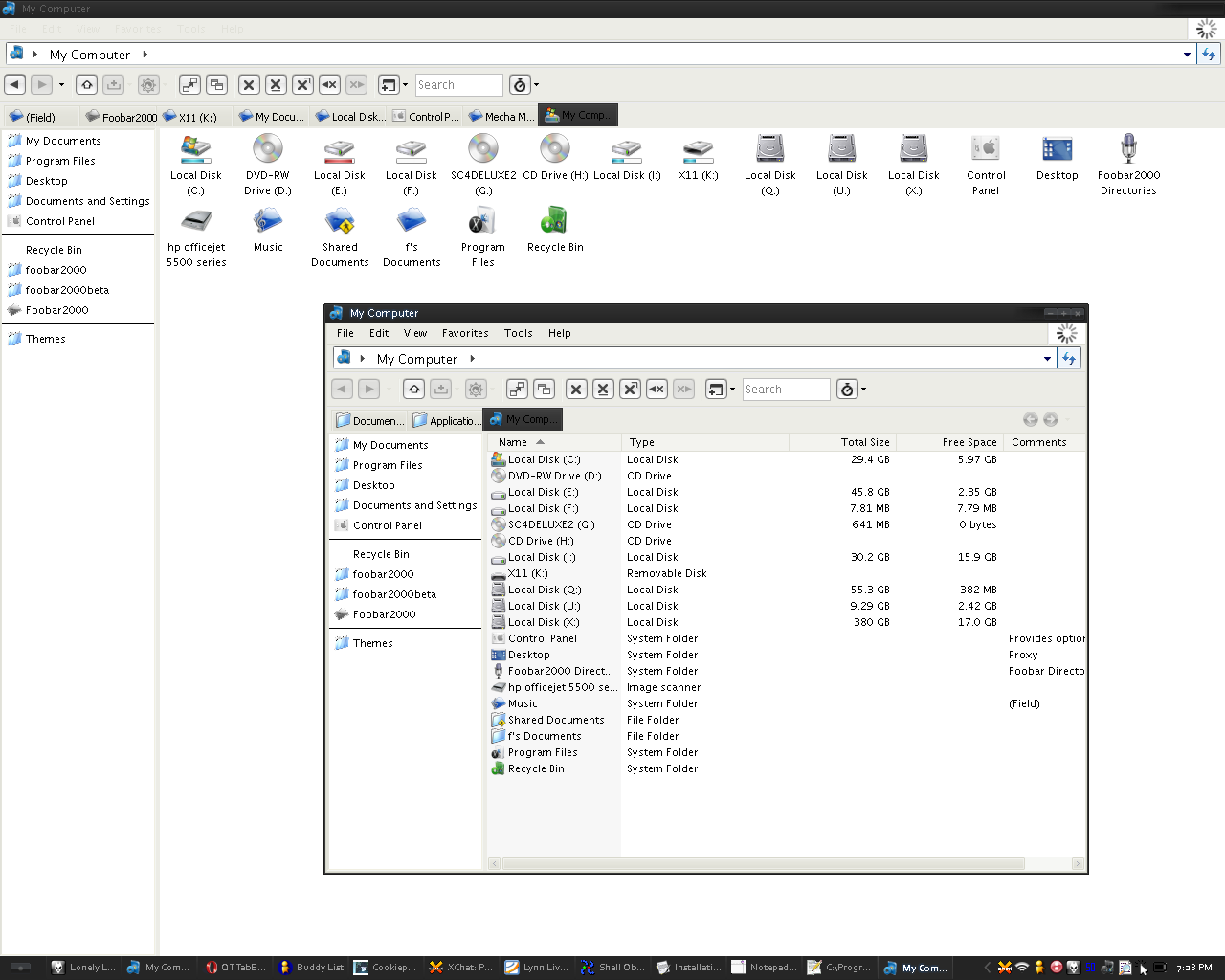
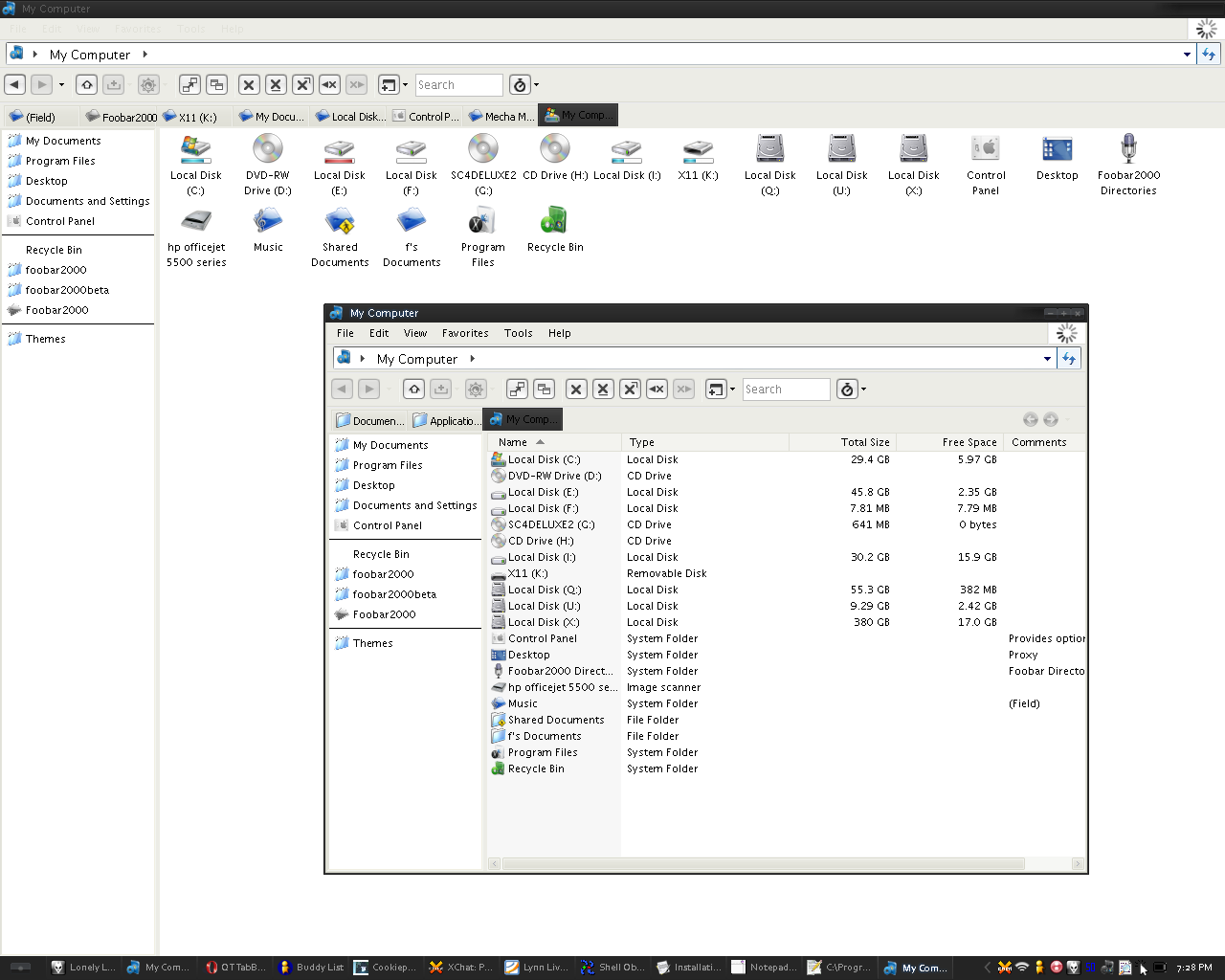
Did you set the option to open in one window in QT TabBar only or in Explorer also?
The reason the folder views are different is because Windows saves the view for each folder up to a limit.
If you want to have all your folder views' the same then you need to set that under folder options (tools menu or control panel), view tab, apply to all folders.
Did you set the option to open in one window in QT TabBar only or in Explorer also?The reason the folder views are different is because Windows saves the view for each folder up to a limit.
If you want to have all your folder views' the same then you need to set that under folder options (tools menu or control panel), view tab, apply to all folders.
Oh sorry, what I meant was that there are two windows open when I told it to remain in the same window. I enabled it through explorer and qt.
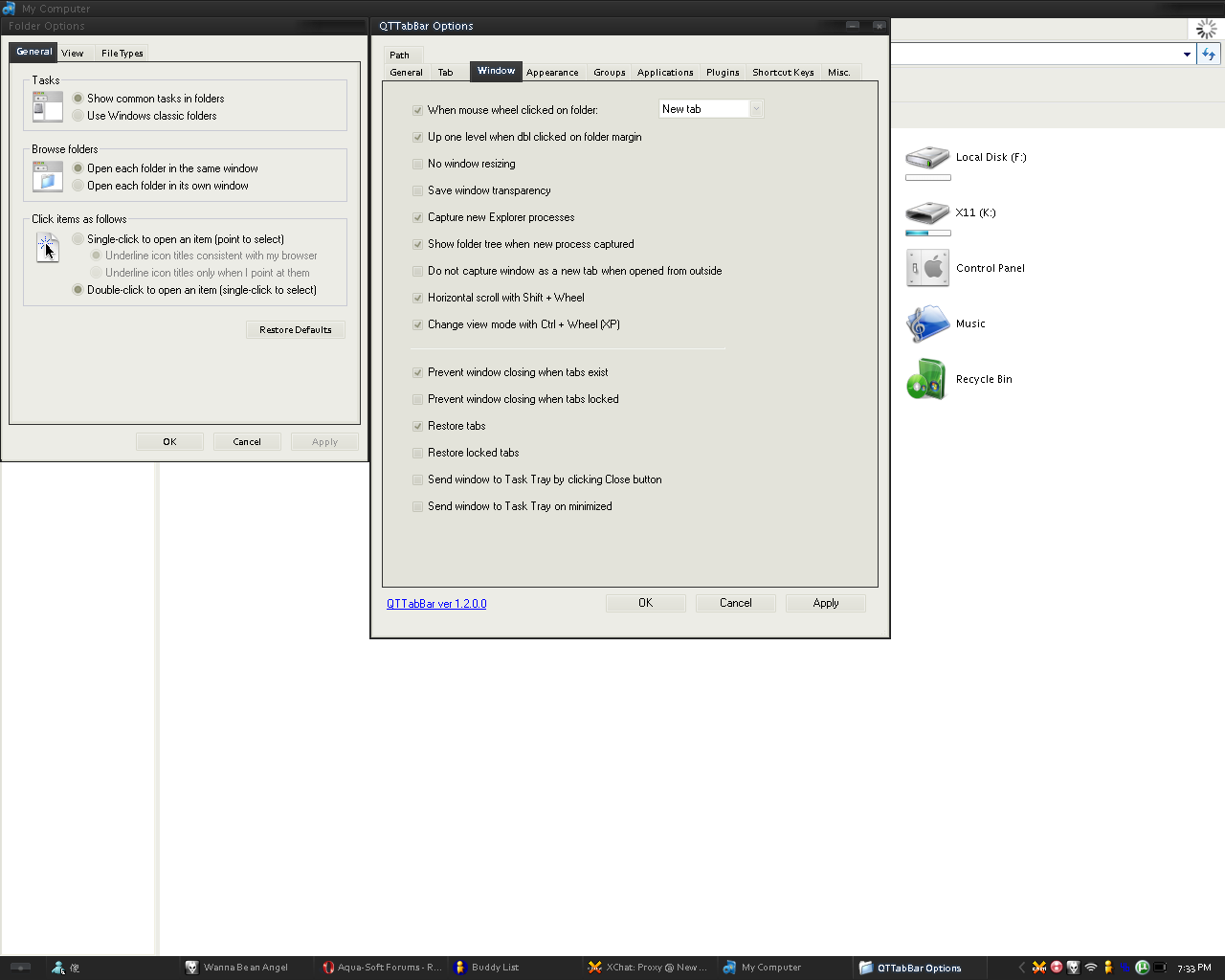

I noticed a weird behaviour whenever I'd press the ALT key in my explorer windows; each time I'd press it it would always bring up the file menu instead of the explorer window menu.
Additionally, this made FindeXerButton shortcuts fail and close my windows every time.
I looked through all my settings and checked that the FindeXer shortcut was set correctly in the registry (it was, and all settings seemed ok) and chased it down to being due to the fact that I was hiding the explorer window menu with Styler. Once I disabled that and brought the menu back into view, the ALT keypress and FindeXerButton shortcut worked fine. I then enabled menu hiding from within QTTabBar and the shortcuts continued to work.
Seems Styler was doing something funky with the menu. 
Anyways, just thought I'd post in case anyone else encountered the same strange behaviour.
Great tools btw. Thanks for the effort. 
Guitar, I'm thinking you're missing a setting somewhere because I haven't been able to recreate your problem.
DigitalCHET, had the same issue with Styler. Guess Styler "really" hides the menu where QT sort of just pushes it out of the way.
Guitar, I'm thinking you're missing a setting somewhere because I haven't been able to recreate your problem.DigitalCHET, had the same issue with Styler. Guess Styler "really" hides the menu where QT sort of just pushes it out of the way.
Oh well, I'll probably mess around with it until I fix it and then post the fix. Thanks anyways.
I have discovered why mines behaved oddly. I had the explorer.exe in taskbar and the explorer.exe as seperate applications. I have merged them so they execute the same and now all is well again.
I have a question about changing the findexer toggle button icon. How exactly do I do it? I'm trying to use just a regular png (256x256 or something) but I keep getting this error:

:confused:
I'm not sure if this is the best way but it is the only way I know how to change the icons: recompiling the source using SharpDevelop.
1. There are actually two icons used. The size of the large one is only 24x24, and the small one is 16x16. I don't know if you can use images of different sizes. So resize your icon using some other program, and save the two sizes using the same names: QTFindeXerButton_large and QTFindeXerButton_small.
2. Download the source code from the earlier post.
3. Open the .sln in SharpDevelop.
4. Double-click on the Resource.resx entry in the left panel (it should be the last one in the tree structure).
5. This is where the icons are stored. With QTFindeXerButton_large highlighted, click on the "Update bitmap ..." link, browse to the location of your new icons, and click "Open".
6. Now choose "Build Solution" from the Build menu.
Then, in the /bin/debug subfolder, you will find your new QT plugin. You will need to remove the old one first, but then hopefully when you add your new version, you will see your custom icons.
(It's been a while since I looked at this, so I hope these instructions work for you. I may well have forgotten something!)
I'm sorry to step in... but changing QTTabbar icons is like super easy......
I got the current version 1.2.2.1(beta one).
Just right click on the button icons' area and choose "Customize..." from the pop-up menu.
On the right bottom part there is the option "Browse image..." for you to click to choose from the png/bmp for icons you stored....
JUDAL9, no need to apologize for stepping in.
Customizing the standard icons is straight forward as you indicated,
it's custom plugins that become more difficult.
I'm sorry to step in... but changing QTTabbar icons is like super easy......I got the current version 1.2.2.1(beta one).
Just right click on the button icons' area and choose "Customize..." from the pop-up menu.
On the right bottom part there is the option "Browse image..." for you to click to choose from the png/bmp for icons you stored....
I'm sorry but are these the buttons you are talking about? Because these are the buttons I want to change and right clicking on them will not display customize.

Yeah, you can't change those...or at least natively. Tried for a while then gave up. Those are the one's to show on tab bar right?
Yes I want them more leopard like but I don't even know where they are located.
You can't. Maybe make a request to Quizno?
hasn't been much activity (responses/updates) there in awhile. This is one of my favorite/necessary windows additions, I certainly hope it's continued. But putting in a request wouldn't hurt I guess.. add it to the queue of the many other requests. Maybe an easy one such as this will spur Quizo's return?
@SirSmiley, I really liked their Monty~Python-ish commercial skits they had going there for a while 
Hello boys&girls
I did the findeXer button tricks and I'm loving it, but there's one little thing.
I read all the topic and I couldn't find anything about it:
The "load findeXer in every explorer window" doesn't work (it worked before).
have you got any idea in order to "fix" it ?
Regards
JOCE
PS: one day it fixed by itself, i dt know why but it worked again...