Aqua-Soft Forums
Thanks for the great template.
Sorry VB newbie here.
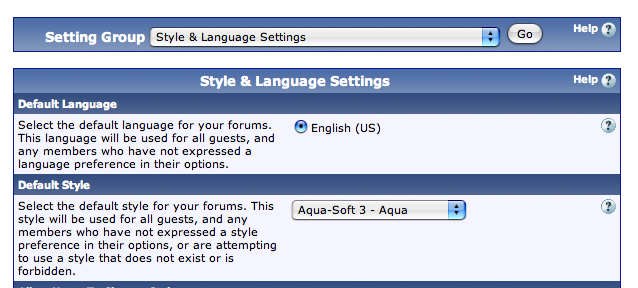
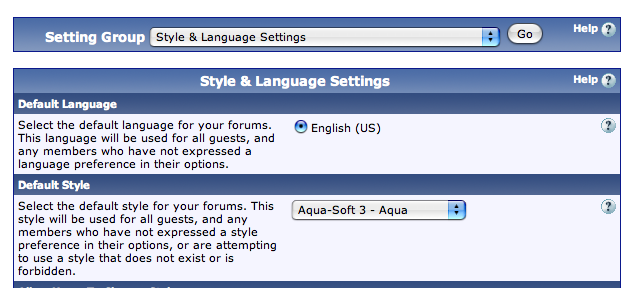
Trying to figure out how to make AquaSoft the default.
The instructions say:
5. To make the skin the default skin, click Modify under Styles and find the Aqua-Soft v3 skin and set it as the Default skin there.
But... under "Styles and Templates" I see
Style Manager
Search in Templates
Replacement Variable Manager
Download / Upload Styles
Find Updated Templates
Also... should Aquasoft need a vbulletin "parent" template.
Using VB 3.6.4