 Aqua-Soft Forums
Hi... otherwise im LOVING FlyakiteOSx...i just have one problem...picture is attached :S what do i do?!
Thanks in advance 
//Thread Closed. Look at shmengie's solution, and you could also stop using YzShadow entirely. -NC
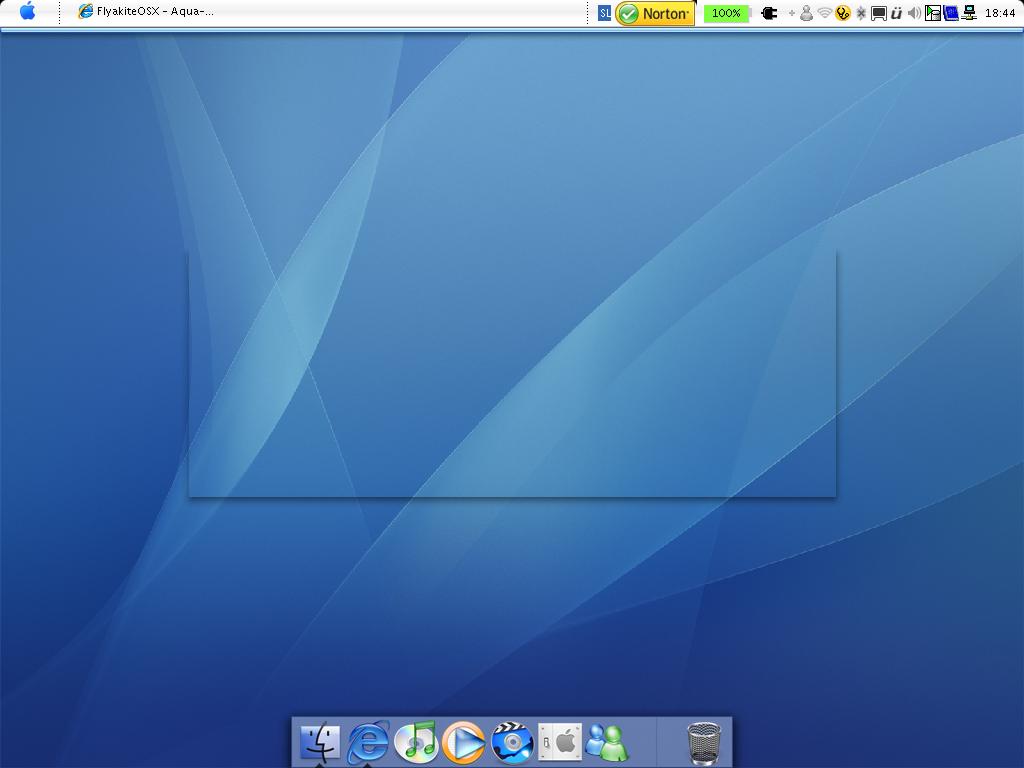
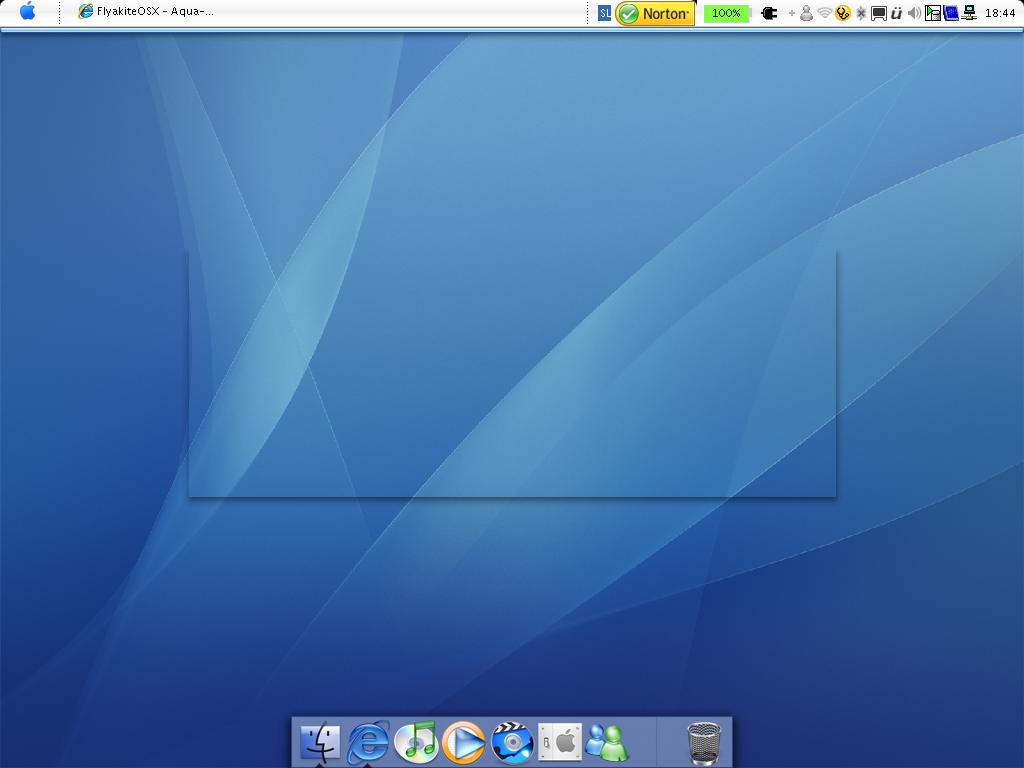
Hi... otherwise im LOVING FlyakiteOSx...i just have one problem...picture is attached :S what do i do?!
Thanks in advance
//Thread Closed. Look at shmengie's solution, and you could also stop using YzShadow entirely. -NC
Right click on the desktop/wallpaper and click refresh.
it doesnt help at all...the window just stays there...
it's y'z shadow. you need to find out which of your running apps has a 'ghost' window open and add that to the y'z exception list.
it looks like the taskbar is unlock right click and lock
yeah. mine does the same thing sometimes. I normally just restart the computer and it sometimes goes away and sometimes i have to just have it for a while and restart again. it might be the computer (I run a Compaq Presario V2000 14.1" widescreen with AMD Mobile Sempron Proccessor, XP Home, and and ATi Radeon Xpress 200M Graphics card with a 60 or 80 GB HD.) Hope this helps.
wwarren92: check my post. THAT is the fix.
it's y'z shadow. you need to find out which of your running apps has a 'ghost' window open and add that to the y'z exception list.
Ya the thing is i tried to find what app is running, i just cant find it...