 Aqua-Soft Forums
Hi, i just installed Flyakite, its great, but the RKLauncher doesnt work anymore, it says its loaded but it doesnt show up, anyways, thats not the main issue, i use the objectdock, same thing.. .BUT! Theres this annoying line at the bottom of my desktop that came with this package, i dont know how to remove it, its not part of the dock, its just this thick grey line, i think its really annoying to look at , it layers over the wall paper too.. so im not sure what it is, if anyone knows how to get rid of it, your help would be nice.
Removing the line at the bottom
Any screenshot?
When i Print Screen, it doesnt appear... Its like a toolbar, but its just painted in grey... its less than an inch, i dont knwo waht it is..
When i Print Screen, it doesnt appear..
LMAO, you still have to paste it in Paint or something to be able to actually SEE the screenshot. Welcome to the AS forum
umm buddy, i know that obviously, i did paste in paint, it didnt even show.
I get the same exact thing silly208...
there's a few different way how u wanted to print ur screen.
here's how u could get a high quality print screen,
press Print screen
right click/create a new bitmap image
right click on bitmap image/open with/Paint [if u have Photoshop would be better]
Select edit/paste
File/save/ u could also save as jpeg [recommended] much...much smaller file
DONE
Here it is -- its a line at the bottom of the screen that "compresses" the resolution -- when i open IE or Firefox, it scrunches the screen and literally shakes. It's VERY odd. PLEASE help.
EDIT: It only happens with higher resolutions...1028 x 1024 is when its happening to me. I want to keep this resolution, damnit!
Anyone know how to fix this?
Ahh..my screen is shaking on some sites! bleh..help!
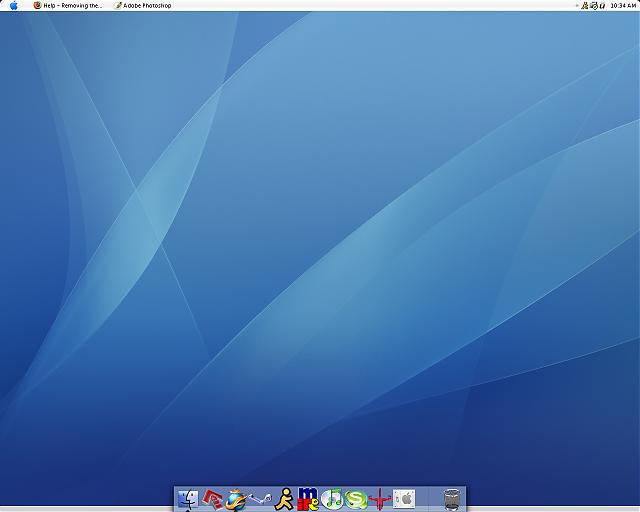
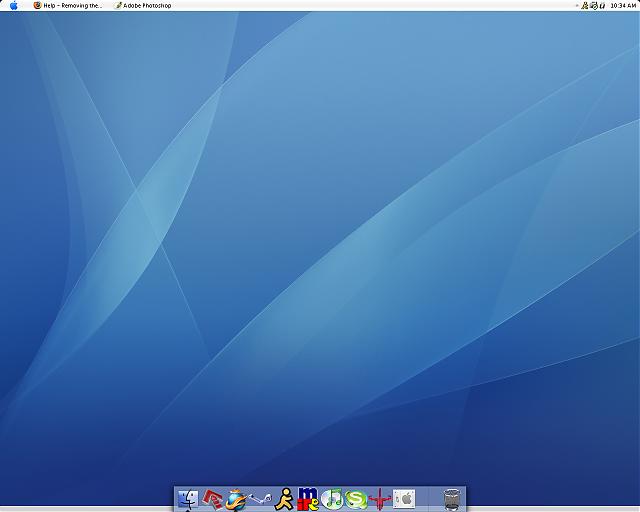
it looks like the wall doesn't crop properly to exact 1280x1024 try another wall
You need to right click the desktop, go to properties.
Select desktop tab and make sure the background is stretched, not centered. It did that to me also.