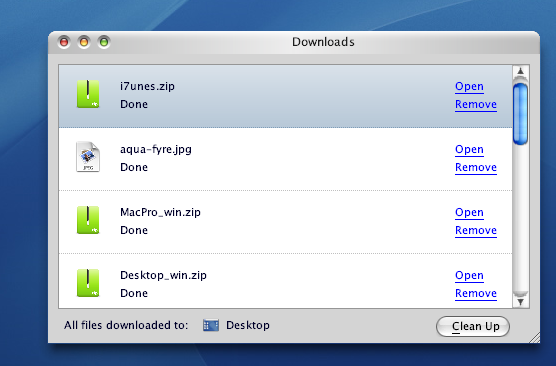
How to tweak the Firefox download window

Anyone know how to remove the "open" and "remove" buttons on the download window, shown in the pic below? I'd like to just have a trash can or an OSX-style delete button instead.

Also, is it possible to remove the grey framing around the window, including the part below where it says desktop and clreanup? (I'd like to keep the titlebar, however.)

Muchos gustos.
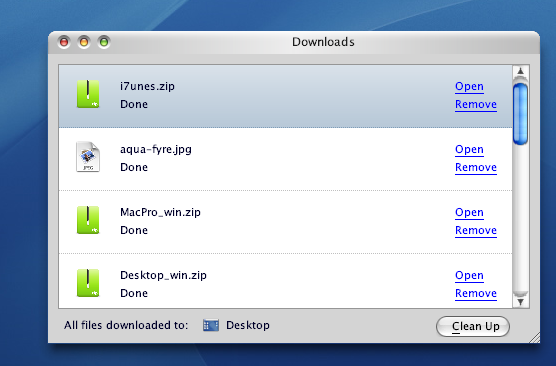
post-35574-1161405527_thumb.png

Firefox.png
Firefox.png

#425480

I'd suggest you to get rid of this download window at all :)

Here's a nice extension for that

http://downloadstatusbar.mozdev.org/

#425516

I'd suggest you to get rid of this download window at all :)

Here's a nice extension for that

http://downloadstatusbar.mozdev.org/

I use that too ^_^

#425525

i use download manager tweaks:

https://addons.mozilla.org/firefox/256/

you can change the image files in the extension folder, this is what mine looks right now:

e51bfdc5b6ad4113bd38f30812e35c63.png

if you uncheck all the boxes of the options shown in the manager you wont get rid of the bottom part, but when you uncheck "showtoolbar in bottom of window" itll be moved above the downloads... for me thats close enough

#426872