 Aqua-Soft Forums
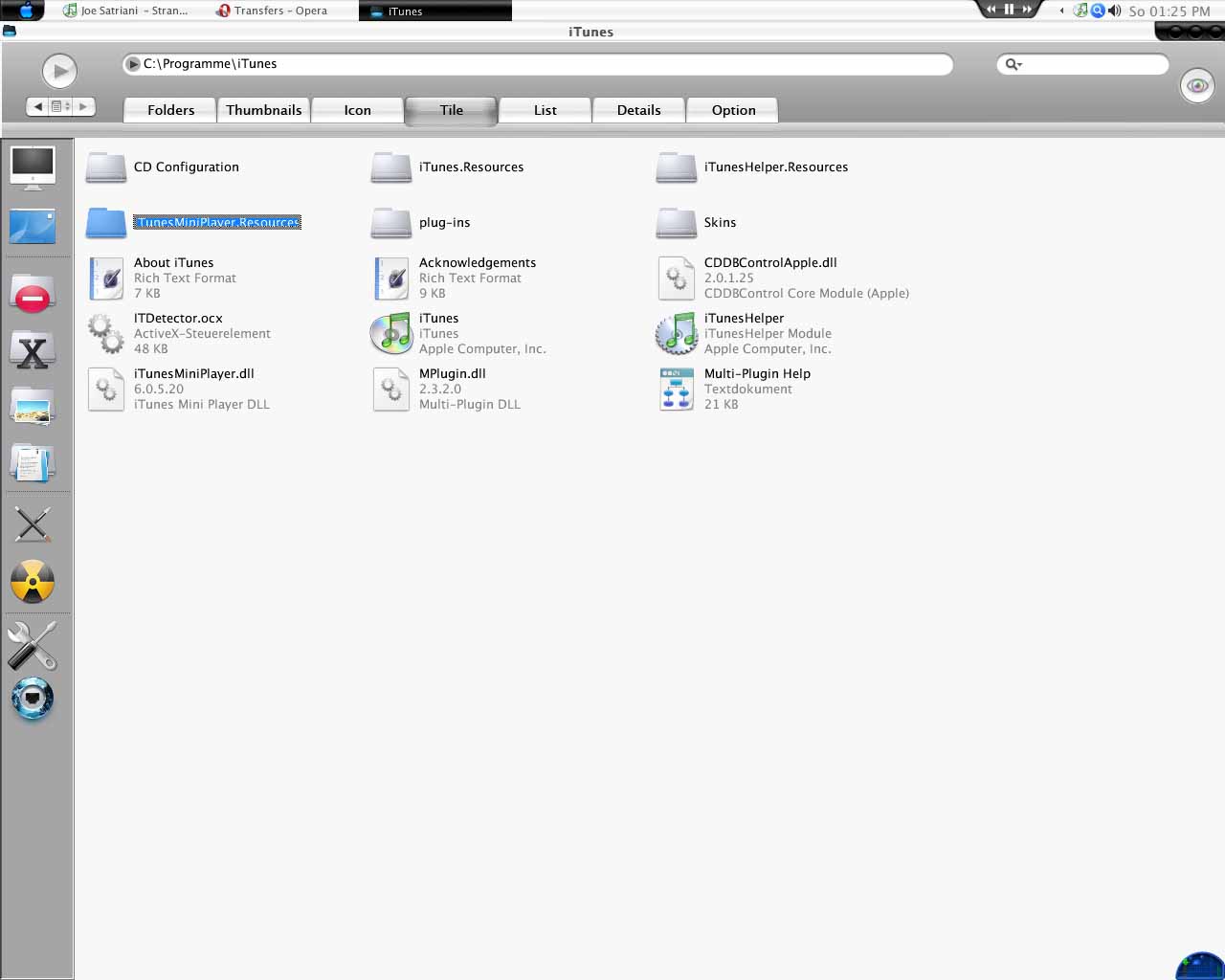
Dunno where the rectangle comes from (maybe Styler Toolbar, when changing font sizes ?). Anyone an idea ?
How can I get rid of this rectangle ???
Is this a finder clone? I believe you can't get rid of that box, sorry mate.
How did you get explorer to look like that?
I have the same frickin problem. Styler does start that . Go to styler options somewhere, there is a setting for selection rectangle. you can try to turn it off but that never worked for me. Just turn the size down to "1".
Is this a finder clone? I believe you can't get rid of that box, sorry mate.How did you get explorer to look like that?
It`s FindeXer and I also use a special theme for Styler Toolbar called "Apple Store Brushed"  Well and of course a different set of icons.
Go to Styler>Desktop: Uncheck "Rectangle over the button"
I've looked at the screenshot but can't see what the problem is... :S
Well see i selected a folder which is surrounded by this ugly grey rectangle. When i open my task manager i can hardly decipher the running processes as the rectangle covers it all 
Thanx man ! It was the Styler Setting which caused the trouble. I set it down to "1" and now it`s fixed 