 Aqua-Soft Forums
some people are not as smart as they think
try this one for the latest release
Wait, was that sarcastic remark about me?...
some people are not as smart as they thinktry this one for the latest release
Wait, was that sarcastic remark about me?...
For people who want to know, remove this in your userchrome.css if you're having problems with the message thread background (scroll bar appears there):
tree {background-color: none !important; background-image: url("OSX Scrollbars.png") !important; background-repeat: repeat-y !important; }
I had a hard time finding this since there was no good formatting at all in the file  .
.
Another problem: There is an empty space between the toolbar buttons and my e-mail's, where normally the dropdown menu and searchbar are. Since I used the Remove searchbuttons extension, they're gone, but the empty space remains.
Btw.

Can we get Firefox to do this too? If so, how? I'd like to know.
Wait, was that sarcastic remark about me?...
no way!
but a few posts earlier i replied to somebody toyo-snow's deviantart page,
with an external link to his latest theme - located at mozilla's homepage.
so, some people are a bit too lazy to read only one text line!!!
you did everything great
Oh okay, patstome, just checking  don't want any bad vibes here, hehe.
@xXCocetaXx, I mentioned long ago (I believe to @matthew) before the official release that you can do this replacing some files. I will post the attachment, once I get everything sorted with my internet space. 
@xXCocetaXx, I mentioned long ago (I believe to @matthew) before the official release that you can do this replacing some files. I will post the attachment, once I get everything sorted with my internet space.
Sweet, thanx  . But it's Gogeta, with a G not a C .
Also you can get the newer Tiger Mail skin which fixes the Local Folders issue. i.e. You don't have to rename local folders to space as it doesn't interfere anymore.
Hey,
After a bit of tweaking, I finally got what I wanted:
Hey guys!
I've also installed this great skin but unfortunately I've also got this already mentioned "Local Folder" Problem. The name "Local Folder is hidden but the folder still exists. Because of that the icon "send / receive mails" is still unusable. Here is a pic of my problem:
http://img129.imageshack.us/img129/2892/tb2bl.jpg
Does anyone know how I can fix it?
Thanks for your support and for this great skin as well!
Best wishes from Germany
Leif
Yeah,I almost got the same problem with the modded tokyo snow skin but it is ok with the original one.I don't know how to fix it.
Hi everyone, i'm a new user over here, and i has been reading about thunderbird and mail, and i wana make it on my Portable Thunderbird, but i can't make it :-( i found all the files but, even that, i can't, i've problems with main toolbar and adn some extensions, anyone knows or got the same problem?
i'll be revamping the theme this month, so hopefully by mid-september (maybe early) i'll get it up to date...
=j
Got some mixed results):
Some of the Extentions didn't work and the Theme wouldnt install.
I used unmodded Tiger Mail.
Check out the attachment
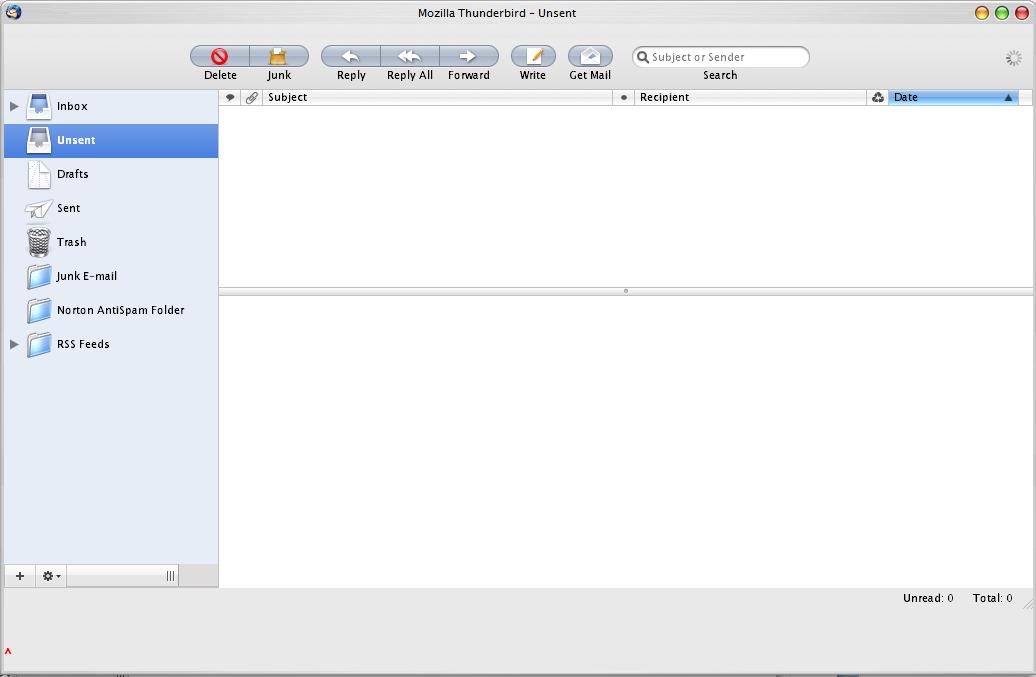
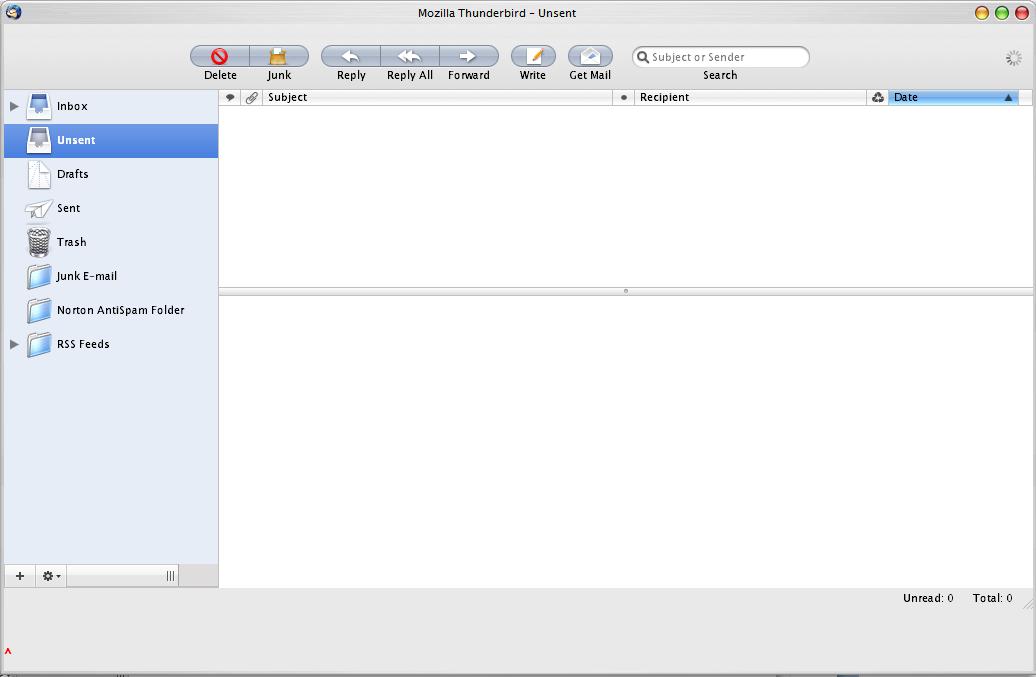
Please can somebody help me with this!I have done all that was written and noting is how it is on the picture.The icons are big but the name of my account is over the line so it goes on the level of mail toolbar.How to resolve the problem?Thanks in advance.
Sorry but I'm reading all in this forum that is connected with Tiger theme for Thunderbird,and everybody has another solution for problems.Now I use "My Modded Tokyo-Snow Mail Skin by ~SeanFletcher" and I resolve probles of account toolbar,but I have still problems with fonts and with some icons.I want to have the icons for above mentioned themes(that I see on the picture)...
Can you help me....
Thanks.
i'll be revamping the theme this month, so hopefully by mid-september (maybe early) i'll get it up to date...=j
//Thread Closed on request
Please no more requests for help until the new version is released .
-NC

