 Aqua-Soft Forums
Okay, I just installed some Mac Fonts for an un-modded-to-osx PC. These fonts look UGLY!!! Check the screenshot.
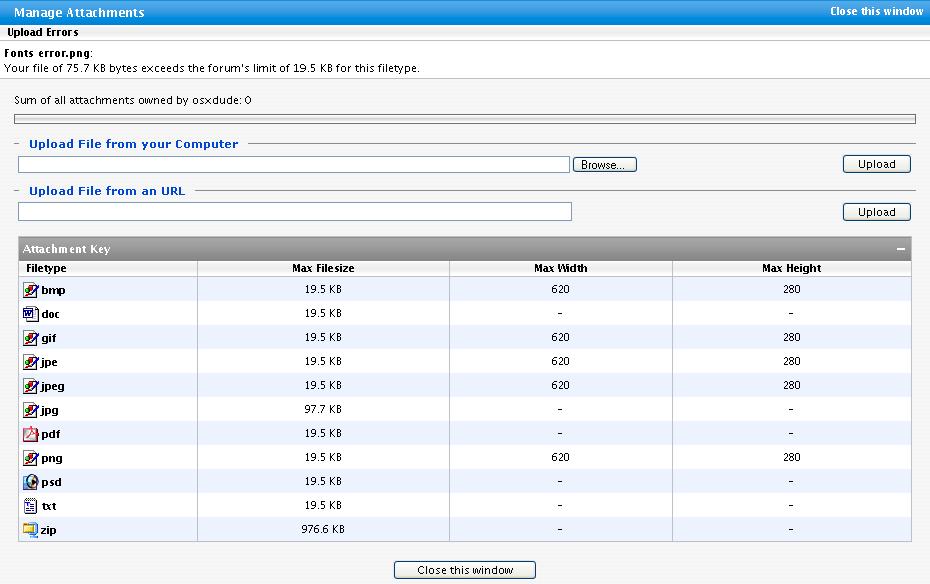

Okay, I just installed some Mac Fonts for an un-modded-to-osx PC. These fonts look UGLY!!! Check the screenshot.
If you have Windows XP, you need to turn on Cleartype. Display Properties > Appereance > Effects > check box that says "use the following method to smooth edges of screen fonts" and in the dropdown hit Cleartype. i also suggest you use the cleartype tuner available here.
I understand if you don't like cleartype at first because it's blurry, but just wait a while. Leave it like that overnight and look at it with fresh eyes in the morning, your PC will look great.
ClearType is what you need my friend.
have you tried turning on cleartype? 
Hey, I dunno if anyone has mentioned it, but I think ClearType might help
Sorry no one is helping out. If I were you, I'd try switching to cleartype fonts.
Why the hell are all of you telling him the same thing -- here, I'll be different. Try Greyscale Font Smoothing to make your fonts the closet to OSX's fonts. 
I believe you'll be wanting a Macintosh. Check apple.com, or follow the suggestions given above. You'd probably have even more luck if you placed your thread in the right forum.
//Thread Relocated
-NC
Okay, because of some virus which is not on the computer, there is no apperance tab. Is there a reg tweak for it?
I'll check that.
Hey, I think I found it.
HKEY_CURRENT_USER>Control Panel>Display>FontSmoothing. What do I change the value to?
-2 in "cool points" for osxdude .
1 point is from spelling weird incorrectly (how come I didn't catch that?!)
-1 point for double posting
(//Posts Merged, Thread Retitled)
Here are the Board Rules, I suggest you read them  .
.
because of some virus which is not on the computer
How can a virus not be on a computer and still affect it? Viruses spread over networks still install themselves on the host computer, to my knowledge...
-NC
P.S: Just kidding about the cool points, but seriously, double-posting is against the rules.
No one has mentioned cleartype! How could you miss that?
FFS people... do you not know anything? This poor user that you're harassing simply needs to turn on Cleartype.
About the virus thing: Um, it did what it wanted to do, then deleted itself, making everything the virus changed permanent.
And I asked for a reg tweak!!!!!!
Just reformat, don't deal with viruses.
Neal, I'm downloading it now.
Reg tweakers! Pls send tweaks!!!!
And how to reformat?
Oh and this computer I'm using is my dad's.
CLEAR TYPE IS NOW ON-Close thread, please.
Oh wow, just look at how much cleartype replies there are here, and you finally try it.
Well, I didn't repond for a while.
