 Aqua-Soft Forums
Hi all,
does anyone know where I can remove this mouseover effect in the Explorer Toolbar?

I searched inside shell32.dll and explorer.exe but could not find it...
Hi all,
does anyone know where I can remove this mouseover effect in the Explorer Toolbar?
I searched inside shell32.dll and explorer.exe but could not find it...
Change your Explorer toolbar with Styler v1.38 ($10 the toolbar only / $17 full) (Skins are here).

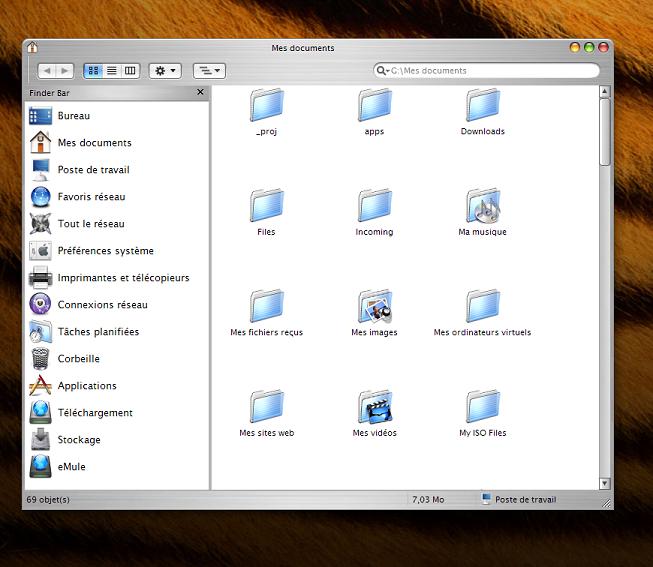
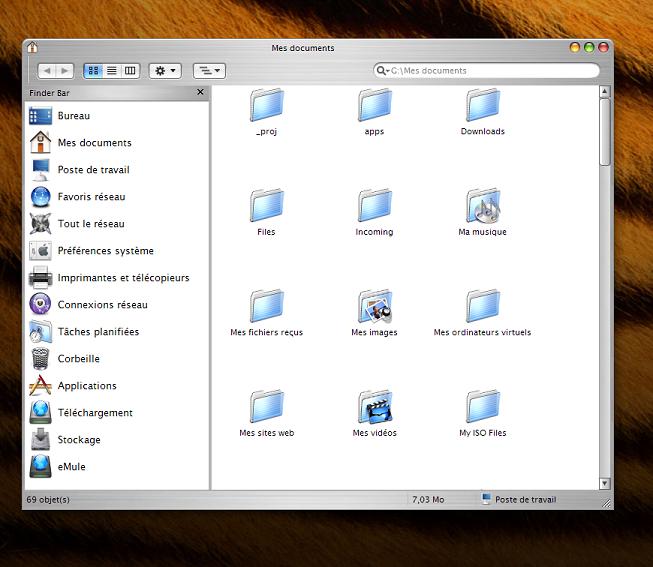
Thanks for the quick answer I will try this out.
But I actually try to avoid having run so many sytyling-software. There is already y'z shadow, winroll etc. that are running in the background.
So I would be happy if someone coul tell me if one could solve my problem without using any additional software.
Greetz
kungfunefar
OK, I'm convinced of Styler Toolbar, it's great !!!
So this looks really like it should in my opinion.

Thanks a lot!
I did not have Y'z Toolbar installed so it works fine. Y'z Toolbar was originally the reaon why I did not want to use any software to manipulate the style of the explorer because Y'z toolbar is very bad to handle and crashed very often. But Styler works great and its comfortable to add and set the position of buttons.
Removing explorer menubar is a nice feature too.
---------------
Now I found out that this effect is saved in the visual Style (*.msstyles) file.
But I think I will keep Styler because its much more nicer.
Thank you for your good advice !!!
(//Posts Merged. -NC)