Aqua-Soft Forums
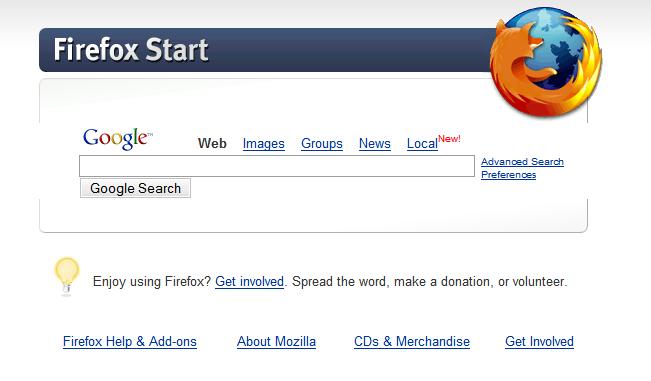
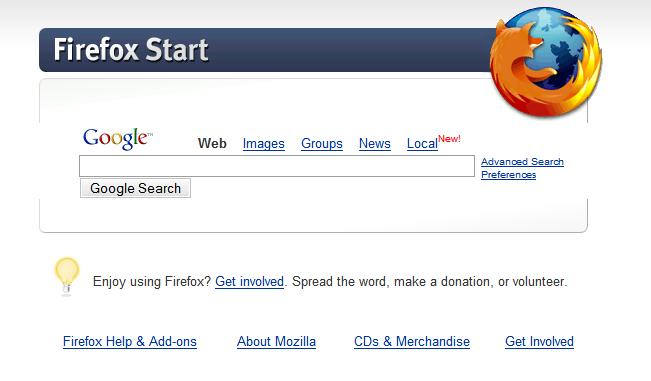
notice how the grey bars aren't connected to each other.
anyone else get this problem? all the screenshots i've seen don't have it. thanks.
notice how the grey bars aren't connected to each other.
anyone else get this problem? all the screenshots i've seen don't have it. thanks.
Not I. Renders perfectly fine. What version of FF are you using?
the latest. extensions running are fasterfox, titlebar tweaks, customizegoogle, copy plain text, disable targets for downloads, sage, ie tab, compact menu, and dictionary tooltip. the thing is, though, it even does it in safe mode =
mine doesn't show that. i'm using ff 1.07
try installing each extension one by one and see which affects it.
I'm still on 1.0.7, so I can't reproduce your situation at all, sorry.
your fonts are causing that... check that your windows style is using either arial or tahoma... on firefox my main font is times new roman, size 16... might be that too
Try clearing your cache....
no dice guys..but thanks.
I believe I've had that problem before...have you quit Firefox in a while? Try restarting the app...
-NC
P.S: What's the address of that page? Did you try http://www.google.com/firefox, or something different?
i've used both http://www.google.com/firefox and http://www.google.com/firefox?client=firef...:en-US:official to no avail.
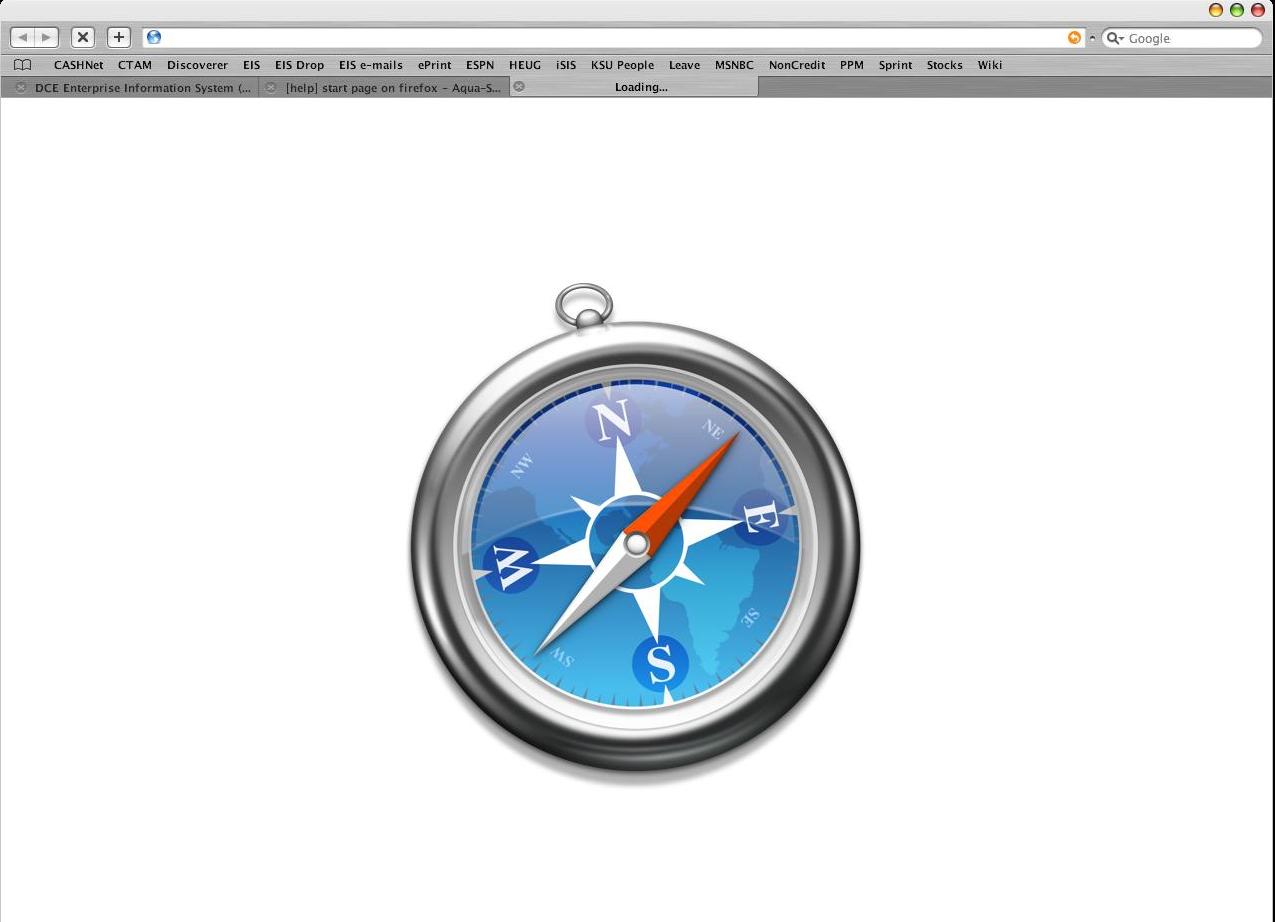
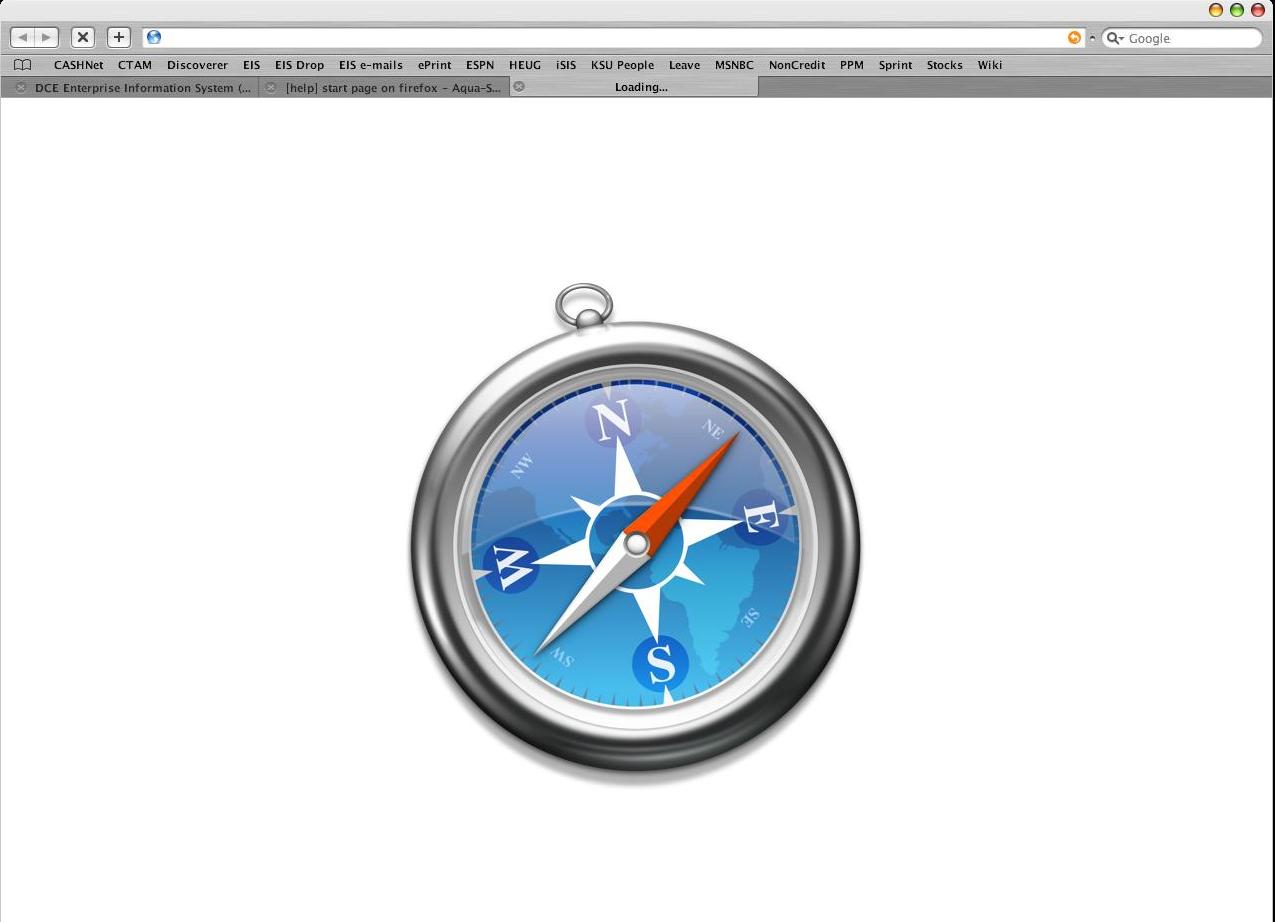
On the topic of start page on FireFox:slant: , How do ya get rid of that watermark image on a new page or new tab, the one with the Firefox logo on it while the page is trying to load,
FireFox 1.5
Sorry to bump this old thread, but this little watermark thing has been bugging me for some time. But I finally figured out where the image resides.
It's in your theme .jar file, globaltoolbaritsfirefox.png
Your theme .jar file is at c:documents and settingsyouapplication datamozillafirefoxprofileswhateverextensionsanother folder
i'm on firefox 2.0.0.3 and all i seem to get is a grey background, the same colour as my windows theme...
i don't even remember the firefox watermark.
This was related to Firefox 1.5. It would appear when you clicked on a link from an IM or an e-mail, and you already had FF open and it would load in a new tab. I'm using a modified SaFire theme.
Here's a screen of what I changed it to.