Aqua-Soft Forums
hey,
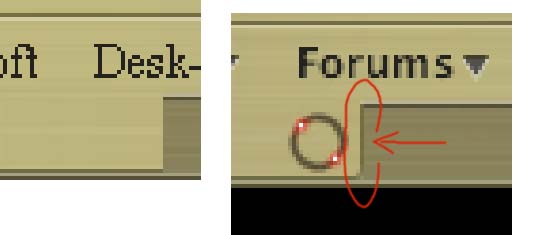
how i change my tab(a) in firefox like the tab in the picture ( ? :confused:
THANKS


hey,
how i change my tab(a) in firefox like the tab in the picture (? :confused:
THANKS
i cant even see the difference between the two, they are so dark
i think one of the tabs is more visible then the other. i think this is pretty common with dark themes.
sorry to thread cap but i'm having probs trying to get this theme to look correct also; related to tab/theme look.
can someone help me with tab/firefox theme also?
http://img375.imageshack.us/img375/5199/firefoxhelp6ez.png
1 - how to get the apple icon/down arrow icon?
2 - how to get down arrow on bookmark toolbar?
3 - how to remove the top line on active tab to make it blend it?
for #3, leftclick on the line and then click delete. should take care of it.
Are you running any tab extensions in Firefox?
You must have Tabbrower extensions.
Open the preferences (of Tabbrower) and go "Tabbrower Extensions -> Misc"
and check the "Use another appearance for Firefox on Mac OS X" 
I know about this because I had the same problem and i was looking to fix it all night 
what does that do MPAMPoULAs? all i see is it moves closer button to left.
That is the answer to Ac1D-D3v1L 3o3 question.
If you have Safarimod skin without that the left and right side of the tab does not show(you see just the midle image).