 Aqua-Soft Forums
http://otherside.fc6.net/vs/shinobi.zip
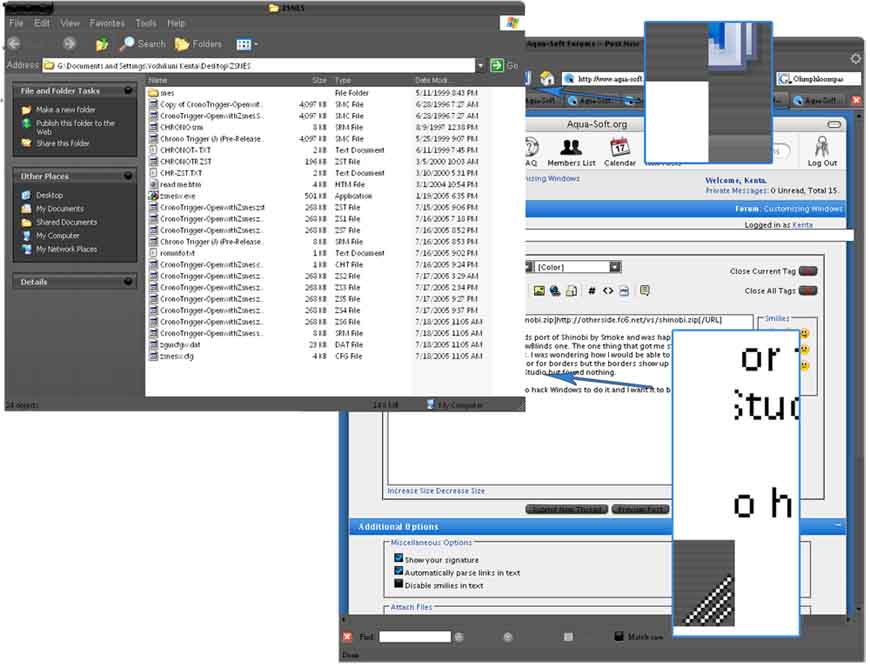
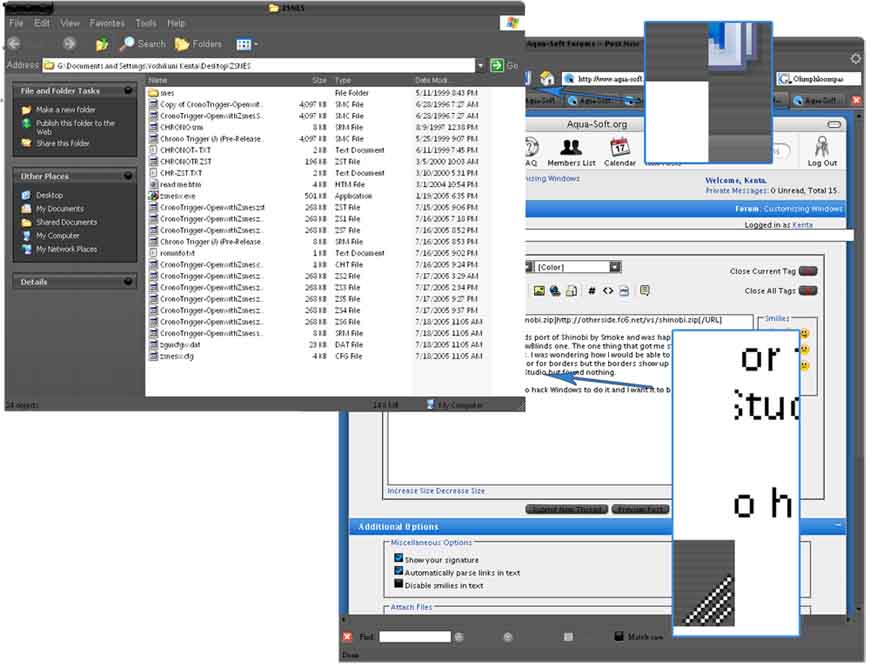
I recently downloaded the WindowBlinds port of Shinobi by Smoke and was happy with the transition from the msstyle Shinobi to the WindowBlinds one. The one thing that got me stumpped was how Smoke made truly borderless windows. I was wondering how I would be able to achive this with Skin Studio. I tried using the magic pink color for borders but the borders show up as it when you apply it.
I also looked for a size setting in Skin Studio but found nothing.
This is driving me crazy. I don't want to hack Windows to do it and I want it to be USI2 compatiable.
Thank you.
 Make sure you use the same margins too, they have to be the exact same as the milk's border margins.