[req] Lucida Grande font, without web text input bug

Umm, not really sure where this goes... I'll try here.

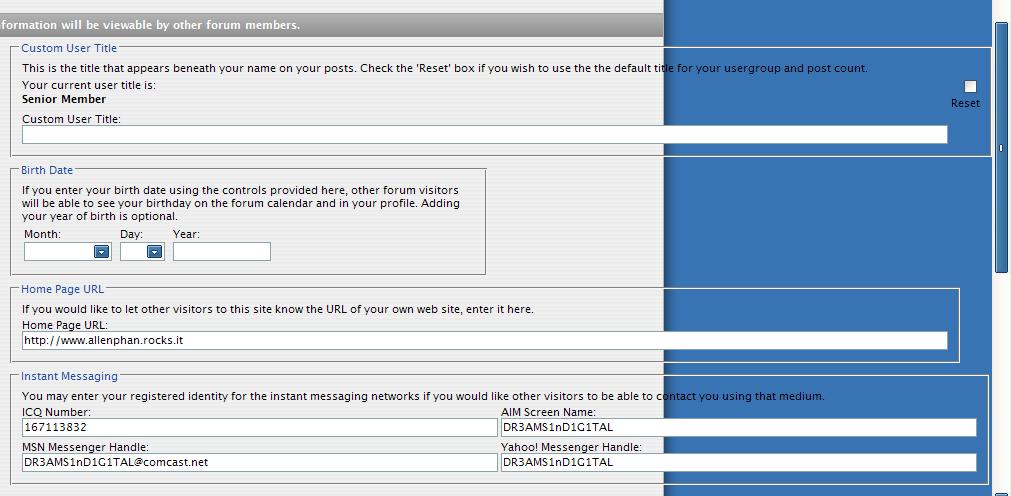
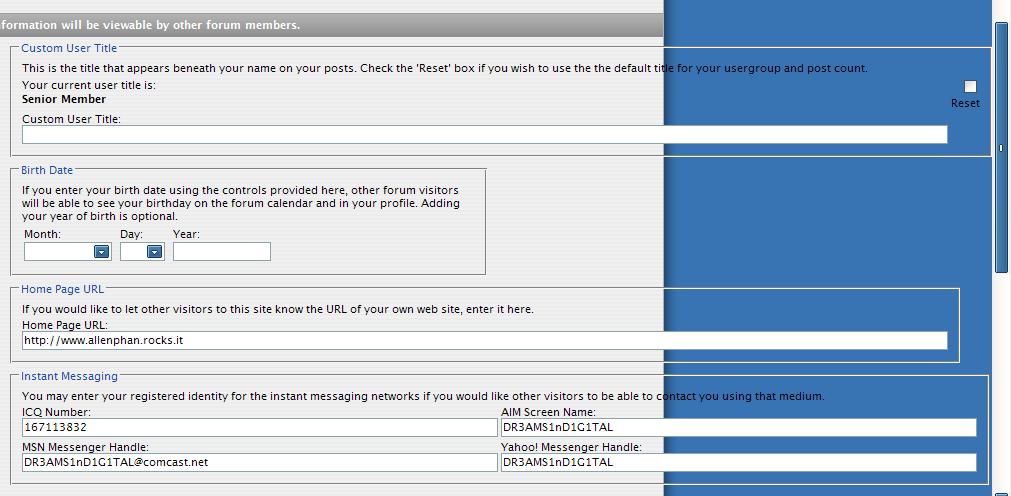
I'm looking for a version of the Lucida Grande font for Windows that does not have the bug that stretches the text input fields on websites. Since the release of the Aqua-Soft vB skin, it's been known that it's the font that's causing the bug. I'm currently using Iceman's version of Lucida Grande. So does anyone have a version of the font that doesn't have this bug (preferably one that keeps the same look)? Or does anyone know how I can fix it myself somehow? I've looked around, but can't find another version.

Thanks
post-2930-1119493437_thumb.jpg

bug.JPG
bug.JPG

#295081

Hmm, anyone?

#295272

2.1.6. "Bumping" or replying to your own posts or older topics is frowned upon - only post in old topics or reply to your own posts if it furthers the topic of discussion, and the post's content warrants the topic being revived. For example, reviving a month-old topic to inform the author of your appreciation is frowned upon - send them a private message; reviving a month-old topic to inform other members that you have found a solution to the problem being discussed, however, is acceptable.

Please read the rules. Ignorance is not an excuse.

#295306

I guess I have it because mine doesnt stretch any text box

#295364

mind sharing then?

#295387

Just give me your email :P

#295393

PM sent :)

#295398

hello can somebody send me the same font?

Is there bold version?

Also whats the difference between Lucida Grande and Lucida Mac ?

Thnx in advance.

#296603

Hi,

Could anyone send the font for me too, please ?

My email is rissol@gmail.com

Thanks

Bye

#296625

Thanks to karma.police :)

lucida grande.zip

Attachment: lucida grande.zip

#296675

Thnx a lot DreamsInDigital :)

#296739

Thanks to karma.police :)

Thankyouverymuch ;)

#296824

i tried the font provided for download, and it still has that same bug, is there a particular release of Lucida Grande, that does not?

#298131

i tried the font provided for download, and it still has that same bug, is there a particular release of Lucida Grande, that does not?

It works fine for me... did you uninstall old versions?

#298141

This version works fine.

You need to delete or move out your old version from C:WindowsFonts and then drag and drop these there.

Just in case, you might want to reboot to see the difference :)

#298204

funny enough, i tried these, and the font just looked awful compared to the version i had previously. so i deleted the newly installed ones, and re installed the old ones i had, and for somereason, i dont have the text field bug anymore.

#298229

for me work after I rebooted my system

#298248