Running 2 RKLaunchers

I have tried to run 2 RK docks at the same time...it works beautifully, but the philosophical problem of which one will start when i run RK (at startup and anytime i shut them down) has arisen.

Is there a solution?

Thanks, this seems to be the best dock for me (tried Object Dock)

Rich

#285926

Dont get your problem. I used to have two replicated YzDock folders and ran each of its shortcuts at sartup.

#285928

great! if i understand you correctly, i should have 2 (or x number) RKLauncher program paths? like "

c:program filesrklauncher1

c:program filesrklauncher2, etc.?

and then launch each one ? thanks for your help

#285931

yes Seph is right ;)

#285933

thanks! i wonder though if there is a better visual solution than lots of docks....

in any case, rklauncher is excellent and stable on my system.

Rich

#285934

;) there you go - glad to be of help.

#285937

Well, if it's an issue with having both docks on the same edge of the screen, why not just align one on the side and one on the bottom?

That's what I do.

#285958

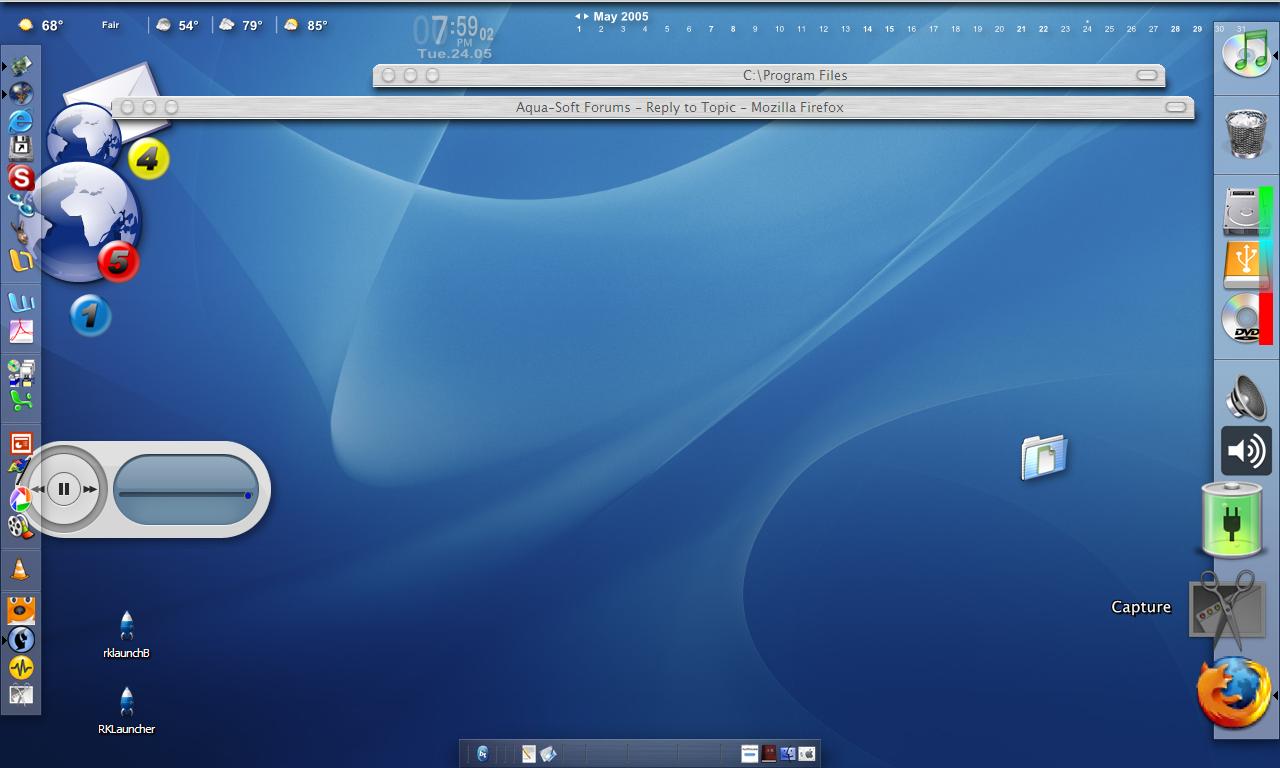
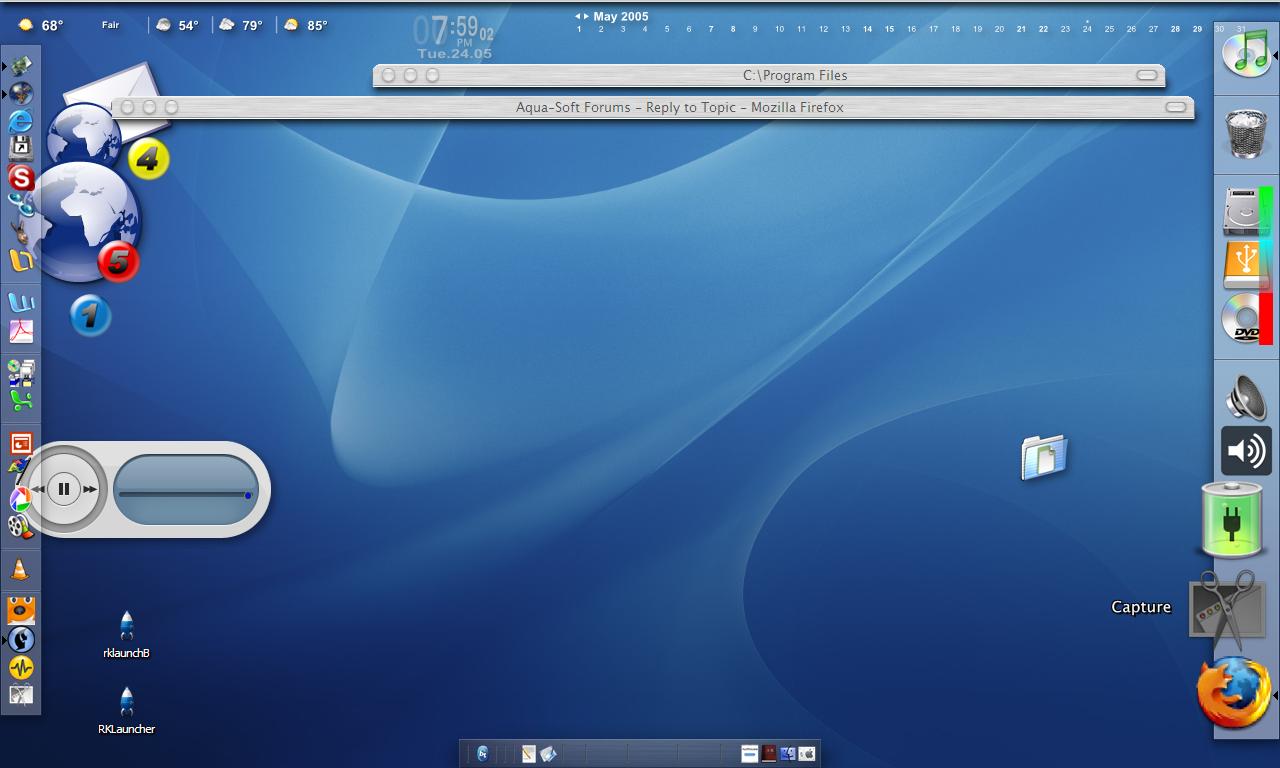
i realized that like as soon as i tried to run both. i divided my apps among two docks: one side for apps and one side for utils/drives/the like. seems to be okay, but i have so many apps. it doesn't look so great. looks like this (keep in mind i am still workin' on it)

rich

post-30942-1116957800_thumb.jpg

Capture (24,19_05_03).jpg

#285972

why not set one to hide, then?

#285974

great idea!....will do that...take care, rich

#285976