 Aqua-Soft Forums
I wanna re-create a worn-out effect similar to the one in Litho icon pack.
Is there a filter for PS that does it or can someone tell me how to re-create the effect?
Thanks


I wanna re-create a worn-out effect similar to the one in Litho icon pack.
Is there a filter for PS that does it or can someone tell me how to re-create the effect?
Thanks
1) you make a new layer and fill it with any color and run a noise filter over it
2) you use gaussian blur and add more contrast over and over again until you got a nice pattern
3) you select all, copy the layer, switch to masking mode and paste it
4) you switch back and delete the selected shape
optional) maybe you've got to reduce the selection size of invert it
although that will not look exactly like in the picture you posted. It won't be more worn-out at the edges...
or you use the pattern I made/use 

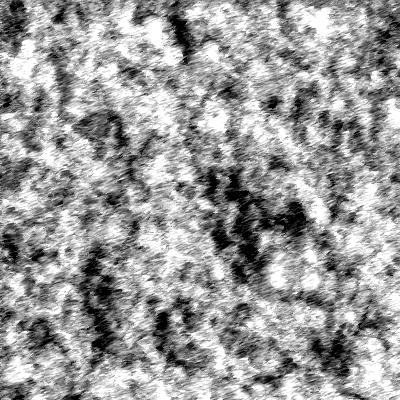
Thank You! 
You will probably find an "aging" or "grunge" filter at the share studio thingie at Adobe 
You will probably find an "aging" or "grunge" filter at the share studio thingie at Adobe
Or you can simply find some grunge brushes and use them as an eraser.