[help] using F10 to switch between crni themes?

i notice there is an icon that reads F10 in my object bar, which when click upon brings up a menu with a list of all the crni themes for object bar.

i was hoping id be able to just chose one from there.

unfortunately if i click on a theme, nothing happens. :(

is this menu just for show, or is there a way to make it do what it looks like it does?

#270248

if you download his other themes, i bet when you select it it works ;)

edit: crni's here now, he'll tell ya

// Lou

#270251

naw, i have all the other skins, and i can select them using right clich ->change theme -> load a different theme, and then pick them in the menu.

but not with F10

#270282

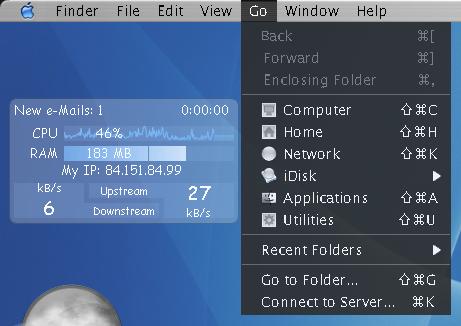
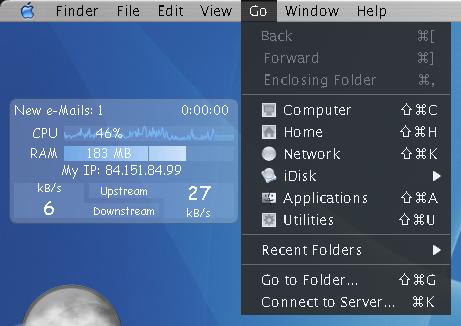
another question: why does my font look so fugly?

i attached a pic of it, it looks total crap. its all streched, and pixely.

look especially at the U, the E or the c

anyone know how i can fix this?

post-28193-1112306615_thumb.jpg

fuglyfont.JPG
fuglyfont.JPG

#270311

You may not have OBfont from crni's site. Its on the left side i think.

#270420

no, you need to enable cleartype. go to your display properties, appearance tab, effects... and then check smooth fonts and choose cleartype.

// Lou

#270425

allright, thanks lou, that works.

but still no idea about the f10 problem?

#270481