 Aqua-Soft Forums
Mac OS Tiger for WBA 2.x
by Duckie

This is my third Mac OS related skin for the Pocket PC, but the first update in almost 1 year.
I used imagery from the upcoming Mac OS version called Tiger. These are all 1x1 pixel images. However, due to Pocket PC's size and structure, some imagery may not be placed 1x1 in the corresponding application.
I have utilized the latest versions of Dashboard and PocketWeather to further the skins appearance. This helps in many ways, but especially since Windows Mobile doesnt support skinning applications or the OS. It also helps in that you do not have to launch the individual applications just to view the content. The means a big savings in memory.
Below is the 'How-to Guide' which will explain all my additions and skinned items.
Hope you enjoy the skin. It took me over a month to design and implement.
Ok, now for the goods:
Click here to view some screenshots of this skin in action
(Screenshots are labled pc_capture 1 thru 10)
Click here to download the WisBAr Adv 2.x skin
(includes Tiger Today (or .tsk) file)
Once downloaded, put this skin in a folder called Tiger under your Wisbar themes directory.
Click here to download the Dashboard skin
(includes optional imagery)
Once downloaded, put this skin in a folder called Tiger under your Dashboard skins directory.
Click here to download the Lucida Grande font
(Skin won't look good without it--I also recommend using ClearType)
Once downloaded, put this font in your /windows/fonts/ directory.
Mac OS Tiger How-to Guide

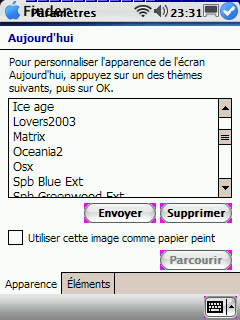
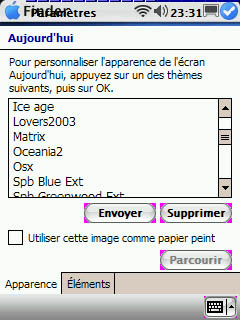
FYI - to use the WisBar skin WITHOUT the Dashboard skin, simple use the included Tiger.tsk file as your Today Theme. To use it, place it in your My Documents folder.
Thanks to everyone for their help.
Duckie
 Good job!