[help] Nobody knows how to do it ???

HI GUYS,

It seems that nobody really knows how to do it. It is a repost, cause no replies were shown on the previous one. Maybe my illustration was not a perfect ona, so I've made another one.

The problem is as follows:

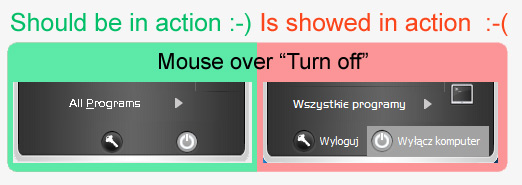
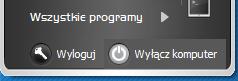
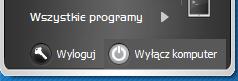
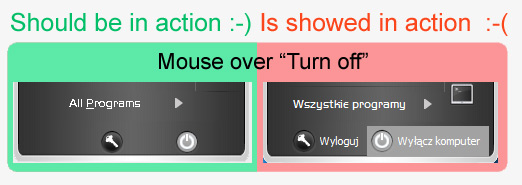
I can not get rid of this grey border when moving coursor over the bottom part of the panel, ie. "All programs", "Log Off" and "Turn Off".

What I'm trying to reach is just to get the buttons and text only to swith colours when "hot", no border around them (see the attached picture, the red marked part).

(see the picture, the green bordered part is what I'd like to have, the red one is the current state).

Thanks in advance for any clues.

Jack
post-12450-1110014248_thumb.jpg

Skin_TurnOff.jpg
Skin_TurnOff.jpg

#261388

It's been a while since I've been into StyleBuilder, but I don't think you can do what you want. That color/border is a mouseover highlight color, I think the best you could do would be to change that highlight color to a color as close as possible to your bottom image file, but be aware that it's the highlight color for other areas as well, and what may work out well there may not look so good in other areas.

#262736

Hi Max Power,

thanks for the hint, but I've found the solution. It can be accomplished by changing classic windows colours :D

It's not a perfect match to the colouring of the background but it's better now.

Jack

post-12450-1110323917_thumb.jpg

Efect.JPG
Efect.JPG

#262740