Aqua-Soft Forums
same as the title 










same as the title
anybody ? 
Dunno, why not just resize them yourself in adobe?
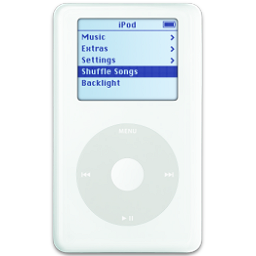
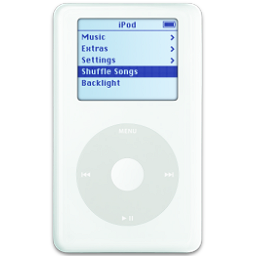
They are too small to be converted to 128x128 icons (that would look good)
yeah... i agree with Ken
Or you can go here: http://www.apple.com/pr/products/, download super-huge tiffs, resize them, cut from the background and there you have it 
Or you can go here: http://www.apple.com/pr/products/, download super-huge tiffs, resize them, cut from the background and there you have it
Cutting the background out of something to make an icon requires ultra-l33t Photoshop skills. I tried to make icons out of the newer Minium previews, and it wasn't pretty. >_
Naaah, just use Magnetic Lasso or Background Eraser wisely
Here are some resources to get you started. Dug them out of my icon library.
Or you can go here: http://www.apple.com/pr/products/, download super-huge tiffs, resize them, cut from the background and there you have it
maybe i'm stupid but i couldn't find any tiff images on that link you gave me please show me where are they...