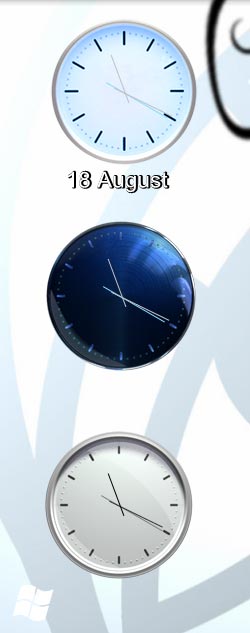
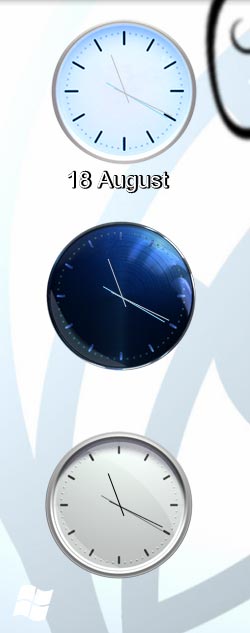
[release] Longhorn Analog Clock
Forgot to say
I just posted two .inis
U can change the background images in ur SysStats Panel
And dont forget to make a desklet size of about 160*175, if not the clock will be cut off
And i forgot to say: After creating a new SysStats Desklet. Right click on it and choose the .ini file i posted in the RAR archieve...
>.<
Good work Angryman ! I like thoes clocks.
thanks.
/avie;
btw- I think that you need to release it in the Sysstats sub forum.
Good job Angryman! One tiny suggestion. For your background image, don't put the full path to the image in the config, just "\images\PNGFILE_1074sam.png". If we all have our systats in correct working order it will just grab from the images directory instead of trying to find your full path [which in my case resulted in no bg image display]
I think in the long run it will result in less questions from others who may not know how to, uhm, fiddle, with systats ;-)
Good job!
Thats what i´m looking for....thx !
nice work!.
Originally posted by Manyk@Aug 18 2004, 12:13 PMGood job Angryman! One tiny suggestion. For your background image, don't put the full path to the image in the config, just "\images\PNGFILE_1074sam.png". If we all have our systats in correct working order it will just grab from the images directory instead of trying to find your full path [which in my case resulted in no bg image display]
I think in the long run it will result in less questions from others who may not know how to, uhm, fiddle, with systats ;-)
<{POST_SNAPBACK}>
Didn't know that SysStats is so clever LOL. Same way as in Webprogramming. I will remind me next time on that. THX.
Aqua-Soft Forums
You will need Sysstats to get it working, didn't find the time.dll so SysStats was the only way!