[help] Problem With All Aveapps

Hey,

im not sure if it is my computer or what but all of ave's programs like aveatar, avedesk,aveiconifier, etc. dont work properly and some dont even work at all like avedesk lables dont seem to work and aveatar doesnt load some sort of file. the other apps load and i can use them but there is no skin or borders when the program starts. I really would like to experience some of these great programs so if anyone has any information for me i would appreciate it.

Thanks,

Pops
#189095

Uhh..most of us users who use AveApps have no problems with the skins. Perhaps you are right about your it being your PC. What Windows OS are you using and have you tried installing AveApps on other computers just to check if the problem is consistent with yours?

#189098

actually i did try it on another computer and still no luck. i am running windows xp pro (Sp1). could the skin files just not be in the right folder?

#189100

I'm running the same OS as you and do not have any problems at all. I just extracted the entire folder to my destination drive and that's it. So it shouldn't be the misplacement of skin files as you suspect.

Try putting up a screenshot of your problem and perhaps Ave may be able to provide a solution.

Cheers.

#189105

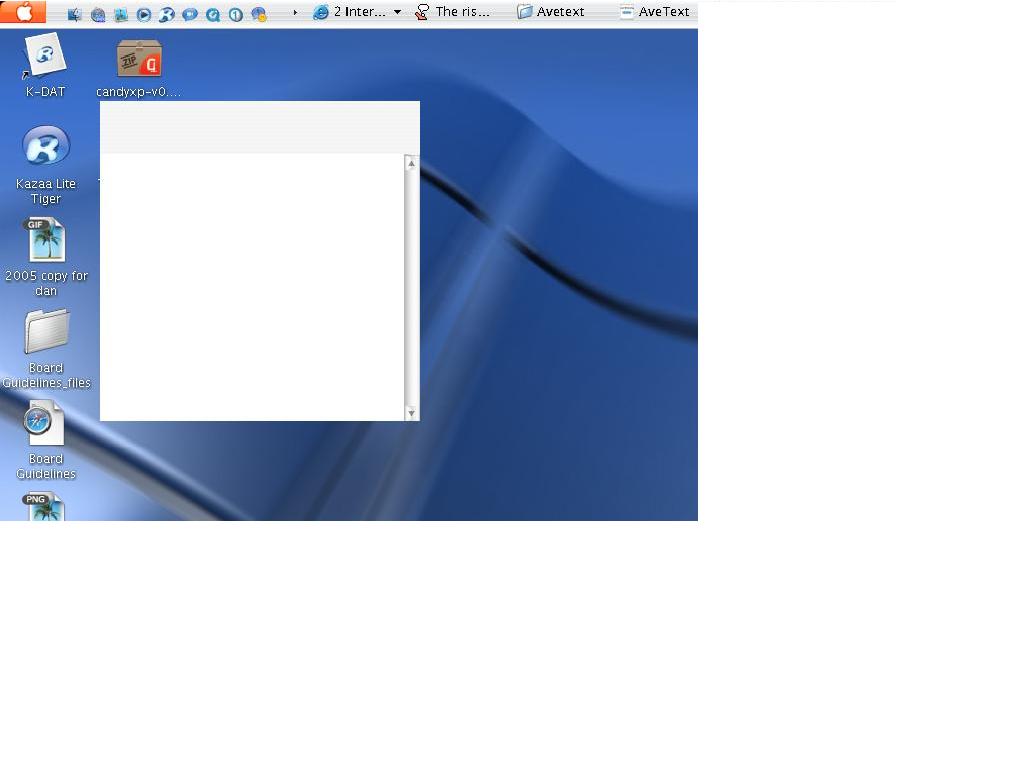
well the picture below shows it for almost all of the apps, avetext, which is featured below, happens to be unusable

post-2281-1089682513_thumb.jpg

Capture__12_21_07_05_.jpg

#189108

Is every exe in the same directory? Try to create a directory for every program, do not put all programs in the same directory. Each skins folder is different.

#189113

oh yeah each app gets its own folder

#189390