[help] Avedesk - Jet Black Hd And Documents

Hi I just downloaded Avedesk and I was wondering how you change the Labels and Icon

to look like the one in Arcanthur's screenshot....

http://www.aqua-soft.org/board/index.php?showtopic=14173

Thanks.

------------------------

Please tag your threads. This is a [help] thread.

The Topic Has Been Tagged

// Seph
#160539

have you tried the desklet settings dialog..... <_

#160547

Yes, I can get to change the Icon using Desktet/Properties...

But I want to change the label part of it to look like screenie above...

:canadian:

#160559

Go to the "label" tab and where it says background, select the jet black lable you downloaded

#160560

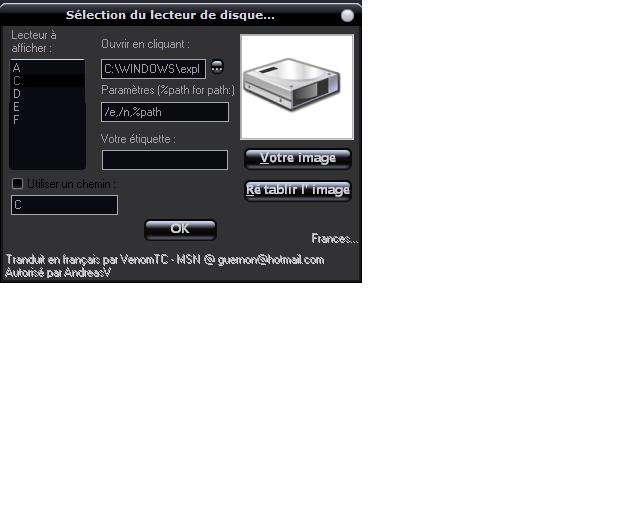
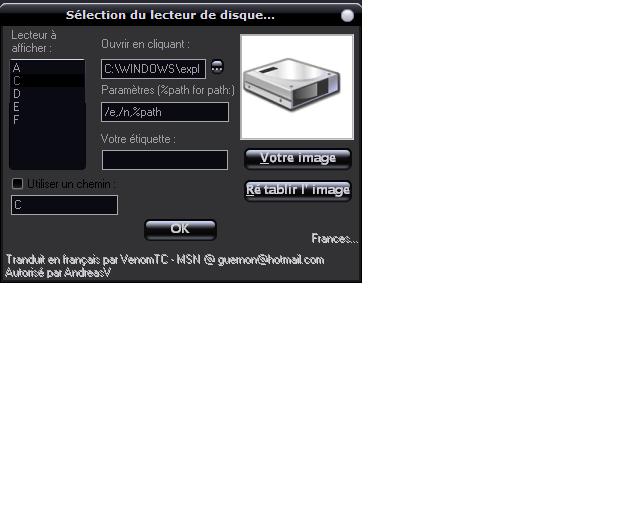
Sorry, but I don't see "Labels" tab in the Properties menu...

post-14586-1084347465_thumb.jpg

2.JPG
2.JPG

#160563

Etiquete = label in french... am i wrong?

#160567

lol, je ne sais pas beaucoup de francais...

anyways, i was looking at the wrong desklet, i should've used Mountchecker instead of HD...

I got it to work but for some reason I can't change my Label Description:

eg. currently my label reads: c (main)

i want it to read: My Drive

any help would be welcome...merci :rock:

#160571

Use PowderMount which you can get at www.dockex.com

:smartass:

#160588