
[request] Replicating Itunes Controls

I need help with VB. I have been trying to make a iTunes-esque list. You know the large one that displays the Song Name ect. I have lately been trying to do inside the program, drawing each column header, border, title at run time. However, the headers are giving me problems in resizing, and I have yet to figure out to relocate columns. Does anyone know a good control that is simalar to that list? Or can somebody maybe help me? I just need this to be done and I will have a program done that I have been working on for the past few months. And then I will probably get into the Developers scene here.

Also the Drap and Drop. The default Drag and Dropping adds an ugly box around it and you can't see the items.

I know that this is alot of work. I have been trying to get this list to work for the past few months, but I really need it.

If I have to create one, I am not planning to distribute this freely (to avoid what happened to the Aqua-Apps). Of course the person that helps me will get to do whatever they want from it.

Edit: I forgot to add a few things.

The reason why I have not done this myself is because I am terrible at creating my own controls. I have tried it, but for some reason I cant get use to the PropertyBags. And to set and get properties.

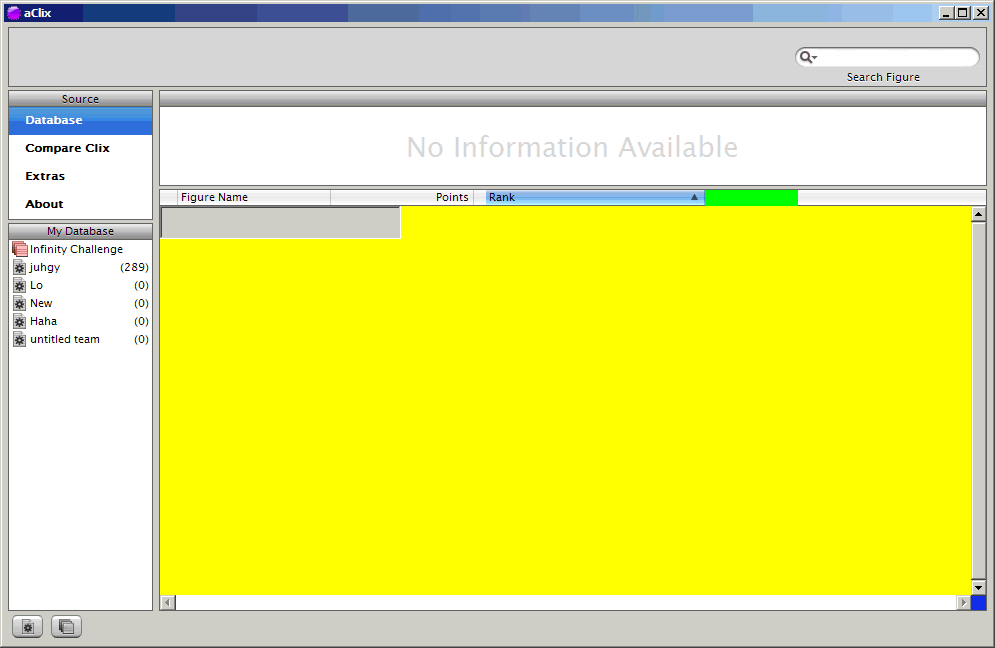
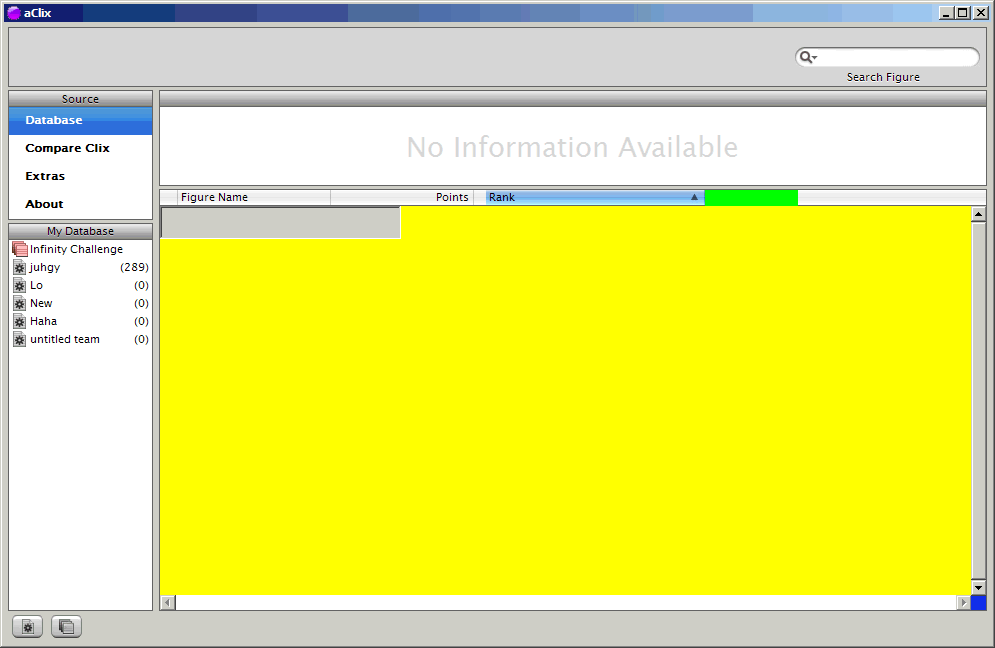
Also, The screenshot of my woes. The reason for the colors is because I am trying to debug something.
post-749-1083607655_thumb.png

pic1.gif
pic1.gif

#155471

You also "forgot" to comply with Tag 1.1 standards! :P

----------------------------

The Topic Has Been Tagged

// Seph

#155486

But I like the "Request - " better. :(

#155491

but then i would have to go about changing alll thread titles :/

I hope the tag emots that you could choose are enforced again, they looked better, but for now, im just following the how to post rules sooowy

#155492

Originally posted by Seph@May 3 2004, 07:19 PM

You also "forgot" to comply with Tag 1.1 standards! :P

// Seph

can they be read anywhere officially or is it just the text on top of the thread-list?

ontopic: sry, can't help. :(

#155505

Originally posted by Null8Fuffzehn@May 3 2004, 10:40 PM

can they be read anywhere officially or is it just the text on top of the thread-list?

ontopic: sry, can't help.  :(

but of course, click on the Compliance logo on my signature ;)

#155531

/me turns signatures on

/looks at Seph's strange self-made-official-****ty-png <_<

/turns signatures off >.<

sorry again, wizard.

/me leaves thread

#155685

Can't you subclass a normal Listview?

Whoops, this is VB. I am not sure about subclassing etc in VB.

#155692

I would stick to the List View control.

In case you didn't know:

Right click the controls palette, click components and select "Microsoft Common Controls 6.0".

The trick is, that these controls are theming aware under XP and if your users

already have WindowBlinds or a patched uxtheme.dll, they already will look

like in iTunes.

If you have problems with UserControls, make them private to the executable

and don't publish them as separate ocxs.

PM me with more details and I can give you a mock up .ctl file that you can use.

#156193

But I want it so you can rearrange the columns. The alternate color background (you don't know how much easier it is to read). I am really picky.

#156200

As with 6.0 version of the control, you'll have a "AllowColumnReorder" checkbox

at its properties. Also the Background color can be set by the "BackColor" property.

There's a complete rebuild of the List View ocx in VB at www.vbaccelerator.com,

it uses a timer dll for high speed timers and subclassing. It will unleash all

the recently added features of the ListView control and give you more power over it.

The main problem is that VB is not fast enough to produce a flicker free

resize with its intrinsic controls, Shapes and LineTo calls. You'll need to dig

into some Win32 Code like BitBlt etc. to make it a pixel perfect clone

If you really want to go the ownerdraw way, please find attached a small

project that sends some randomized text to 16 different Sockets - it'll

demonstrate how to scroll some user controls on another user control.

You could get the outer notifying the inner(s) of column width an order changes.

One thing you must keep in mind is that with each intrinsic control on the list item,

you'll add one window handle to the bunch. With thousands of lines, it may take VB

several minutes to build up the image. Best practice is to keep the list items

as windowless as possible, add and move a text box for entry on demand only.

hth

DCEmulator.zip

Attachment: DCEmulator.zip

#156564