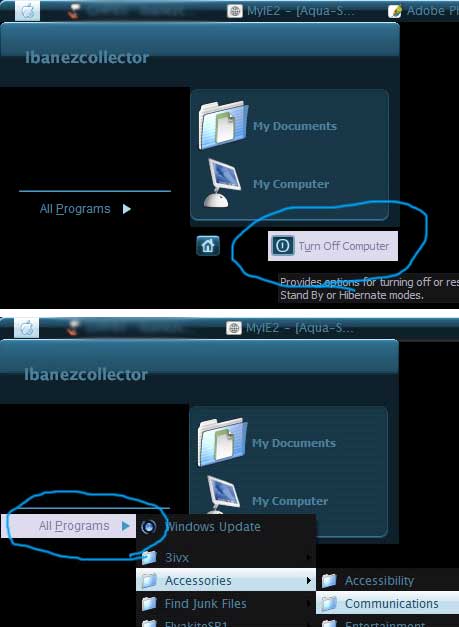
(help) Skinstudio Masters I Need Your Help
Right Click your desktop, properties, under apperance click advance, then select Highlight in the dropdown Menu
Originally posted by babypapichulo@Apr 12 2004, 11:35 PMRight Click your desktop, properties, under apperance click advance, then select Highlight in the dropdown Menu
<_< in skinstudio not in windows
Skin Studio cant have cutom highlights. Only Visual Styles can (cause their from Microsoft) At least back when I use to use it. ( thats one of the reasons I switched.
Ummm, ya, ok. 
Did you try under Miscellaneous-->colors-->menus-->Menu-highlighted background (XP only)? I don't use SkinStudio but I do have it and just took a quick glance through it, I would think either that or Miscellaneous-->colors-->Selections-->Background-Highlighted, those look like the most obvious choices to me.
Aqua-Soft Forums