 Aqua-Soft Forums
[help] Hiding Toolbars
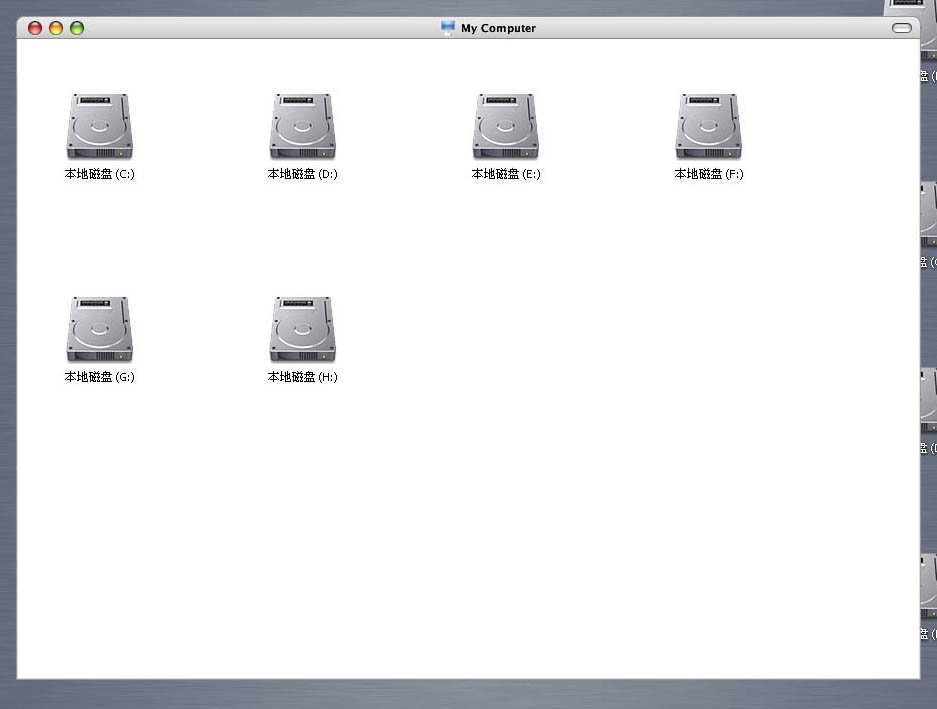
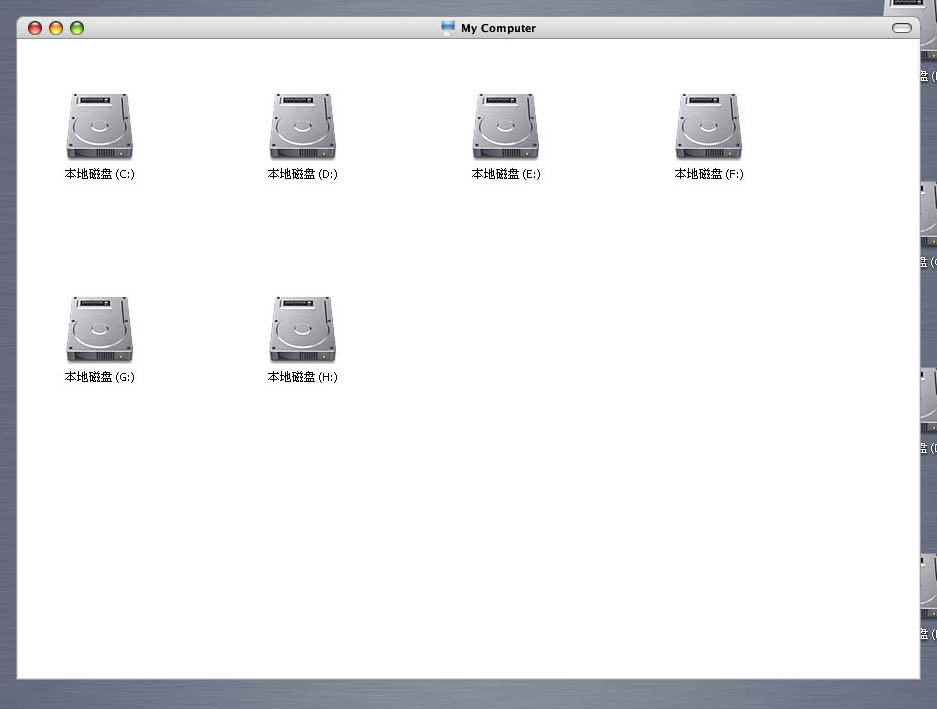
are there anybody know?? 
Right click on toolbar and deselect all!
But to completely hide the menu you must have Objectbar!

there was a reg edit that got rid of file, menu edit etc.
was in shinter's thread for finder transformation if i recall, search for the post.
Originally posted by thefunky_monkey@Mar 26 2004, 12:57 PMthere was a reg edit that got rid of file, menu edit etc.
was in shinter's thread for finder transformation if i recall, search for the post.
yup, posted here: http://www.aqua-soft.org/board/index.php?showtopic=12414&hl=
dreamz the linking machine going back to work, huh?
Originally posted by wizard@Mar 26 2004, 01:07 PMdreamz the linking machine going back to work, huh?
of course! i always want to help. 
who wants a window without backward and forward? You can't navigate...
Originally posted by dreamz@Mar 26 2004, 09:05 PMyup, posted here: http://www.aqua-soft.org/board/index.php?showtopic=12414&hl=
Thanks dreamz.
-Aviel.
Originally posted by gividexp@Mar 26 2004, 12:01 AMwho can tell me?? I like this kind of view very much!!!

go to tools folder options and chande it to classic view. Then right click and go to arrange icons by and uncheck show in groups.
::slaps head::
I couldn't even find it in my own thread!
Good job dreamz!
You can navigate via the alt-key + arrow keys.
oh yeah, you could also add those menu items into your usual context (right-clik) menu. You'd probably have to mess with the menus in shell32.dll. I'll have to try that some time, could be nice.
lol, sketching. it wasn't too hard to find.
it's a pretty nice tweak, but i prefer to have the menu readily available, so i find the browselc.dll hack more agreeable.