[help] Firefox Aquarius Safari Mod
you may want to try using the compact menu extension and see if that helps at all
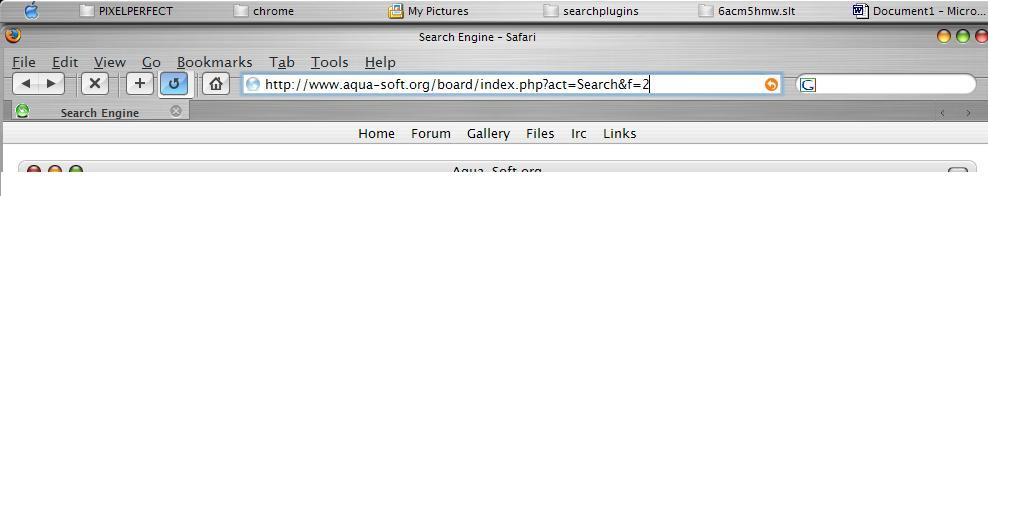
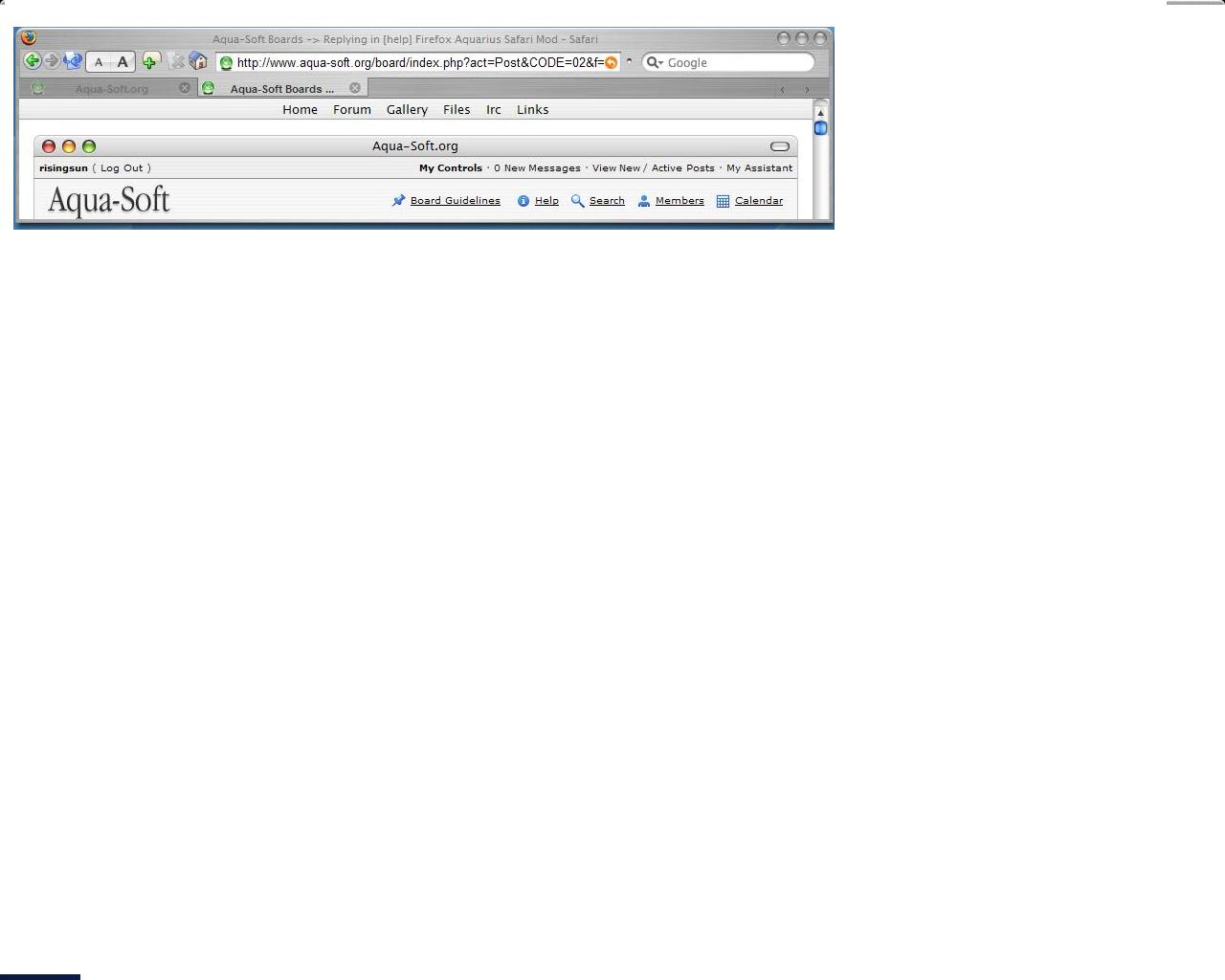
For the fonts, try to change the height in the options of firefox and for the buttons i think you missed the steps of the mod tutorial with the compact menu and to drag the buttons on that bar where the text is right now.
at 90% is the visual style
Use the compactmenu, move all the buttons, adressbar and searchbar from the navigation bar to the menubar, which before you used the compactmenu, contained the file-edit-view etc. buttons. Then remove the navigationbar... you're done.
I don't use WBlinds and I'm fine..
Just follow all the steps in the tutorial and you should be fine.
Otherwise...
reinstall your computer 
Can somebody show me exactly what they did?
I don't know where and how to install compact menu....
argh...
I just got rid of all my menu bar...
i can only see FILE and TAB on my browser....
I have compact menu installed, but i need to know what steps to take to modify it...
right click the toolbar and customize it. you should be able to bring the dialog up and drag things around.
Thank you Dreamz!
can you help me out with the above problem?
i read the help suggesstions, but i am such a **** at this, i need simpler instructions...
if you use compact menu, you should be able to remove all the menu text.
if you want to keep the menu, you'll need to mod the theme, i believe. you might have to poke around the css files in the theme .jar file. i think someone else might be able to give more detailed instructions, since i've never had to do it myself.
Originally posted by risingsun@Mar 19 2004, 01:50 AMOK I think I got the hang of it....
I have everything in place, but the icons are not showing up....
how can i fix this?
Use large icons
THANK YOU!!!!
THANK YOU!!!!
THANK YOU!!!!
THANK YOU!!!!
THANK YOU!!!!
THANK YOU!!!!
THANK YOU!!!!
YOU GUYS RULE!!!!!!!!
me does 1001 backflips now..............
enjoy!
Aqua-Soft Forums