 Aqua-Soft Forums
If you do not wish to install an entire new shell32.dll, but only want to change the folder view, you can press ctrl-alt-del and shut down EXPLORER.EXE. This will shut down some security services that would otherwise prevent the ability to modify systemfiles. Start up reshacker and open up C:\Windows\Service Pack Files\i386\shell32.dll and later on C:\Windows\System32\Shell32.dll
Navigate to icon group, folders 4 and 5 which contain the folder files. replace resource and pick your favorite folder icon. Replace... voilá!
enjoy!
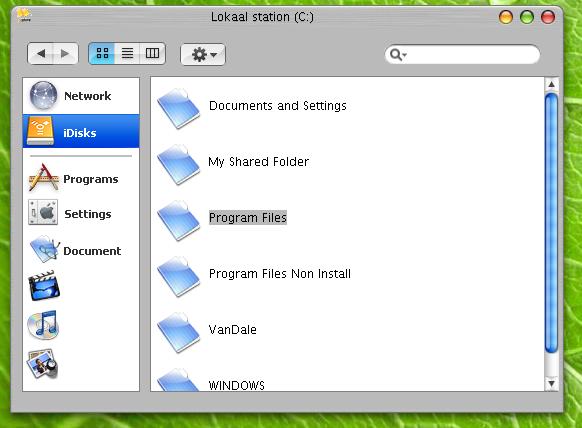
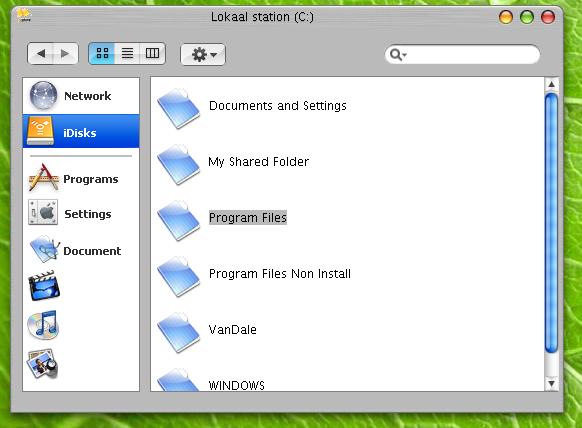
 Download / make your own shell32.dll and then use "replacer." It will change the files and when u reboot you'll see your new shell32.dll file.
  , the icons remain until you reboot because the old icons are still in the icon cache.
  . Shutdown came back the next day and the original windows xp shell was back
  .
.