 Aqua-Soft Forums
I was messing up with my firefox for like 2 hours, but I have no idea what could I do with that compact menu, anyone help me please? see screenie as follow,
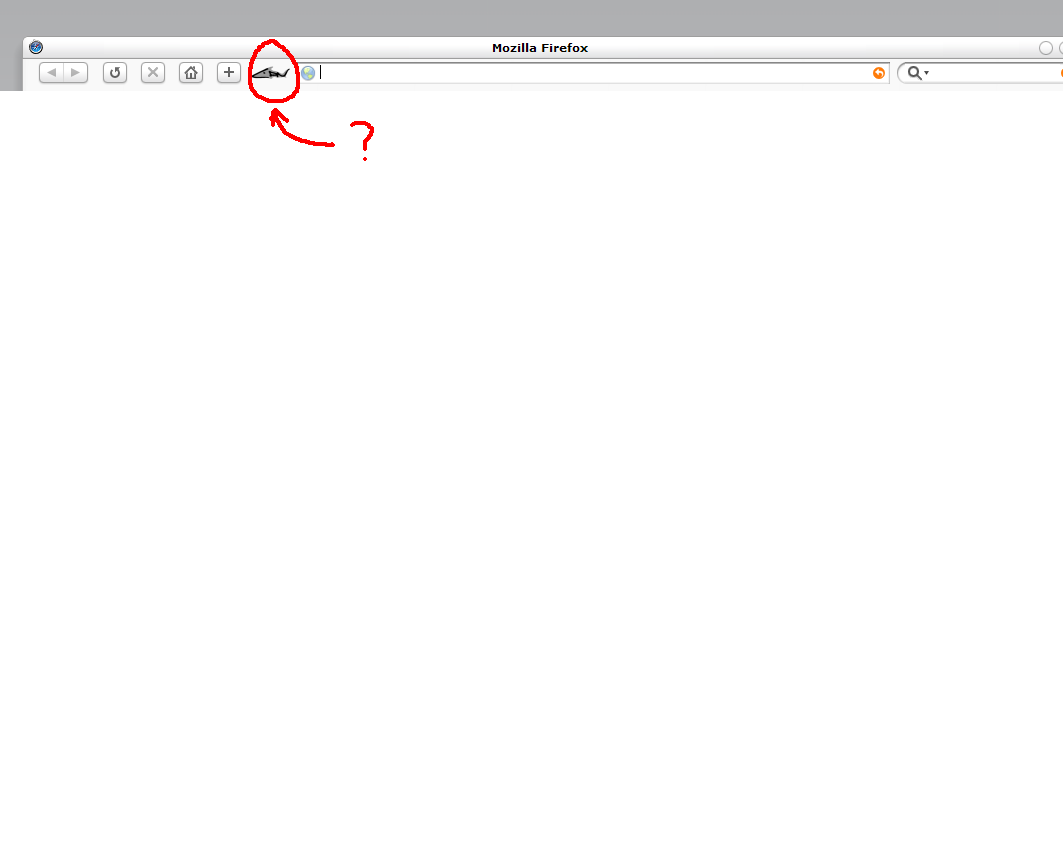
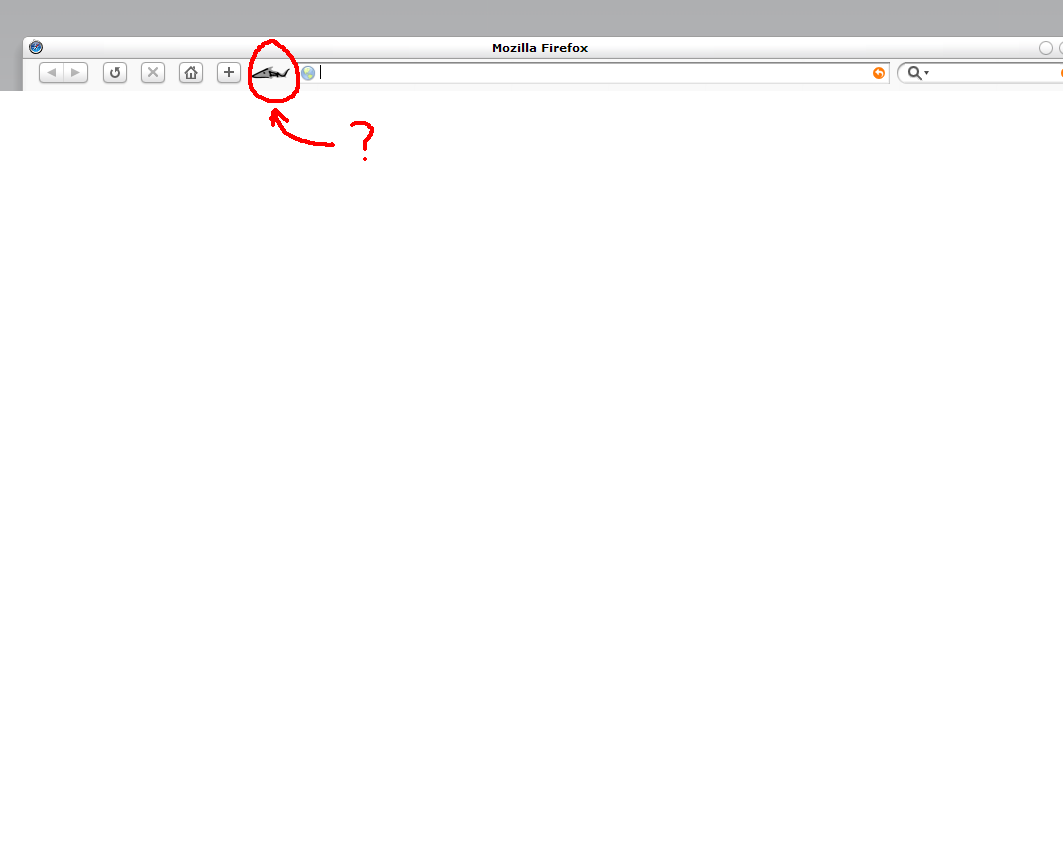
I was messing up with my firefox for like 2 hours, but I have no idea what could I do with that compact menu, anyone help me please? see screenie as follow,
compact menu: http://cdn.mozdev.org/compact/
thank you guys! cheers! 
I followed those instructions and I was able to complete the other mod steps but compact.jar is nowhere to be found so I can't replace the PNG of the compact menu icon.
Yea, that's for an old version of FF. I have no idea how to change it now =\
It's supposed to be in the skin (with the help of some CSS doc or something) but I can't get it to change even with Hills'/Mills'/Bills' FF skins...
compact.jar is still in your profile folder. Search for it.
Originally posted by Keith@Aug 5 2004, 01:51 AMYea, that's for an old version of FF. I have no idea how to change it now =\
It's supposed to be in the skin (with the help of some CSS doc or something) but I can't get it to change even with Hills'/Mills'/Bills' FF skins...
<{POST_SNAPBACK}>
I did some looking, it's been moved to the Application data folder in docs and settings, along with alot of other Mozilla support files.
#menu-button {
  height: 15px;
  list-style-image: url("menu-arrow.png") !important;
}

#somethingLogo {
  list-style-image: url("menu-arrow.png") !important;
}
put that in the userChrome.css of your profile/chrome folder and place the menu-arrow.png in the same folder.
