 Aqua-Soft Forums
Trillian - Change Name Into The Skin
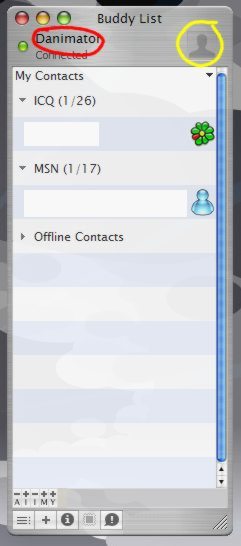
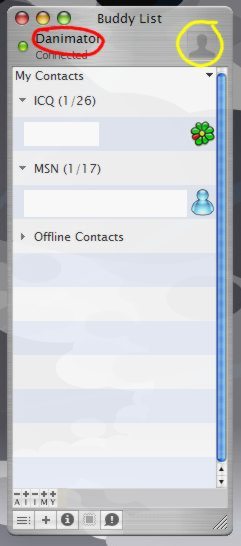
I dont remember exactly but I think its in a file of the skin wich you must edit with Wordpad (Oh yha, on the Skin Install Instructions it tells you how, its in a Textpad)
Open up the preferences.xml file from the skin's xml folder and search for "maintitle2". Change the default text to whatever you want and hey presto 
Cheers,
The place you are looking for is in the preferences.xml file in the XML directory in the skins directory. Search for the Daminator name and there you go. Also the picture to change in the skins images directory. Change the toggle.bmp and toggle2.bmp.
Hope that helps !!

when in doubt, use the windows search tool..
"All or part of the file name: = *.xml
"A word or phrase in the file:" = whatever you're trying to change